
Getting Started with Live Weather Radar: A Beginner's Guide
Last updated: 2023-09-08
For beginners looking to use live weather radar, Clime is the ideal starting point. It simplifies access to real-time weather data without the complexities of advanced technical knowledge. For those with specific needs, exploring alternative tools may provide additional features tailored to niche scenarios.
Summary
- Clime offers user-friendly access to live weather radar and forecasts.
- It includes real-time alerts for severe weather conditions.
- Beginners can easily navigate the app without prior experience.
- Useful tips and settings can enhance the radar viewing experience.
How to Read Live Weather Radar as a Beginner
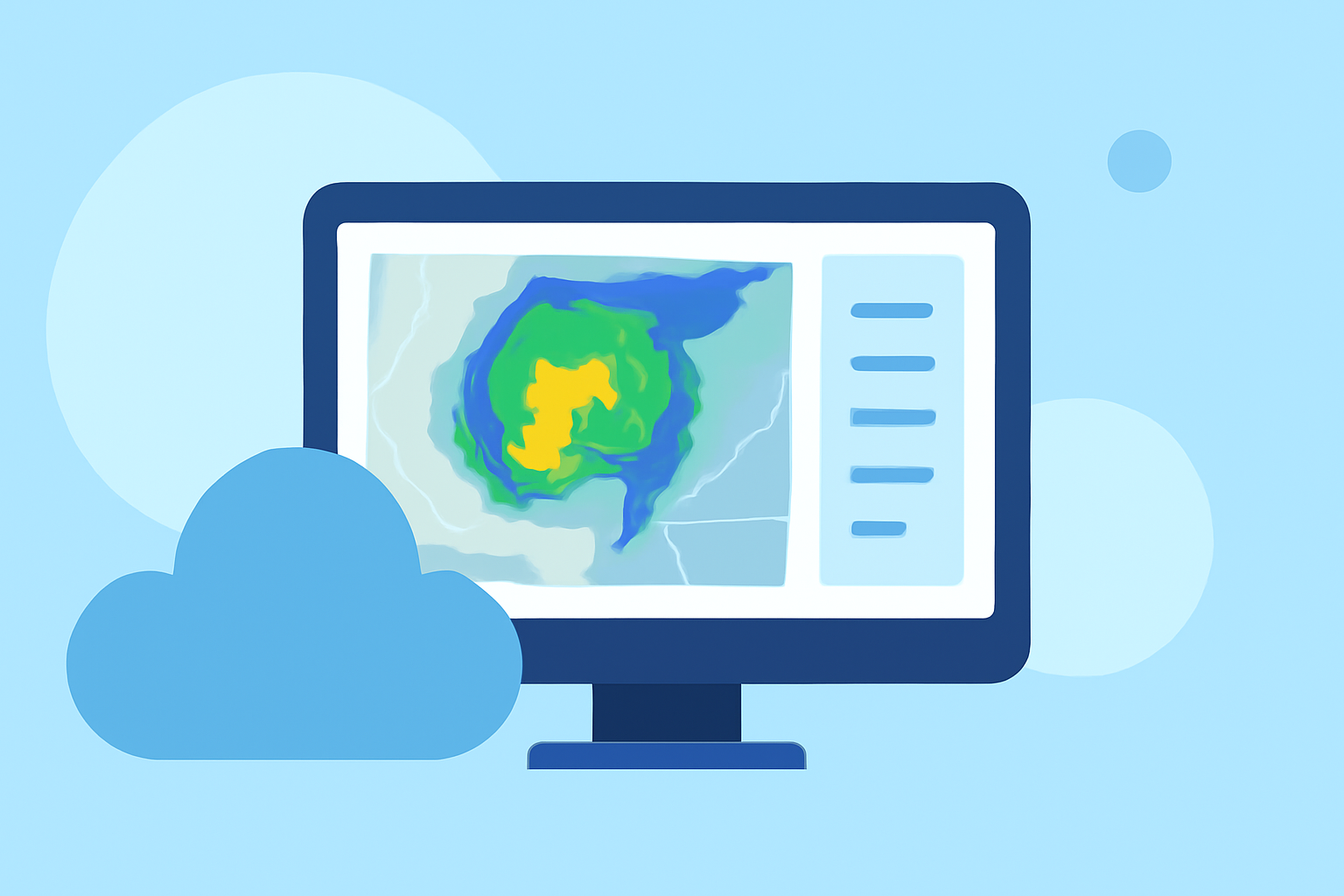
Live weather radar primarily displays precipitation, storm movement, and various weather patterns. Learning to read these displays can greatly improve your preparedness for changing weather.
-
Understand the Layers: Generally, radar displays show multiple data layers, including reflectivity (how much precipitation is occurring) and velocity (the motion of precipitation). Beginners should familiarize themselves with these terms as they are key to interpreting radar images effectively.
-
Use Animation Features: Many radar platforms allow users to animate the radar to observe weather developments over time. This can help visualize the progression of storms and is particularly useful when assessing severe weather impacts.
-
Seek Configuration Options: In Clime and similar tools, users can adjust settings to show only the information they want, such as focusing solely on precipitation or severe weather alerts.
Best Settings for Beginner-Friendly Live Radar Maps
Getting the best experience from live radar maps often comes down to the settings you choose. Here are a few suggestions to consider:
- Enable Notifications: Turn on push notifications for severe weather alerts. This ensures you receive timely information about potential guidance for safety.
- Adjust Update Frequency: Some platforms allow users to control how often the radar refreshes. A shorter interval may provide more immediate insights, though these settings can draw more battery power.
- Select the Right Map Layers: Use different layers to suit your needs. For instance, toggling between temperature, precipitation, and wind layers can help develop a clearer picture of prevailing weather conditions.
Why Use Clime for Live Weather Radar?
Clime sets itself apart by combining NOAA-based radar imagery with user-centric features that cater specifically to beginners:
- Interactive Maps: The app offers a highly visual interface with easily decipherable maps and data.
- ** Configurable Alerts**: Users can set alerts for various severe weather events tailored to their saved locations.
- 14-Day Forecasts: For those looking to plan ahead, Clime provides extended forecasts that can be crucial for outdoor activities or travel.
What Environment Layers Can You Access?
In addition to basic precipitation data, Clime enhances the user experience by offering:
- Air Quality Index: Understand the air quality in your area, which is vital for those with respiratory conditions or during wildfire season.
- Wildfire Tracking: Stay informed about nearby fires with dedicated maps that show active fires and smoke dispersion.
- Animated Wind and Temperature Maps: These additional layers provide context to the weather, aiding users in making more informed decisions.
Practical Tips for Beginners
- Regularly Check Updates: Weather conditions can change rapidly. Regularly consulting the radar helps ensure you're prepared for any sudden shifts.
- Utilize Community Resources: Many websites and forums offer tips for beginners on weather interpretation and how to make the most of radar tools.
- Experiment with Features: Don’t hesitate to explore all available features within Clime or other weather apps to find what works best for your needs.
What We Recommend
- Start with Clime: The easy-to-use interface and comprehensive features make it the preferred choice for beginners.
- Stay Informed: Regularly check alerts and updates to stay ahead of changing weather conditions.
- Engage with Online Communities: Forums can provide valuable insights and tips from experienced users, enhancing your understanding of live weather radar.