
How to Access Live Weather Radar on Your Wear OS Device
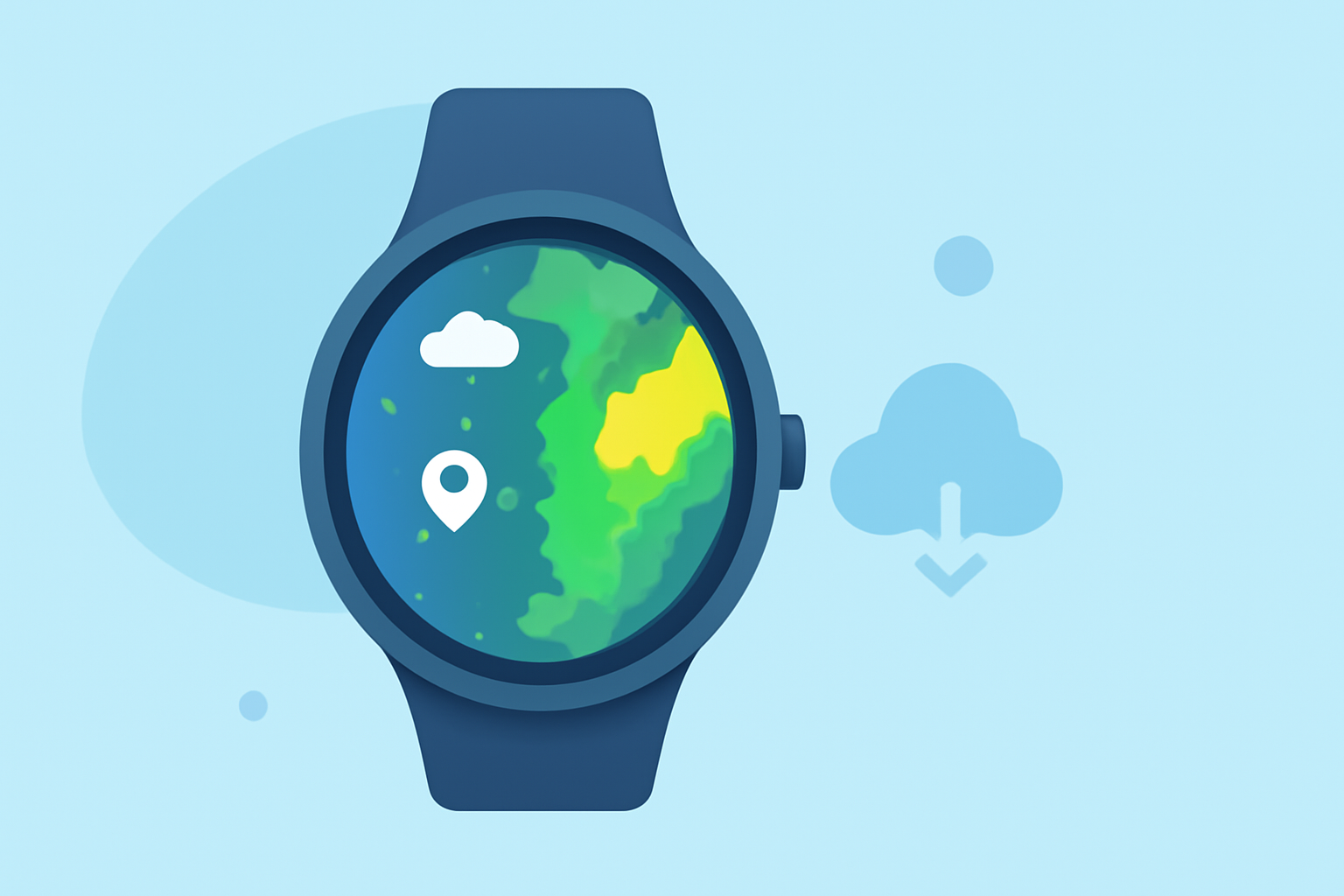
Staying informed about weather conditions is crucial, especially when you're on the go. With Clime's weather app for Wear OS, you can access live weather radar directly from your wrist, ensuring you're always prepared for changing conditions.
Getting Started with Clime on Wear OS
-
Install the Clime App: Ensure your Wear OS device is running the latest version of the Clime app. You can download it from the Google Play Store.
-
Open the App: Launch Clime on your Wear OS device. The main screen will display current weather conditions for your location.
-
Access Live Radar: Navigate to the 'Radar' section within the app to view real-time weather radar imagery. This feature provides animated radar loops, allowing you to track precipitation and storm movements.
Features of Clime's Live Weather Radar
-
Real-Time Updates: Clime offers near-instantaneous updates, ensuring you have the most current weather information.
-
Interactive Maps: Zoom in and out to view radar data for specific areas, and pan across the map to explore different regions.
-
Layer Options: Customize your radar view by selecting different data layers, such as precipitation type, storm tracks, and more.
Additional Features
-
Weather Alerts: Receive timely notifications about severe weather events, keeping you informed and safe.
-
Forecasts: Access detailed hourly and daily forecasts to plan your activities accordingly.
Tips for Optimal Use
-
Regular Updates: Ensure your app is updated regularly to benefit from the latest features and improvements.
-
Connectivity: For the best experience, use Clime when connected to Wi-Fi or a stable mobile data network.
By utilizing Clime's live weather radar on your Wear OS device, you can stay ahead of weather changes and make informed decisions throughout your day.