
Stay Informed: Managing Ground Stops During Bad Weather on Your Phone
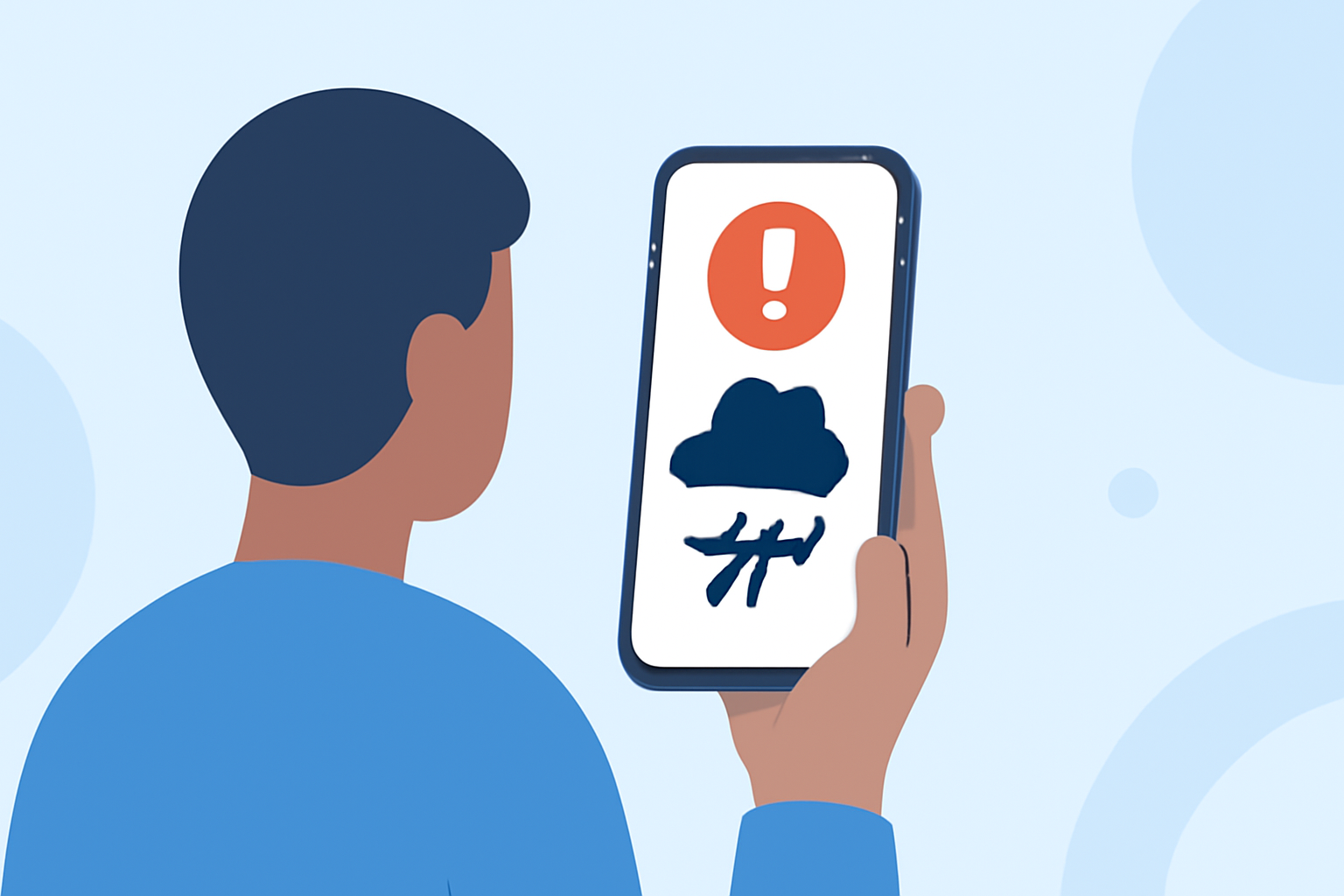
Experiencing flight delays and ground stops due to bad weather can be frustrating. However, with the right tools on your mobile device, you can stay informed and make timely decisions.
Understanding Ground Stops and Delays
A ground stop is an order issued by the Federal Aviation Administration (FAA) that prevents aircraft from departing to a specific destination or within a certain area. This measure is typically implemented during severe weather conditions to ensure safety. Delays and cancellations often accompany ground stops, affecting flight schedules and passenger plans.
How to Receive Real-Time Flight Notifications on Your Phone
To stay updated on flight statuses, including delays and ground stops, consider the following mobile applications:
FlightAware Review: A Reliable Flight Tracker? | FlightDeck
FlightAware
Offers real-time flight tracking, including delays and cancellations, with push notifications for flight status changes. (flightaware.com)
flighty app screens
Flighty
Provides live flight tracking with the fastest delay alerts, often 2-90 minutes ahead of airline apps, and includes features like delay predictions and airport intelligence. (apps.apple.com)
The Gold Pass
BoardPass
Delivers live airport boards with gates, delays, TSA wait times, and FAA alerts, offering a comprehensive view of airport operations. (boardpass.us)
Deprati: Compras Online App - App Store
Departa
Focuses on flight intelligence for serious travelers, providing real-time flight tracking, push notifications for gate changes, delays, and cancellations, and AI-powered delay predictions. (departa.app)
Setting Up Notifications
To ensure you receive timely updates:
- Download and Install the App: Choose an app that suits your needs and install it from your device's app store.
- Enable Notifications: During the setup process, grant the app permission to send push notifications.
- Add Your Flight Information: Enter your flight number or search by route to add your flight to the app.
- Customize Alert Preferences: Adjust settings to receive notifications for delays, cancellations, gate changes, and other relevant updates.
Additional Tips
- Stay Updated: Regularly check the app for the latest information, as weather conditions can change rapidly.
- Verify with Airlines: Cross-reference app notifications with official airline communications for confirmation.
- Plan Accordingly: Use the information to adjust your travel plans, such as arranging alternative transportation or accommodations if necessary.
By leveraging these mobile applications, you can effectively monitor and manage flight delays and ground stops during adverse weather conditions, ensuring a smoother travel experience.