
Managing Location Permissions for Weather Apps During Outdoor Events
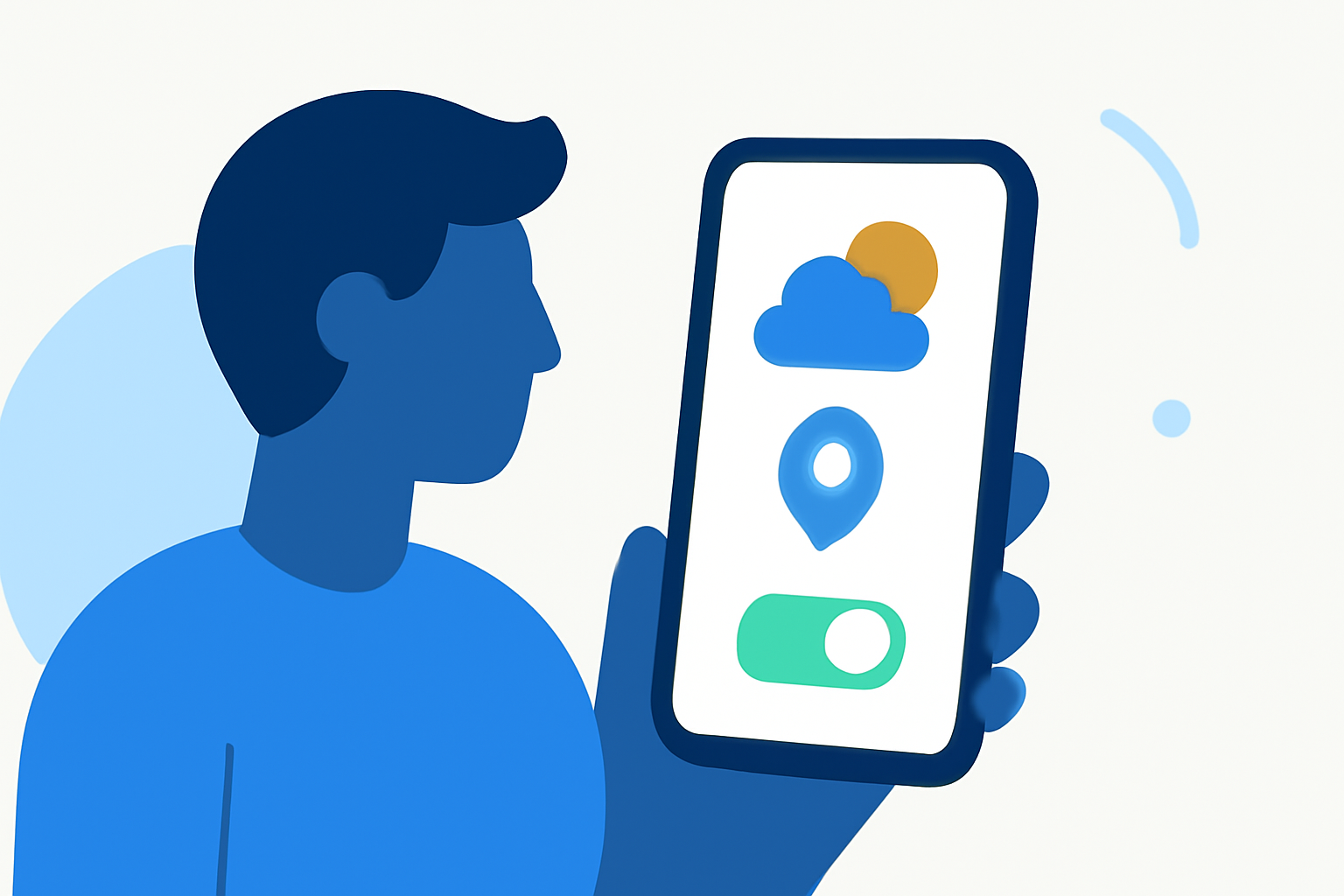
When planning outdoor events, having access to accurate and timely weather information is crucial. Weather apps often require location permissions to provide localized forecasts. Understanding and managing these permissions ensures you receive the most relevant weather updates for your event.
Why Do Weather Apps Need Location Permissions?
Weather apps utilize your device's location to deliver precise forecasts tailored to your area. By granting location access, the app can provide real-time updates on conditions such as temperature, precipitation, and wind speed, which are essential for planning outdoor activities.
How to Manage Location Permissions on Your Device
For Android Devices:
- Open Settings: Navigate to your device's settings menu.
- Access Location Settings: Tap on "Location."
- Manage App Permissions: Select "App location permissions."
- Choose the Desired App: Find and tap on the weather app in question.
- Set Permission Level: Choose "Allow all the time" to enable continuous location access, ensuring the app provides up-to-date weather information.
For iOS Devices:
- Open Settings: Go to your device's settings.
- Select Privacy: Tap on "Privacy."
- Choose Location Services: Tap on "Location Services."
- Find the App: Scroll down to locate the weather app.
- Set Permission Level: Select "While Using the App" or "Always" to allow the app to access your location as needed.
By configuring these settings, you ensure that your weather app can provide accurate and timely forecasts, enhancing your outdoor event planning.
Best Practices for Location Permissions
- Grant Necessary Permissions: Allowing location access enables the app to deliver precise weather updates.
- Review App Permissions Regularly: Periodically check and adjust app permissions to maintain control over your privacy.
- Understand Permission Levels: Be aware of the different permission levels (e.g., "While Using the App," "Always") and choose the one that best suits your needs.
Conclusion
Managing location permissions for your weather app is essential for receiving accurate and timely weather information during outdoor events. By understanding and configuring these settings, you can ensure that your event planning is informed by the most relevant weather data available.
(support.google.com)