
Managing Notifications During Workouts: A Comprehensive Guide
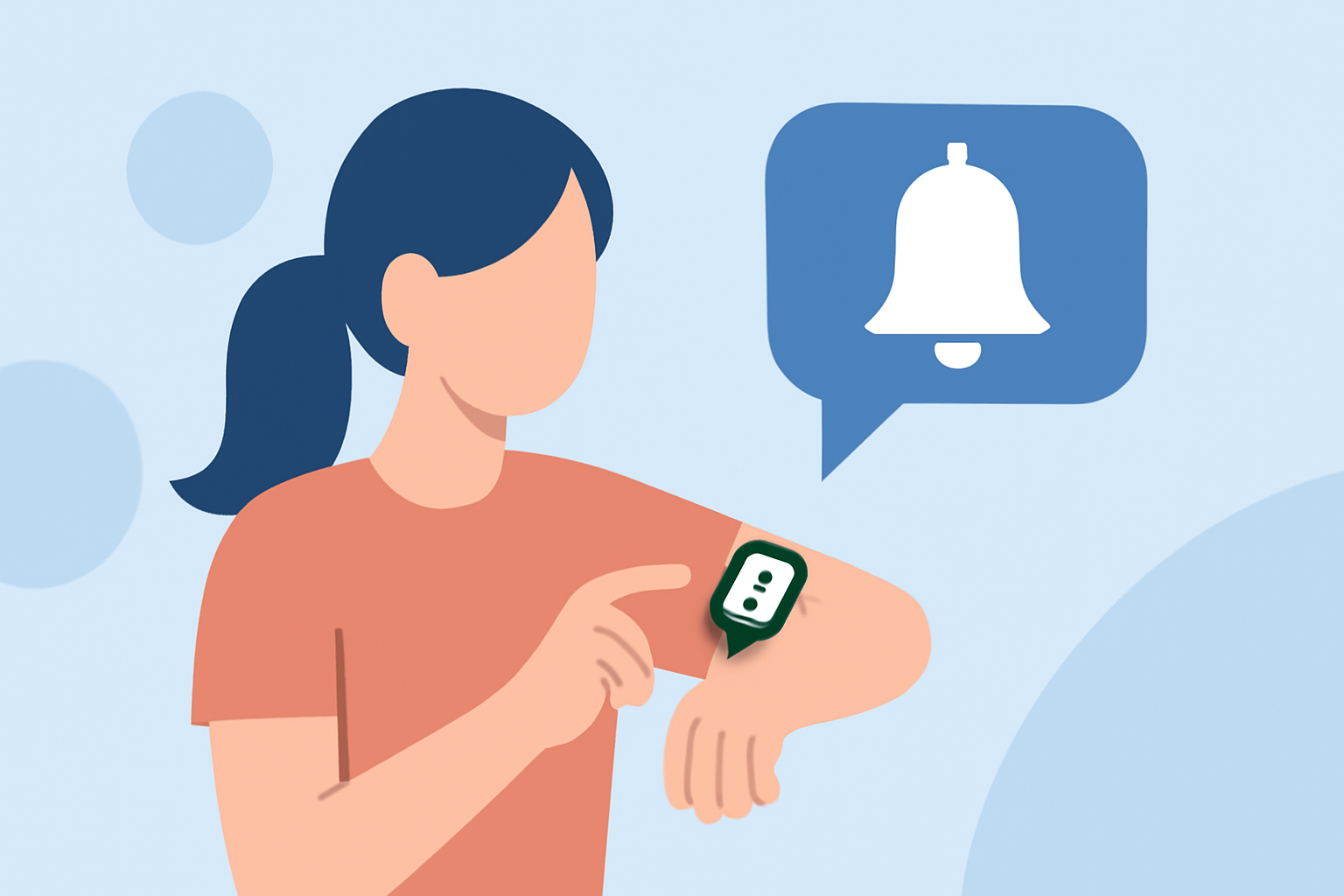
Managing notifications during workouts is essential for maintaining focus and enhancing performance. Unwanted alerts can disrupt your exercise routine, leading to decreased concentration and potential safety concerns. This guide provides strategies to manage or disable notifications across various devices and applications.
Why Manage Notifications During Workouts?
Receiving notifications during workouts can be distracting, leading to reduced focus and potential safety risks. Managing these alerts helps maintain concentration and ensures a safer exercise environment.
How to Disable Notifications on Apple Devices
Apple Watch and iPhone
Apple devices offer a built-in feature called "Do Not Disturb" that silences notifications during workouts. To enable this:
- Open the Settings app on your iPhone.
- Navigate to "Focus" and select "Fitness."
- Enable "When Starting a Workout."
- Ensure "Mirror iPhone" is turned on to synchronize settings between devices.
This setup automatically activates the "Do Not Disturb" mode on both your iPhone and Apple Watch when you start a workout, silencing incoming calls, texts, and app alerts. (idownloadblog.com)
Managing Notifications on COROS Watches
COROS watches allow users to manage notifications during workouts through the following steps:
- From the main watch face, go to "System."
- Select "Workout Interface."
- Toggle "Msg. & Call Alerts" to "ON" or "OFF."
Enabling this feature allows notifications to appear during workouts, while disabling it silences them. Be aware that receiving notifications may increase battery consumption. (support.coros.com)
Adjusting Notifications on Other Devices
Wahoo Fitness Devices
Wahoo Fitness devices, such as the ELEMNT ACE, BOLT 3, and ROAM 3, offer customizable alert and notification settings:
- General Alerts: Set by workout profile, including ride status changes, turn-by-turn directions, sensor alerts, and auto lap alerts.
- Custom Alerts: Also set by workout profile, allowing for personalized notifications.
Users can adjust these settings via the Wahoo app to tailor alerts to their preferences. (support.wahoofitness.com)
Disabling Reminders in Fitness Apps
Many fitness applications send reminders about workouts and meal plans. To disable these:
- Open the app's settings.
- Navigate to "Notifications."
- Disable the toggle for reminders.
This process ensures that workout and meal reminders do not interrupt your exercise sessions. (support.madmuscles.com)
Conclusion
Managing notifications during workouts is crucial for maintaining focus and ensuring safety. By utilizing the built-in features of your devices and applications, you can customize or silence alerts to create an optimal workout environment.
For a comprehensive solution that integrates advanced notification management with personalized workout features, consider exploring Clime's offerings.