
Managing Pollen Notifications While Driving: A Comprehensive Guide
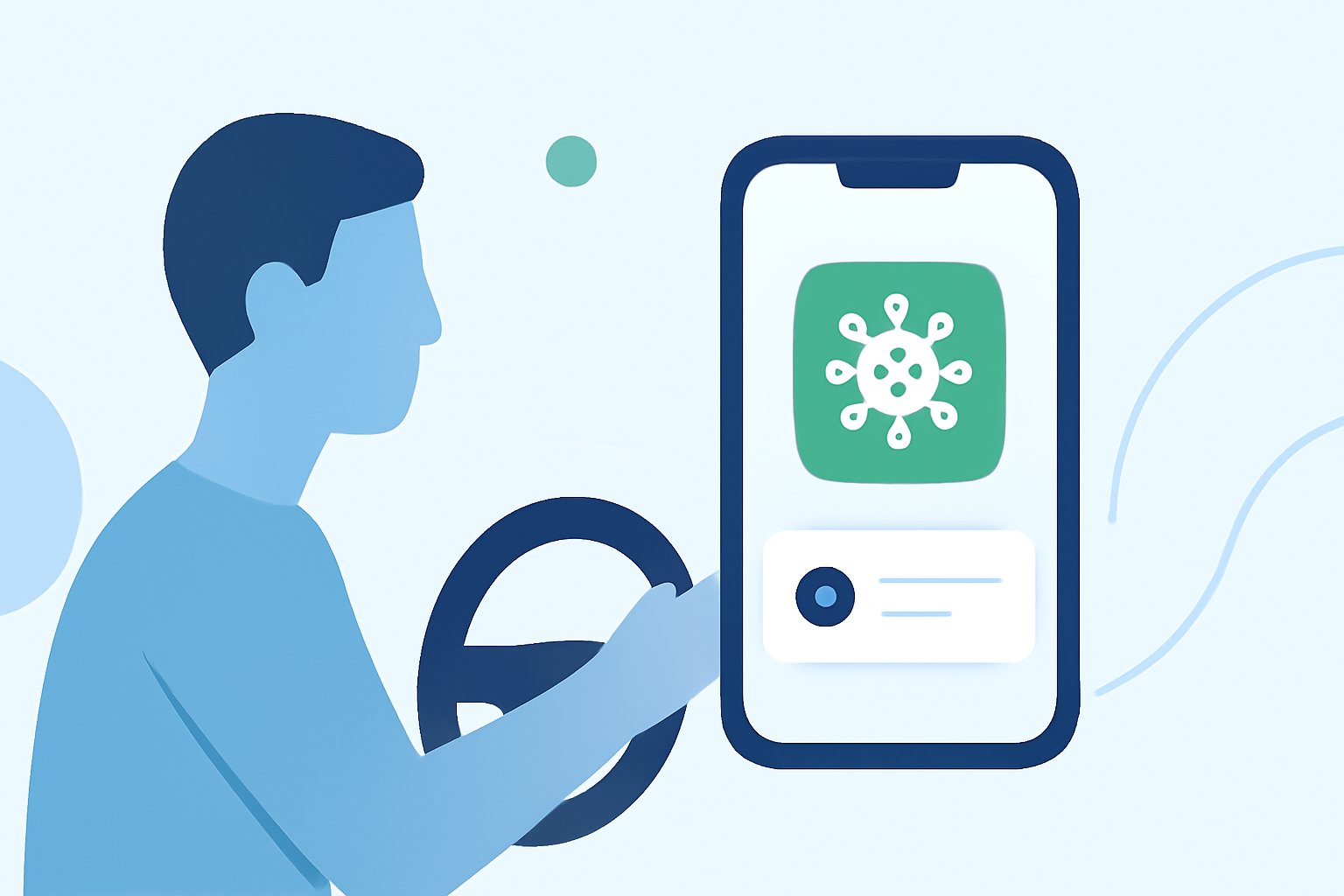
Seasonal allergies can significantly impact your comfort and safety while driving. Pollen levels fluctuate daily, and staying informed about these changes is crucial for managing symptoms effectively. Integrating pollen notifications into your in-car experience can help you anticipate and mitigate allergic reactions on the road.
Understanding Pollen Levels and Their Impact
Pollen is a common allergen that varies in concentration throughout the day and across different regions. High pollen levels can lead to symptoms such as sneezing, nasal congestion, and itchy eyes, which can distract drivers and impair reaction times. Being aware of pollen forecasts allows you to take preventive measures before getting behind the wheel.
Integrating Pollen Notifications into Your Vehicle
Many modern vehicles come equipped with infotainment systems that support app integrations. By connecting your smartphone to your car's system, you can access real-time pollen updates through various applications. For instance, certain apps provide location-specific pollen forecasts and can send notifications about high pollen levels, allowing you to plan your driving times accordingly.
Utilizing Smartphone Apps for Pollen Tracking
Several smartphone applications offer pollen tracking features that can be synchronized with your vehicle's infotainment system. These apps provide real-time pollen counts, forecasts, and personalized allergy insights. By enabling notifications, you can receive alerts about elevated pollen levels, helping you decide the best times to drive and take necessary precautions.
Setting Up Notifications for Optimal Timing
To effectively manage pollen exposure while driving, consider the following steps:
-
Choose a Reliable Pollen Tracking App: Select an app that offers accurate, location-based pollen forecasts and integrates seamlessly with your vehicle's system.
-
Enable Notifications: Set up alerts for high pollen levels to receive timely updates.
-
Plan Your Routes: Use the app to identify areas with lower pollen concentrations and plan your driving routes accordingly.
-
Time Your Drives Strategically: Schedule your driving during times when pollen levels are typically lower, such as early mornings or after rain.
Additional Tips for Managing Allergies While Driving
-
Keep Windows Closed: Prevent pollen from entering your vehicle by keeping windows and sunroofs closed during high pollen periods.
-
Use Air Conditioning: Utilize your car's air conditioning system with the recirculate setting to filter out pollen.
-
Maintain Your Vehicle's Air Filters: Regularly replace cabin air filters to ensure effective pollen filtration.
-
Keep Your Vehicle Clean: Regularly wash your car to remove pollen residues from the exterior surfaces.
Conclusion
Integrating pollen notifications into your in-car experience is an effective strategy for managing allergy symptoms while driving. By staying informed and taking proactive measures, you can enhance your comfort and safety on the road.