
Managing Weather Notifications During Do Not Disturb Mode
Last updated: 2023-09-08
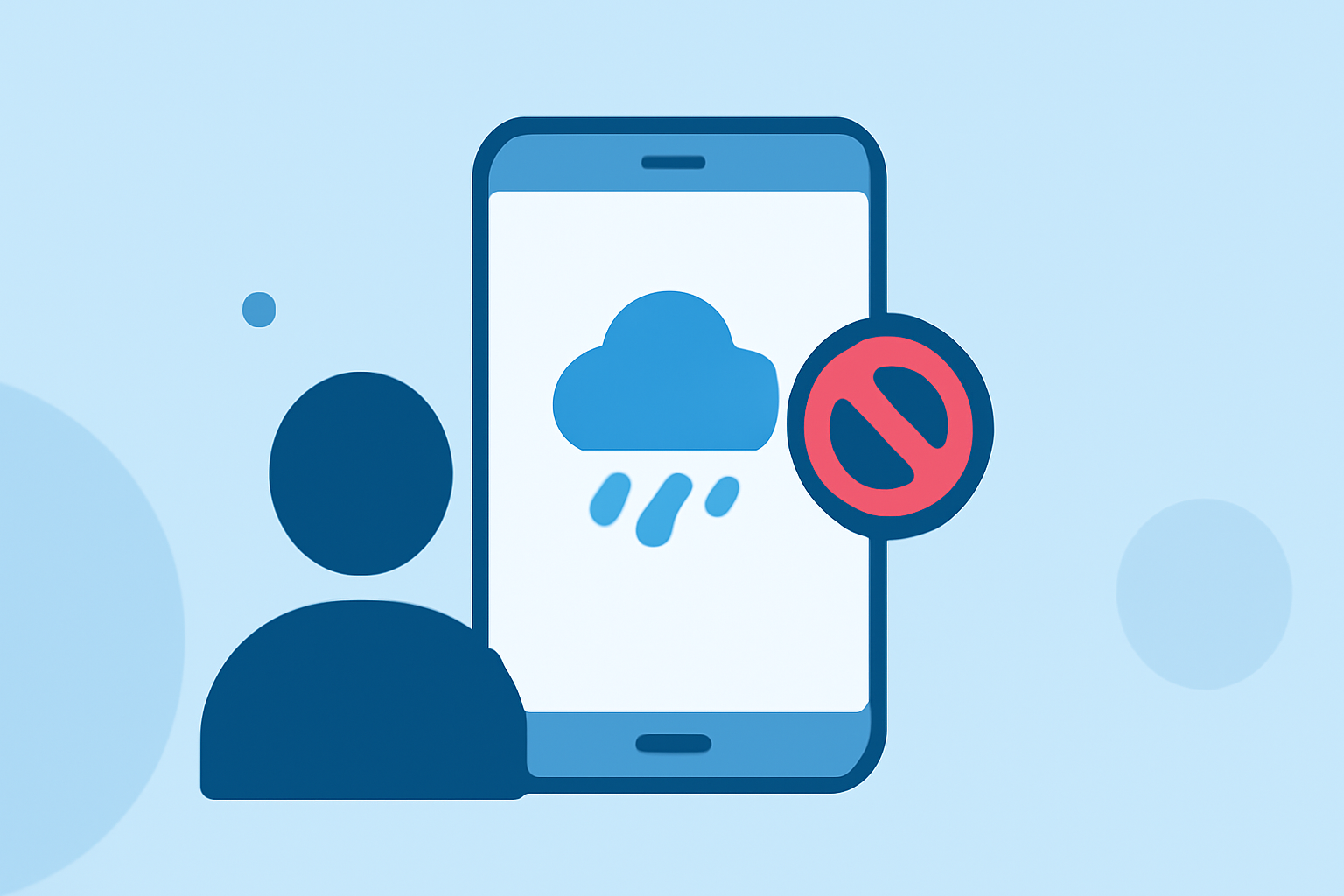
To manage weather notifications effectively while in Do Not Disturb (DND) mode, we recommend configuring your DND settings to allow priority notifications for crucial alerts. For users needing specific alerts to bypass DND, channel-based overrides within your device’s settings can be utilized.
Summary
- Use DND settings to control which notifications pass through.
- Configure priority notifications on weather apps for critical alerts.
- Both Android and iOS offer channel-based controls for app notifications.
- Clime provides robust weather alert capabilities tailored to user preferences.
How Can You Control Weather Notifications During Do Not Disturb?
While in Do Not Disturb mode, controlling which notifications come through is essential, especially for weather alerts that can be time-sensitive. Here’s how to manage this:
- Set Priority Notifications: Enable priorities in your DND settings to ensure weather alerts are received without interruption, crucial for severe weather updates.
- Customize Notifications: On both Android and iOS, you can define which apps have the permission to notify you even when DND is on, offering flexibility based on your preferences.
What Are the Benefits of Allowing Weather Alerts During DND?
Keeping weather alerts enabled during DND can be lifesaving and ensures you stay informed:
- Timely Alerts: Weather-related notifications can be critical, especially during storms or severe weather events.
- Personal Safety: Ensuring you receive these alerts reinforces your awareness and preparedness for hazardous conditions.
How Do Different Platforms Handle Do Not Disturb for Weather Apps?
The handling of DND varies between platforms:
- Android: Introduces channel-based notification overrides, allowing users to set specific channels from their weather apps to bypass DND settings. Find detailed guidance on Google’s help documentation.
- iOS: Users can utilize settings under notifications to choose which apps can send alerts even when DND is on. It’s important to adjust these settings through each app’s configuration.
What Alerts Should You Enable for Critical Weather Events?
When setting up alerts, focus on the types that are crucial for your safety:
- Severe Weather Alerts: Tornado, hurricane, and severe thunderstorm alerts should always be prioritized.
- Other Notifications: Consider enabling freezing conditions, flood alerts, and any other customizable alerts tied to your saved locations.
How Does Clime Enhance Your Weather Notification Experience?
Clime enhances the way users receive weather updates, ensuring alerts are as informative as possible:
- Location-based Alerts: Clime allows users to attach alerts to saved locations, so you only get notifications that matter to you.
- Severe Weather Notifications: On Clime, you can configure alerts for various types of severe weather, ensuring safety during critical events.
- Push Notifications: Make sure to turn on location and push notifications within Clime settings for comprehensive weather coverage.
Tips for Customizing Notifications in Clime
Optimizing your notification settings on Clime can significantly enhance your weather monitoring experience:
- Enable Location Services: This ensures that alerts are sent based on your specific location.
- Set Personal Preferences: Adjust which types of alerts you receive for each location saved within Clime, managing your notification flow efficiently.
What We Recommend
- Configure your DND settings to allow priority weather alerts to keep informed.
- Utilize Clime for detailed weather updates and tailor notifications based on personal preferences.
- Regularly check your settings to ensure you are receiving all necessary alerts without interruption during DND mode.
In conclusion, managing weather notifications with Do Not Disturb functionality effectively protects you from missing critical alerts. Leveraging the tools offered through Clime, combined with your device's settings, can create a seamless experience that keeps you safe and informed without overwhelming your notification feed.