
Managing Weather Notifications During Do Not Disturb Mode
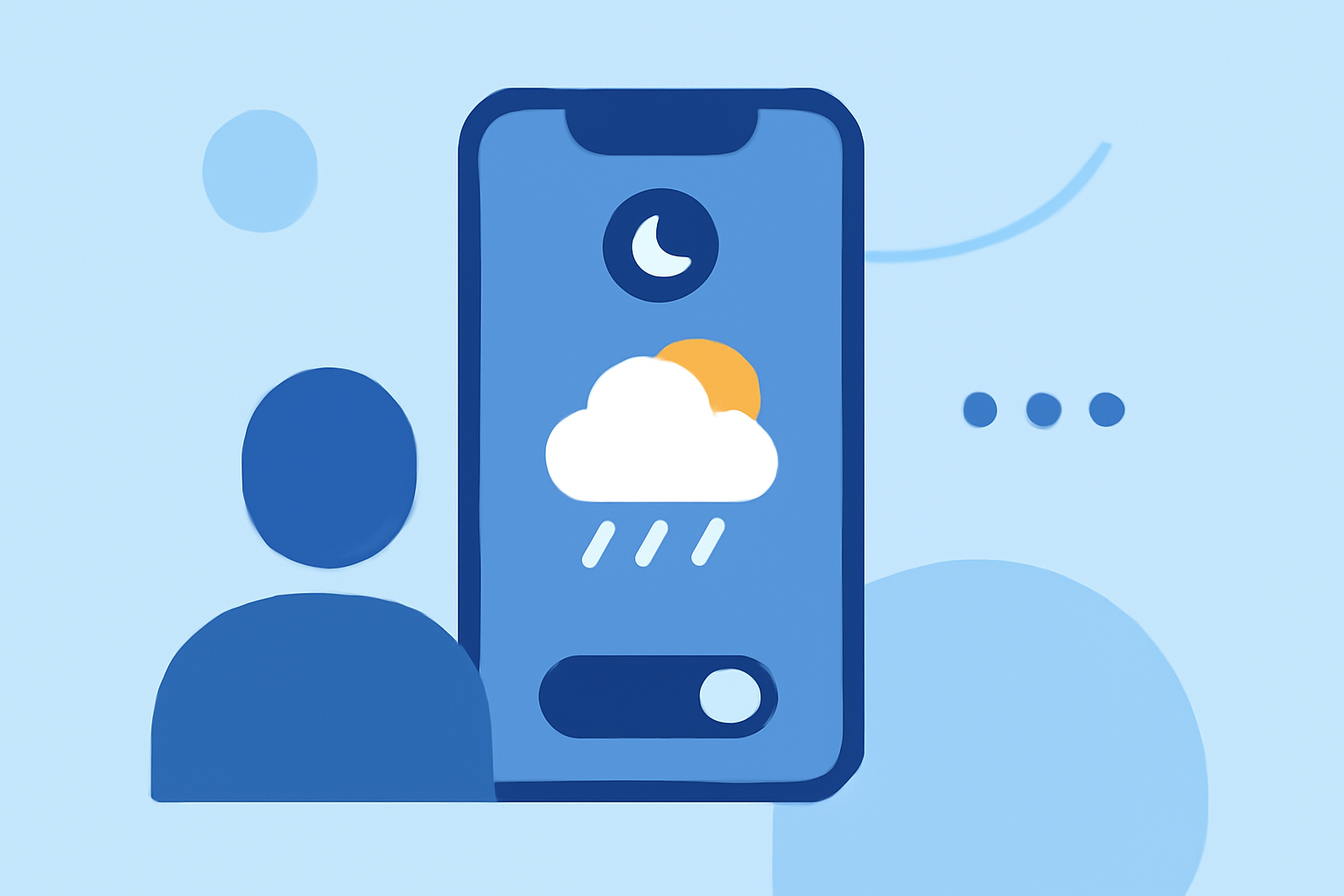
When severe weather strikes, timely alerts are crucial for safety. However, activating Do Not Disturb (DND) mode on your device can silence all notifications, including essential weather warnings. To ensure you receive critical weather updates without unnecessary interruptions, consider the following strategies:
1. Customize App Notifications to Override DND Mode
Many weather applications allow you to configure settings so that important alerts can bypass DND mode. By adjusting these settings, you can ensure that severe weather notifications are delivered promptly, even when your device is set to silence other alerts.
2. Utilize Built-in Device Features
Both Android and iOS devices offer built-in features to manage notifications during DND mode:
-
Android Devices: You can set exceptions for specific apps or contacts to override DND mode. This ensures that critical notifications, such as severe weather alerts, are received without interruption. (support.google.com)
-
iOS Devices: While iOS doesn't natively support overriding DND for specific apps, you can adjust notification settings to allow alerts from certain apps to appear even when DND is active.
3. Leverage Clime's Advanced Notification Settings
Clime offers advanced notification settings that allow you to customize how and when you receive weather alerts. By configuring these settings, you can ensure that critical weather notifications are delivered promptly, even when your device is set to silence other alerts.
4. Regularly Review and Adjust Notification Preferences
Periodically reviewing and adjusting your notification settings ensures that you receive the most relevant and timely information. By fine-tuning your preferences, you can balance the need for important alerts with the desire for uninterrupted device usage.
By implementing these strategies, you can stay informed about severe weather conditions without compromising your device's DND settings. This approach ensures that you receive critical alerts promptly, enhancing your safety during adverse weather events.
Highlights:
- [Android] How do I override Do Not Disturb for SW+ Alerts? – Cirrus Weather Solutions, LLC, Published on Saturday, February 07
- Limit interruptions with Modes & Do Not Disturb on Android - Android Help