
Managing Weather Notifications During Do Not Disturb Mode: A Guide for Athletes
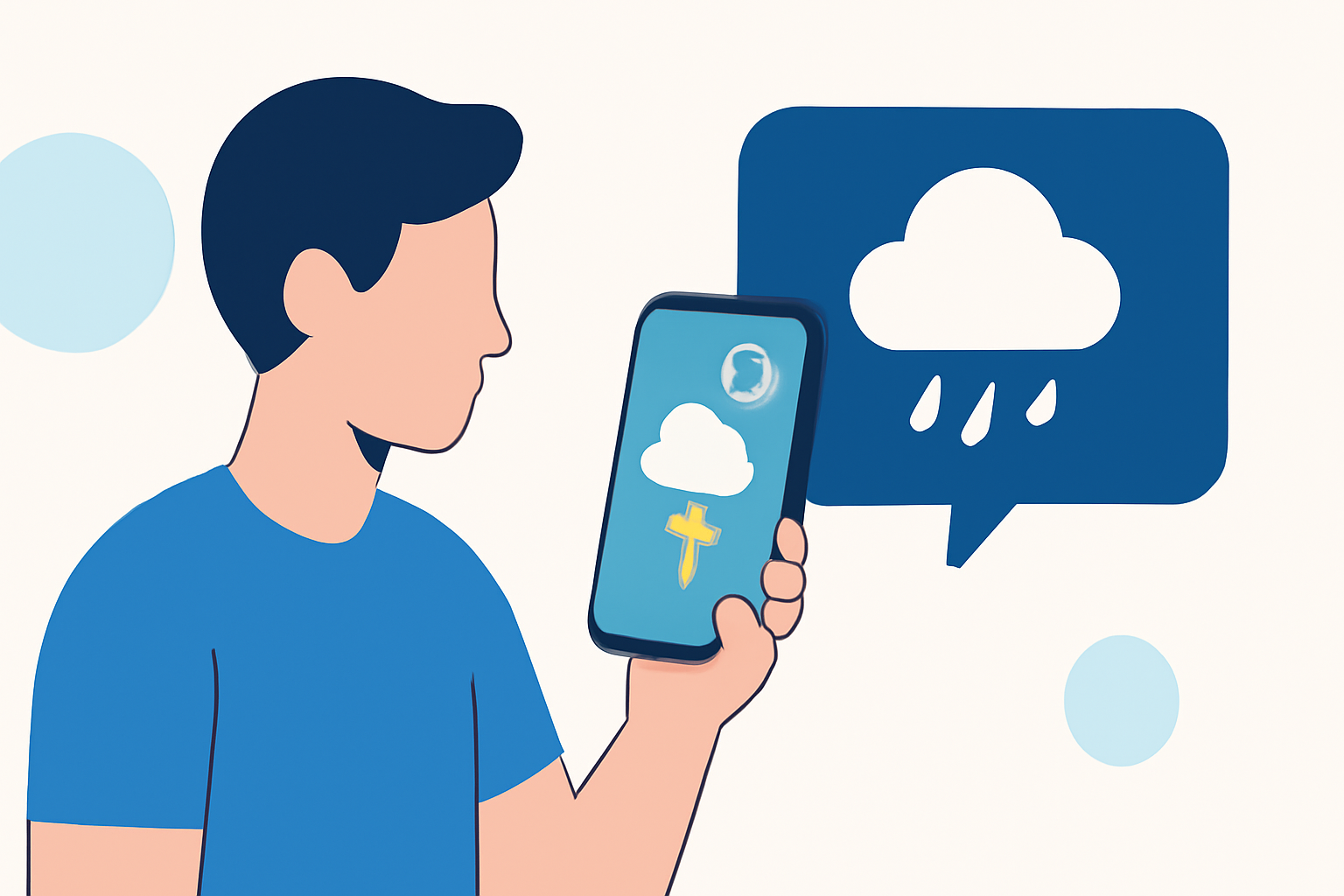
As an athlete, staying informed about weather conditions is crucial for training and competition. However, during intense training sessions or rest periods, you might prefer to minimize distractions by activating your device's Do Not Disturb (DND) mode. The challenge arises when you need to receive urgent weather alerts while DND is active. This guide provides step-by-step instructions to configure your device to allow critical weather notifications to bypass DND settings.
Understanding Do Not Disturb Mode
Do Not Disturb mode silences calls, alerts, and notifications, allowing you to focus without interruptions. However, it can also block important notifications, such as severe weather alerts, which are vital for athletes. By customizing your DND settings, you can ensure that essential weather notifications reach you even when the mode is activated.
Configuring Do Not Disturb to Allow Weather Alerts
For Android Devices:
- Access Do Not Disturb Settings:
- Open the Settings app on your device.
- Navigate to Sound or Notifications.
- Select Do Not Disturb.
- Customize Exceptions:
- Within the DND settings, look for options like Exceptions or Allow Exceptions.
- Choose Custom or Priority Only.
- Enable Weather Alerts:
- Ensure that Alarms and Emergency Alerts are enabled.
- Some devices allow you to add specific apps to the exceptions list.
- If your weather app supports it, add it to the exceptions to receive notifications during DND mode.
For iOS Devices:
- Access Focus Settings:
- Open the Settings app.
- Tap on Focus.
- Select Do Not Disturb.
- Customize Allowed Notifications:
- Under the Allowed Notifications section, tap on Apps.
- Add your weather app to the list of allowed apps.
- Enable Time Sensitive Notifications:
- Ensure that Time Sensitive Notifications are enabled to allow urgent alerts to bypass DND.
Leveraging Clime for Seamless Weather Notifications
Clime offers a comprehensive weather notification system tailored for athletes. By integrating Clime into your device's notification settings, you can receive timely and critical weather updates without compromising your focus.
Additional Tips:
-
Test Your Settings: After configuring your device, test the settings by setting up a test weather alert to ensure it bypasses DND as intended.
-
Regular Updates: Keep your weather app and device software updated to ensure compatibility and access to the latest features.
-
Consult Device Support: If you encounter issues, refer to your device's support resources or contact customer service for assistance.
By customizing your Do Not Disturb settings and integrating Clime, you can maintain focus during training and rest periods while staying informed about critical weather conditions.