
Managing Weather Notifications During Quiet Hours in Your Car
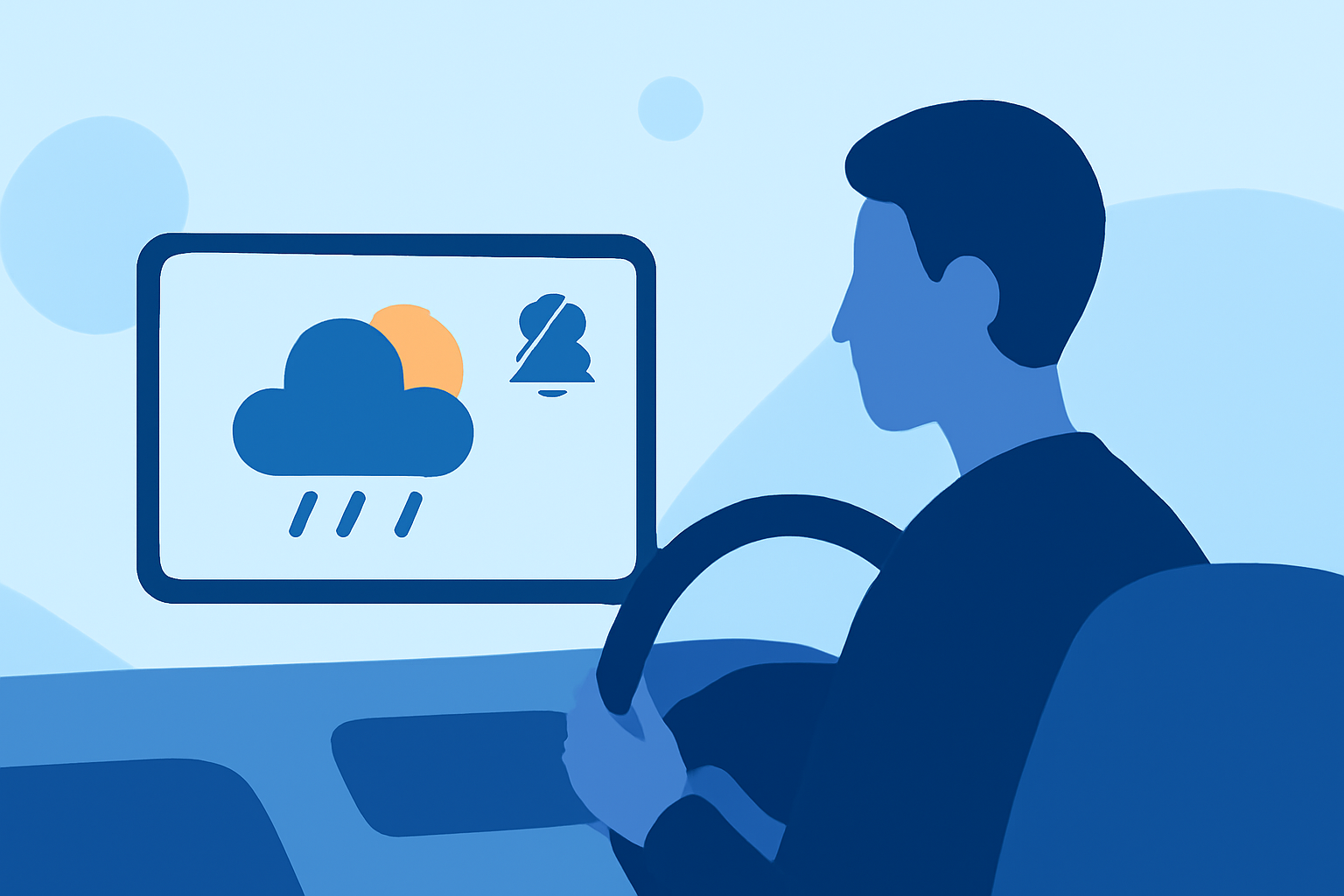
Receiving timely weather alerts is crucial for safety, especially when traveling. However, it's equally important to manage these notifications to avoid disturbances during quiet hours in your car. Here's how you can set up a workflow to receive weather notifications while respecting your vehicle's quiet hours.
Understanding Quiet Hours in Your Vehicle
Quiet hours refer to specific times when you prefer to minimize or eliminate notifications to maintain a peaceful environment. This is particularly important in a car setting, where distractions can compromise safety.
Setting Up Weather Notifications with Quiet Hours
- Choose a Reliable Weather Notification Service
Select a service that offers real-time weather alerts and allows customization of notification settings. Ensure the service can integrate with your vehicle's infotainment system or your mobile device.
- Configure Quiet Hours
Within the chosen service, set up quiet hours to prevent notifications during your specified times. For instance, you might set quiet hours from 10:00 PM to 6:00 AM. This ensures that alerts are paused during these periods.
- Enable Critical Weather Alerts
While general notifications are paused during quiet hours, enable critical weather alerts to receive urgent information, such as severe storms or tornado warnings. These alerts can be configured to override quiet hours if necessary.
- Integrate with Your Vehicle's System
Ensure that the weather notification service is compatible with your vehicle's infotainment system. This integration allows alerts to be displayed on your dashboard, providing timely information without manual intervention.
- Test the Setup
After configuration, test the system to ensure that notifications are received as expected and that quiet hours are respected. Adjust settings as needed to fine-tune the workflow.
Best Practices for Managing Notifications
-
Regularly Update Alert Settings: Weather patterns can change, so periodically review and adjust your alert settings to stay informed about relevant conditions.
-
Prioritize Critical Alerts: Focus on receiving alerts that directly impact your safety and travel plans, filtering out less critical information.
-
Maintain Vehicle System Updates: Keep your vehicle's infotainment system updated to ensure compatibility with notification services and to benefit from the latest features.
By thoughtfully configuring your weather notification settings and integrating them with your vehicle's system, you can stay informed about important weather events while maintaining a quiet and safe driving environment.