
Managing Weather Notifications: A Beginner's Guide to Quiet Hours
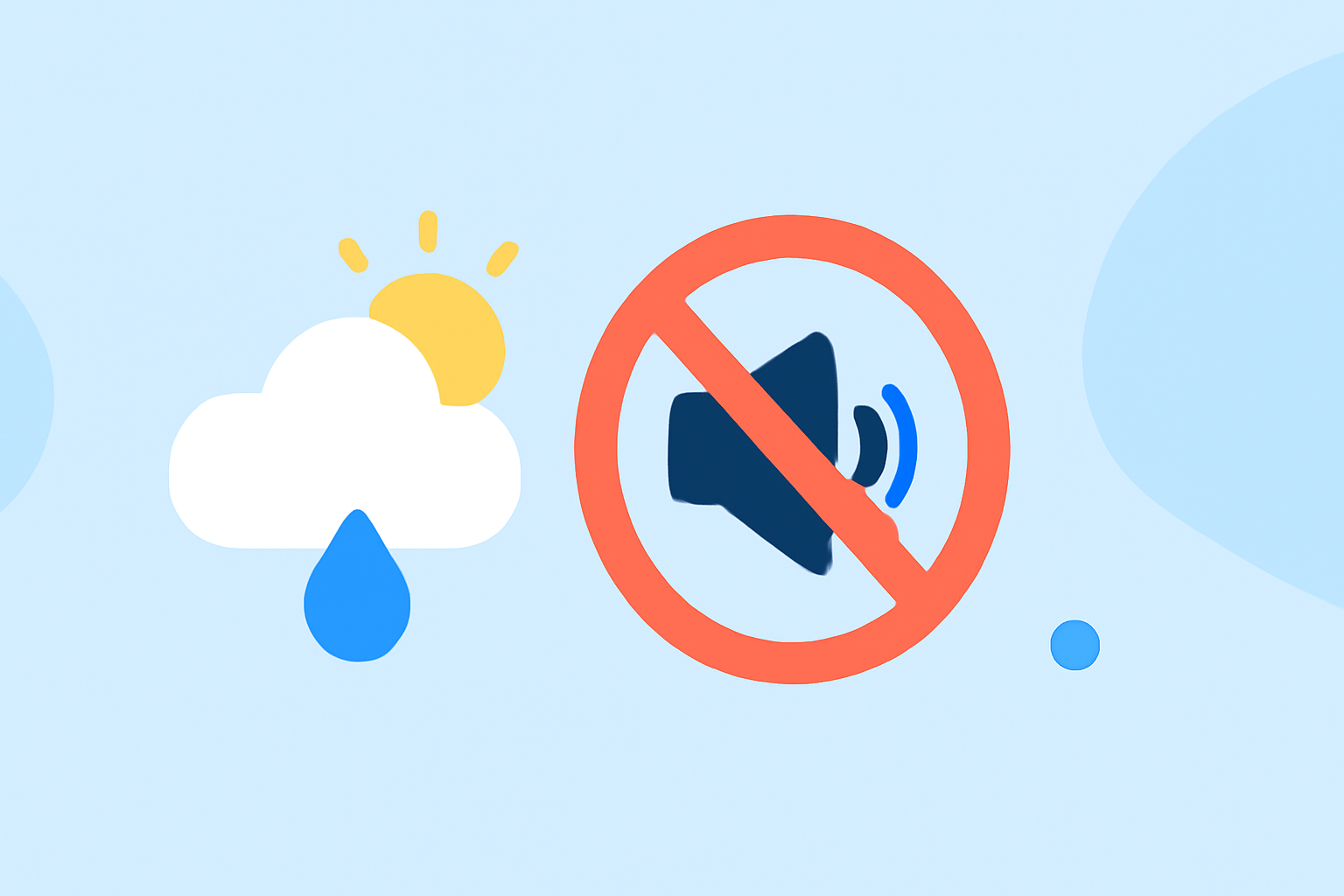
Staying informed about weather conditions is crucial, but constant alerts can disrupt your sleep or work. Implementing quiet hours for weather notifications ensures you receive essential updates without unnecessary interruptions.
What Are Quiet Hours for Weather Notifications?
Quiet hours are designated periods during which you choose not to receive non-essential notifications, such as weather alerts. This feature allows you to stay informed about critical weather events while minimizing disturbances during your personal or professional time.
Why Are Quiet Hours Important?
Unwanted notifications can disrupt sleep, meetings, or other important activities. By setting quiet hours, you ensure that only urgent alerts, like severe weather warnings, reach you during these times.
How to Set Quiet Hours for Weather Notifications
-
Choose a Reliable Weather App: Select an app that offers customizable notification settings, including quiet hours.
-
Access Notification Settings: Within the app, navigate to the settings or preferences section.
-
Set Quiet Hours: Define the start and end times for your quiet hours. For example, you might set quiet hours from 10 PM to 7 AM.
-
Customize Alert Types: Decide which types of alerts you want to receive during quiet hours. Typically, you can opt to receive only critical alerts, such as severe weather warnings.
Best Practices for Managing Weather Notifications
-
Regularly Review Settings: Periodically check and adjust your notification preferences to ensure they align with your current needs.
-
Stay Informed About Alert Criteria: Understand the criteria for different weather alerts, such as watches, warnings, and advisories, to assess their relevance to you. (preview.weather.gov)
-
Utilize Multiple Sources: Rely on official sources, like the National Weather Service, for accurate and timely information.
Conclusion
Implementing quiet hours for weather notifications allows you to balance staying informed with maintaining your peace and productivity. By customizing your alert settings, you can ensure that you receive essential updates without unnecessary disturbances.