
Mastering Daily Weather Forecasts on Your Tablet
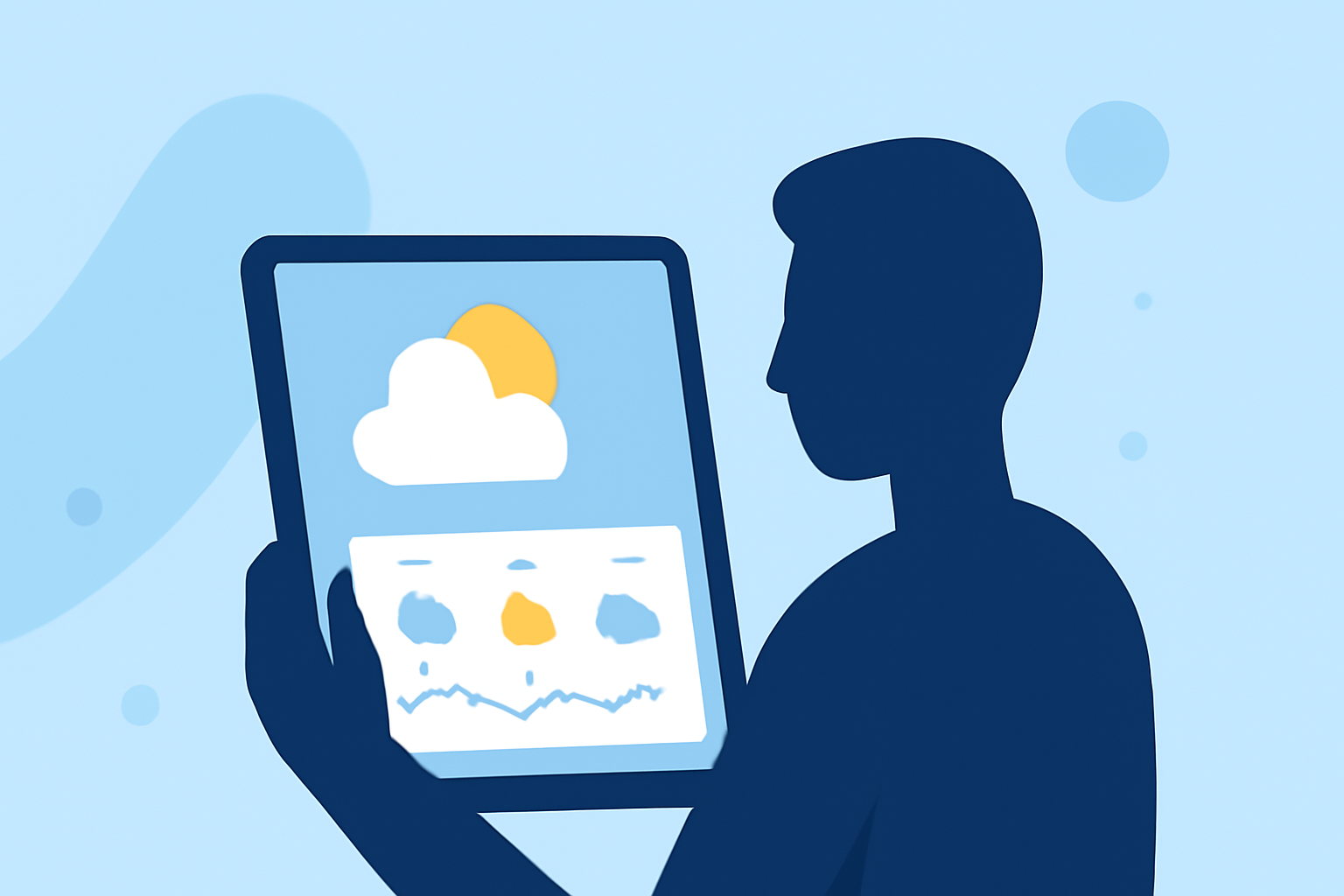
Staying informed about daily weather conditions is essential for planning your day effectively. With the advancement of tablet technology, accessing up-to-date weather forecasts has become more convenient. This guide will explore various methods to obtain daily weather updates on your tablet, highlighting features that enhance your experience.
How Can I Access Daily Weather Forecasts on My Tablet?
Tablets offer multiple avenues to receive daily weather updates:
-
Built-in Weather Applications: Many tablets come equipped with pre-installed weather apps that provide real-time updates.
-
Voice Assistants: Utilize voice-activated assistants to request weather information hands-free.
-
Third-Party Weather Apps: Download specialized weather applications from app stores for detailed forecasts.
How Do I Set Up Daily Weather Updates Using Voice Assistants?
Voice assistants can deliver daily weather updates at your preferred time:
-
Activate the Voice Assistant: On your tablet, say the activation command (e.g., "Hey Google").
-
Request Daily Updates: Say, "Send me weather updates every day."
-
Confirm Subscription: When prompted, confirm to receive daily updates and set your preferred time.
This feature is available on Android devices and can be set up through the Google Home app. (support.google.com)
What Are the Benefits of Using Built-in Weather Applications?
Built-in weather apps offer several advantages:
-
Instant Access: Quickly view current conditions and forecasts without additional downloads.
-
Integration: Seamlessly integrates with other system features, providing a cohesive user experience.
-
Customization: Adjust settings to display preferred units, themes, and locations.
How Can I Customize My Weather App for a Personalized Experience?
Personalizing your weather app enhances usability:
-
Open the Weather App: Launch the app from your home screen.
-
Access Settings: Tap the settings icon, often represented by a gear symbol.
-
Adjust Preferences: Modify units (Celsius or Fahrenheit), themes, and notification settings.
For instance, on Pixel devices, you can change temperature units and enable immersive weather vibrations through the Pixel Weather app. (support.google.com)
What Are the Advantages of Using Third-Party Weather Apps?
Third-party apps provide:
-
Enhanced Features: Access to detailed forecasts, radar maps, and severe weather alerts.
-
Multiple Locations: Monitor weather conditions in various cities or regions.
-
User-Friendly Interfaces: Intuitive designs for easy navigation.
How Do I Set Up Daily Weather Updates Using Third-Party Apps?
To receive daily updates from a third-party app:
-
Download the App: Install the weather app from your device's app store.
-
Enable Notifications: Allow the app to send notifications for daily updates.
-
Configure Settings: Set your preferred time and frequency for updates within the app's settings.
How Can I Use My Tablet as a Dedicated Weather Station?
Transforming your tablet into a dedicated weather station involves:
-
Installing a Weather App: Choose an app that offers comprehensive weather data.
-
Setting Up Widgets: Place weather widgets on your home screen for at-a-glance information.
-
Utilizing Charging Features: Some tablets offer features like Daily Board, which displays weather information when charging. (samsung.com)
How Do I Ensure Accurate Weather Information on My Tablet?
To maintain accuracy:
-
Enable Location Services: Allow the weather app to access your location for precise forecasts.
-
Keep Apps Updated: Regularly update your weather app to access the latest features and data.
-
Verify Sources: Choose apps that source data from reputable weather services.
By leveraging these methods, you can effectively access and manage daily weather forecasts on your tablet, ensuring you stay informed and prepared for the day ahead.