
Mastering Medium Weather Widgets: A Step-by-Step Guide
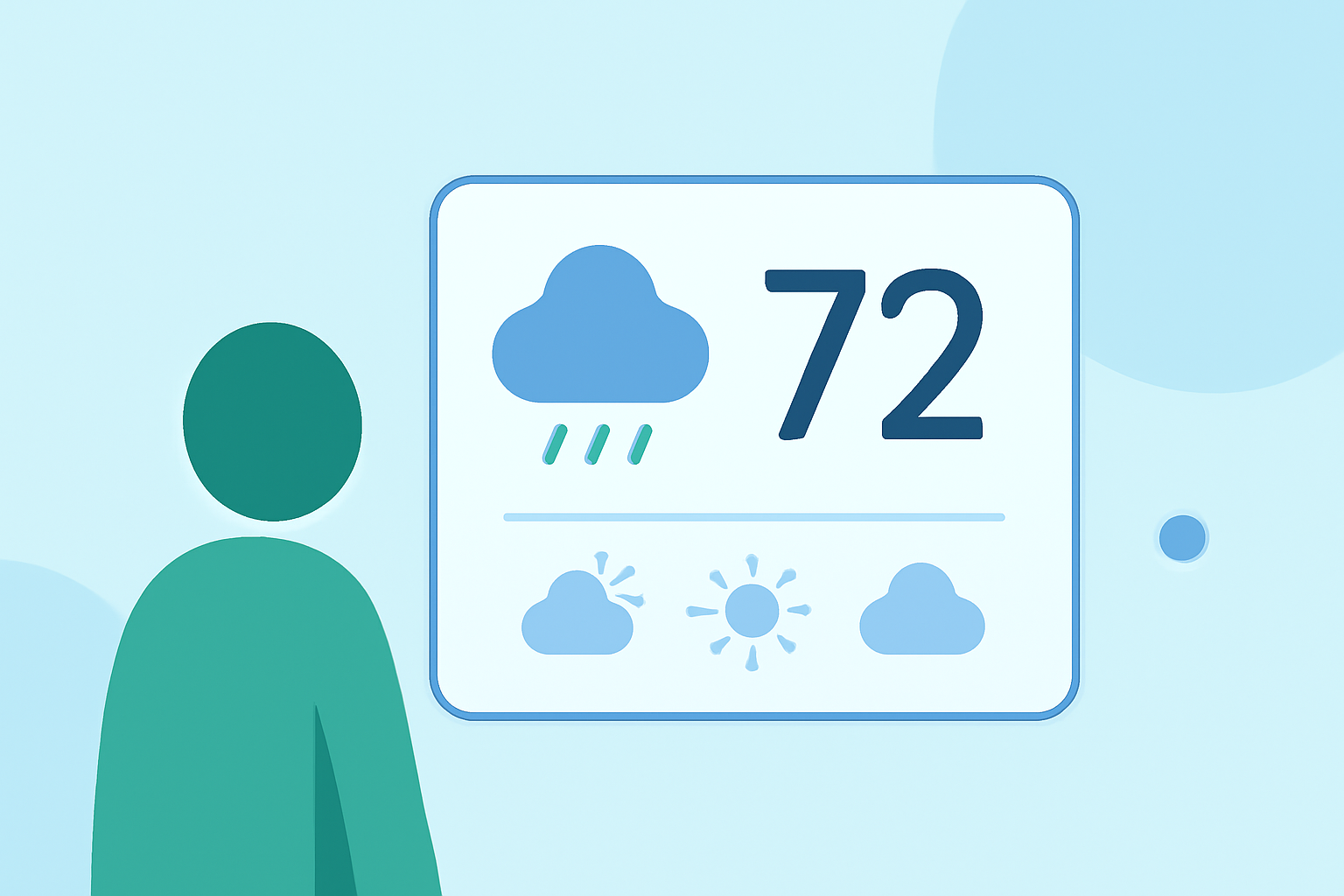
Weather widgets are small, interactive components that display current weather conditions and forecasts directly on your device's home screen. They provide quick access to essential weather information without the need to open a full application. This guide will walk you through the process of adding and customizing weather widgets on your device.
What Are Weather Widgets?
Weather widgets are compact tools that present real-time weather data, such as temperature, humidity, and forecasts, in a concise format. They are designed to be easily added to your device's home screen, offering immediate access to weather updates. Depending on the widget, they can display current conditions, hourly forecasts, or extended forecasts.
How to Add a Weather Widget to Your Home Screen
For Android Devices (Android 12 and Newer):
- Access Widgets: Tap and hold on an empty space on your home screen.
- Select Widgets: Tap on "Widgets" from the menu that appears.
- Choose Weather Widget: Scroll through the available widgets until you find the weather widget.
- Add Widget: Tap and hold the weather widget, then drag it to your desired location on the home screen.
- Resize Widget (Optional): After placing the widget, you can resize it by tapping and holding its edges and adjusting as needed.
For iOS Devices: iOS devices do not natively support weather widgets. However, you can use third-party applications that offer weather widgets compatible with iOS. These apps can be downloaded from the App Store and typically provide instructions for adding their widgets to your home screen.
Customizing Your Weather Widget
Once the weather widget is added to your home screen, you can customize it to suit your preferences:
- Location Settings: Ensure the widget is set to display weather information for your current location or a specific city.
- Update Frequency: Adjust how often the widget updates its data to provide the most current information.
- Appearance: Some widgets allow you to change their size, theme, or layout to match your device's aesthetic.
Benefits of Using Weather Widgets
- Immediate Access: Quickly view current weather conditions without opening an app.
- Customization: Tailor the widget's appearance and information to your liking.
- Stay Informed: Receive timely updates on weather changes, helping you plan your day effectively.
Conclusion
Adding a weather widget to your device's home screen is a convenient way to stay informed about current weather conditions and forecasts. By following the steps outlined above, you can easily integrate a weather widget into your device and customize it to meet your needs.
For more detailed information on adding and configuring weather widgets, you can refer to the Android Authority guide on Android weather widgets.
Additionally, if you're interested in building your own weather widget, consider exploring the step-by-step guide on building a utility weather widget with JavaScript.
By utilizing weather widgets, you can enhance your device's functionality and ensure you're always prepared for the day's weather.