
Mastering Mixed Precipitation Forecasts on Your Apple Watch
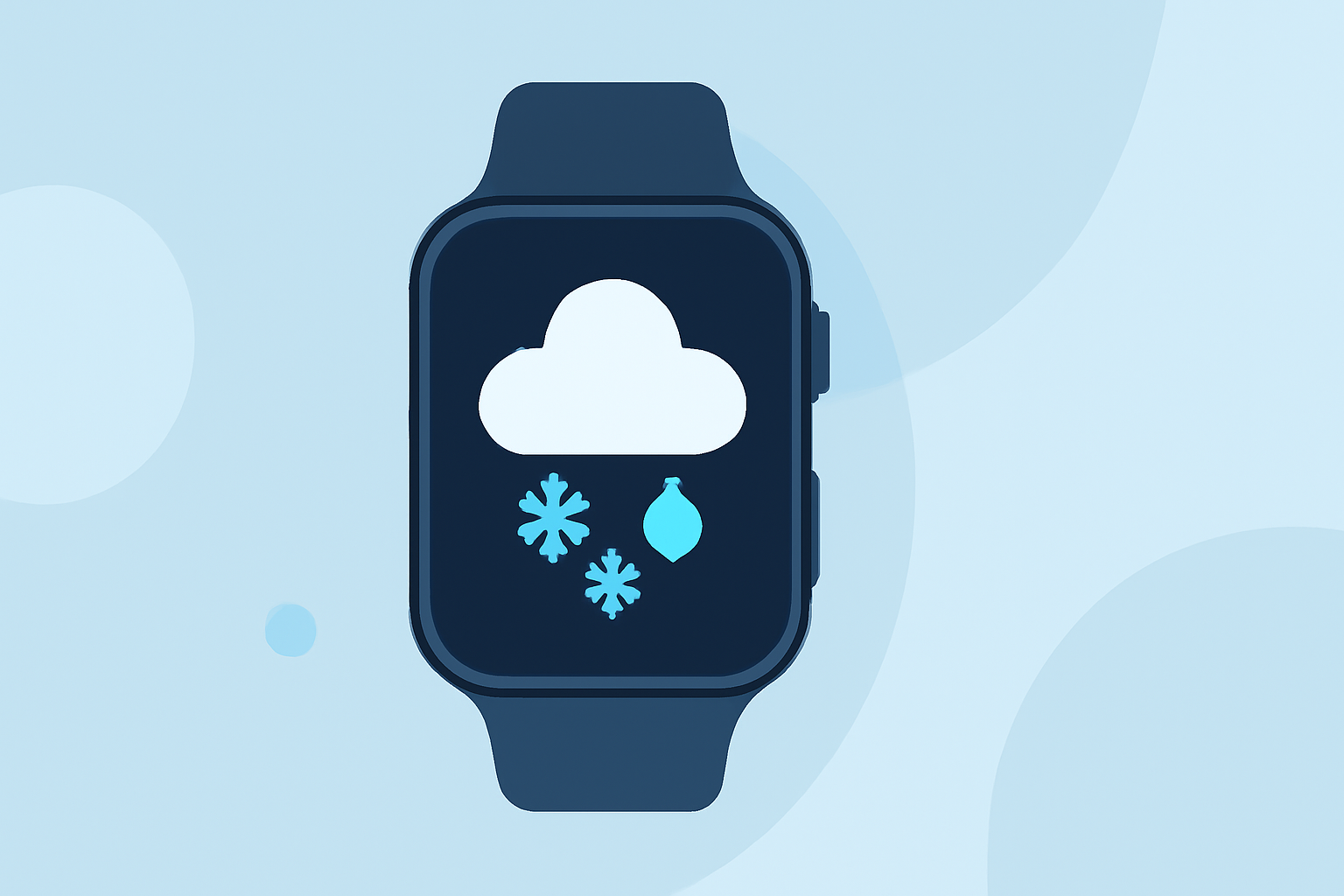
Understanding mixed precipitation—combinations of rain, snow, sleet, and freezing rain—is crucial for planning your day. Your Apple Watch, equipped with advanced weather features, can help you stay informed about these complex weather patterns.
How Can I Access Mixed Precipitation Forecasts on My Apple Watch?
The built-in Weather app on your Apple Watch provides detailed information on current conditions and forecasts, including mixed precipitation. To access this:
- Open the Weather App: Tap the Weather icon on your Apple Watch.
- View Current Conditions: The main screen displays the current temperature and weather conditions.
- Check Precipitation Details: Tap the display to cycle through views such as Conditions, Temperature, Precipitation, Wind Speed, UV Index, Visibility, Humidity, and Air Quality. (support.apple.com)
In the Precipitation view, you'll see information about the type and intensity of precipitation expected, including mixed forms like rain and snow.
Can I Receive Alerts for Mixed Precipitation?
Yes, your Apple Watch can notify you about severe weather events, including mixed precipitation. To ensure you receive these alerts:
- Enable Severe Weather Alerts: On your iPhone, go to Settings > Weather > Notifications, and toggle on "Severe Weather Alerts."
- Check Location Services: Ensure that Location Services are enabled for the Weather app on both your iPhone and Apple Watch.
These settings allow your Apple Watch to provide timely notifications about upcoming mixed precipitation events.
Are There Third-Party Apps for Mixed Precipitation Forecasts on Apple Watch?
Yes, several third-party apps offer enhanced features for monitoring mixed precipitation:
-
Weathergraph: This app presents weather data in a graph format, making it easier to visualize precipitation types and intensities. (weathergraph.app)
-
Forecast Bar: Offers customizable complications and detailed precipitation forecasts, including mixed forms. (apps.apple.com)
These apps can be downloaded from the App Store and provide additional insights into mixed precipitation patterns.
How Accurate Are Mixed Precipitation Forecasts on Apple Watch?
The accuracy of mixed precipitation forecasts depends on the data sources and algorithms used by the Weather app and any third-party apps. While Apple Watch apps strive to provide accurate and timely information, it's advisable to consult multiple sources, especially during severe weather conditions.
Can I Customize My Apple Watch to Display Mixed Precipitation Information Prominently?
Yes, you can customize your Apple Watch to highlight mixed precipitation information:
- Add Weather Complications: Customize your watch face by adding weather complications that display current conditions, precipitation chances, or forecasts.
- Use Third-Party Apps: Install apps like Weathergraph or Forecast Bar, which offer customizable complications and detailed precipitation data.
By tailoring your watch face and app settings, you can ensure that mixed precipitation information is readily accessible.
By leveraging the built-in features and customizable options on your Apple Watch, you can effectively monitor mixed precipitation forecasts and stay prepared for changing weather conditions.