
Mastering Outdoor Painting with Wear OS: A Comprehensive Guide
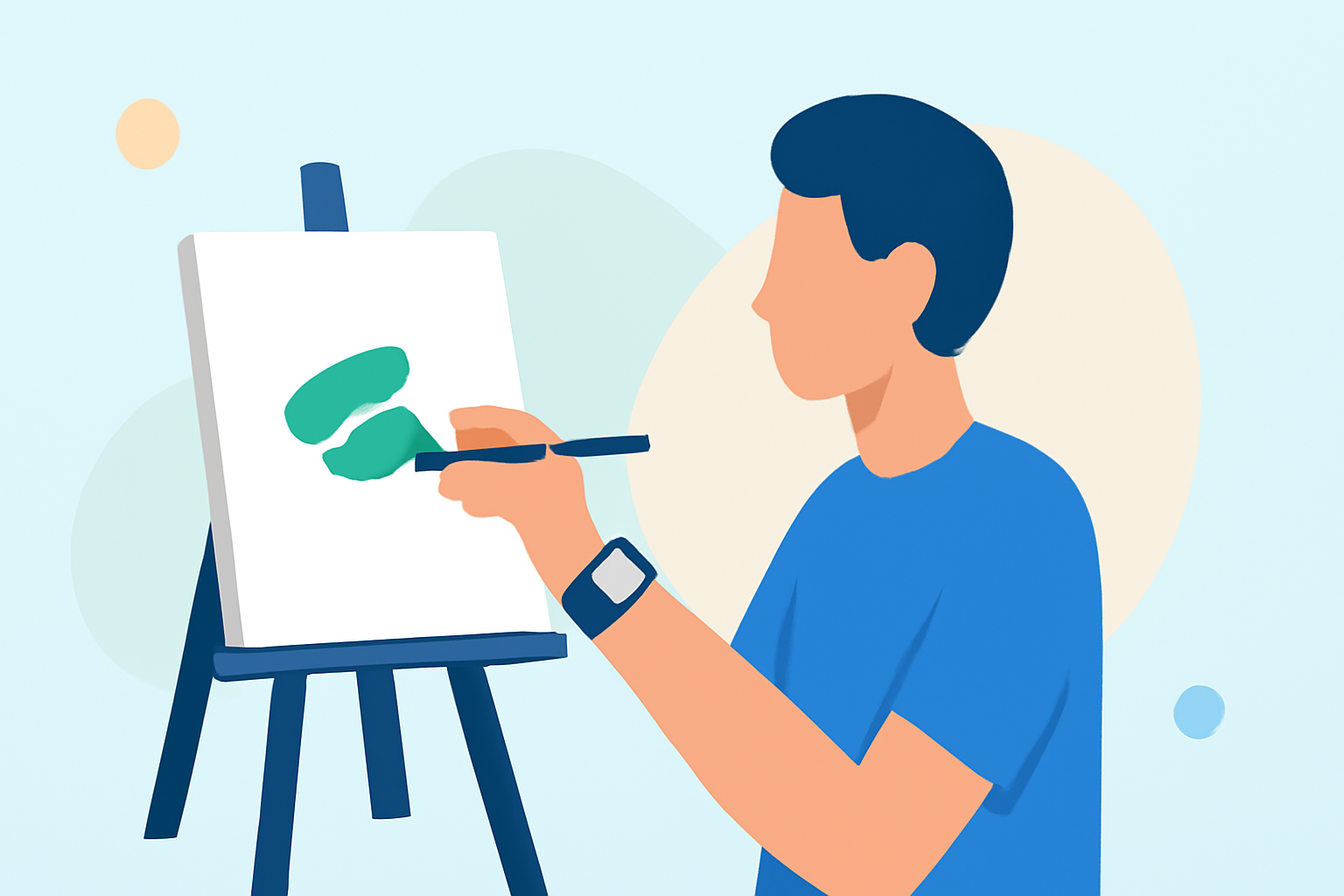
Embarking on an outdoor painting project requires careful planning, especially when it comes to monitoring weather conditions. Utilizing your Wear OS device can provide real-time updates, ensuring your painting endeavors are both efficient and successful.
Why Monitor Weather Conditions?
Weather plays a pivotal role in the quality and durability of your paint job. Ideal conditions include moderate temperatures, low humidity, and minimal wind. Adverse weather can lead to issues such as uneven drying, cracking, or peeling. Therefore, staying informed about the weather is essential for achieving a professional finish.
Setting Up Your Wear OS Device for Weather Monitoring
Wear OS devices offer several features to keep you updated on weather conditions:
-
Weather App: Many Wear OS devices come equipped with a built-in weather application. This app provides current conditions, hourly forecasts, and weather alerts. To access it, open the Weather app on your device. You can view details such as hourly and daily forecasts, AQI, precipitation, pollen levels, sunrise and sunset times, and the UV index. To refresh data manually, scroll to the bottom of the app and tap the refresh button. (support.google.com)
-
At a Glance Feature: This feature displays relevant information directly on your watch face, including weather updates. To enable it, touch and hold your watch face, swipe right three times, and select the At a Glance complication. (support.google.com)
-
Weather Tile: Adding a weather tile allows for quick access to weather information. Swipe left or right to access your tiles, press and hold the desired tile, and tap Add Image to add the Weather or UV Index tile. (support.google.com)
Interpreting Weather Data for Painting Projects
Understanding the weather data provided by your Wear OS device is crucial:
-
Temperature: Ideal painting temperatures typically range between 50°F (10°C) and 85°F (29°C). Extreme temperatures can adversely affect paint application and drying times. (cypaint.com)
-
Humidity: Aim for humidity levels between 40% and 70%. High humidity can slow drying times, while low humidity can cause paint to dry too quickly, leading to cracking or peeling. (paintgnome.com)
-
Wind: Strong winds can introduce debris into your paint and cause it to dry unevenly. It's advisable to paint on days with minimal wind. (owatrolusa.com)
-
Precipitation: Avoid painting when rain is expected, as it can ruin the paint job. Ensure that the forecast indicates no rain for at least 24 hours after painting. (paintgnome.com)
Practical Tips for Using Wear OS in Outdoor Painting
-
Regular Updates: Set your Wear OS device to provide frequent weather updates to stay informed about changing conditions.
-
Plan Ahead: Use the forecast data to schedule your painting sessions during optimal weather windows.
-
Stay Alert: Enable weather alerts on your device to receive notifications about sudden changes in weather that could impact your project.
Conclusion
Integrating your Wear OS device into your outdoor painting projects can significantly enhance your ability to monitor and respond to weather conditions. By leveraging features like the Weather app, At a Glance, and weather tiles, you can ensure that your painting endeavors are conducted under the most favorable conditions, leading to superior results.
Remember, the key to a successful outdoor painting project lies in meticulous planning and staying informed. Your Wear OS device serves as a valuable tool in this process, providing real-time weather information at your fingertips.