
Mastering Rain Rate Maps on Your iPhone: A Comprehensive Guide
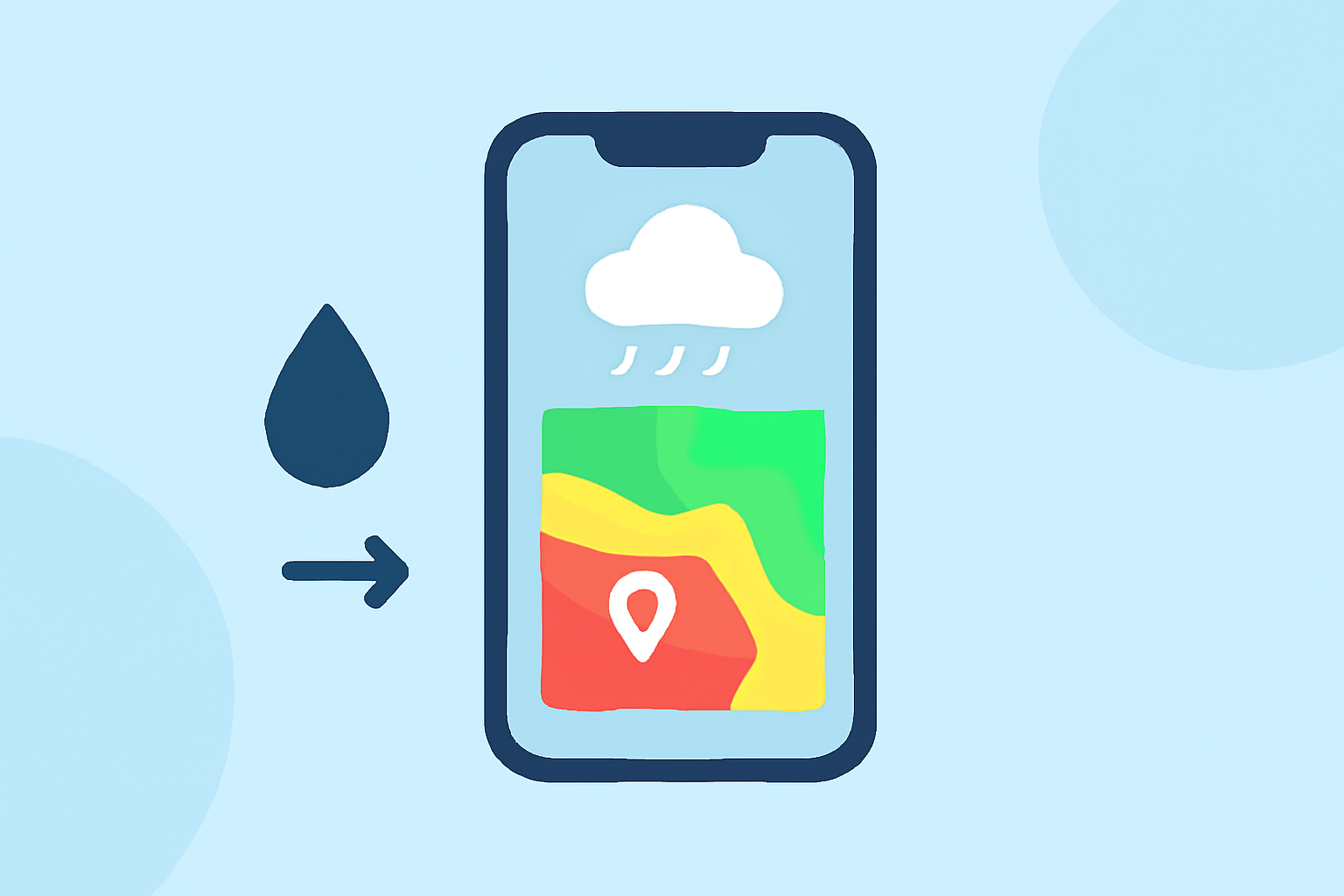
Rain rate maps are invaluable tools for understanding precipitation patterns, helping you plan outdoor activities, manage agricultural tasks, or monitor storm developments. With the advancements in iOS, accessing and utilizing these maps on your iPhone has become more intuitive.
What Are Rain Rate Maps?
Rain rate maps display the intensity and distribution of rainfall over a specific area, providing real-time data on precipitation levels. They are essential for assessing weather conditions, especially when planning events or managing tasks sensitive to weather changes.
How to Access Rain Rate Maps on Your iPhone
Apple's native Weather app offers an interactive rain map feature, allowing you to visualize precipitation patterns directly on your device. To access this feature:
-
Open the Weather App: Locate and tap the Weather app on your iPhone.
-
Select a Location: Choose the location for which you want to view the rain rate map.
-
Access the Map View: Tap the map icon located at the bottom-left corner of the screen.
-
Choose the Precipitation Layer: In the map view, tap the overlay menu icon (three stacked squares) in the upper-right corner, then select "Precipitation" to display the rain rate map.
This will present a full-screen map illustrating current and forecasted rainfall in your selected area. You can interact with the map by dragging to move it, pinching to zoom in or out, and using the timeline at the bottom to view precipitation over the next 12 hours. (support.apple.com)
Enhancing Your Rain Rate Map Experience
While the Weather app provides a solid foundation for viewing rain rate maps, you might consider additional applications for more detailed information:
-
RainTotal: This app offers precise rainfall totals and live radar, allowing you to see how much rain has fallen and is expected at any location in the United States. It's particularly useful for activities like farming, gardening, and outdoor planning. (apps.apple.com)
-
RainViewer: RainViewer provides live weather radar with rain alerts, local forecasts, and hurricane tracking. It delivers real-time data directly from weather radars, offering high-resolution maps and detailed precipitation information. (apps.apple.com)
Tips for Effective Use
-
Regular Monitoring: Check the rain rate maps periodically, especially before planning outdoor activities or events, to stay informed about changing weather conditions.
-
Customize Alerts: Set up notifications for specific rainfall thresholds to receive timely updates on significant weather changes.
-
Combine Resources: Utilize multiple sources to cross-reference data, ensuring a comprehensive understanding of precipitation patterns.
By effectively utilizing rain rate maps on your iPhone, you can make informed decisions, optimize your daily plans, and stay prepared for varying weather conditions.