
Mastering Weekly Weather Forecasts on Wear OS: A Beginner's Guide
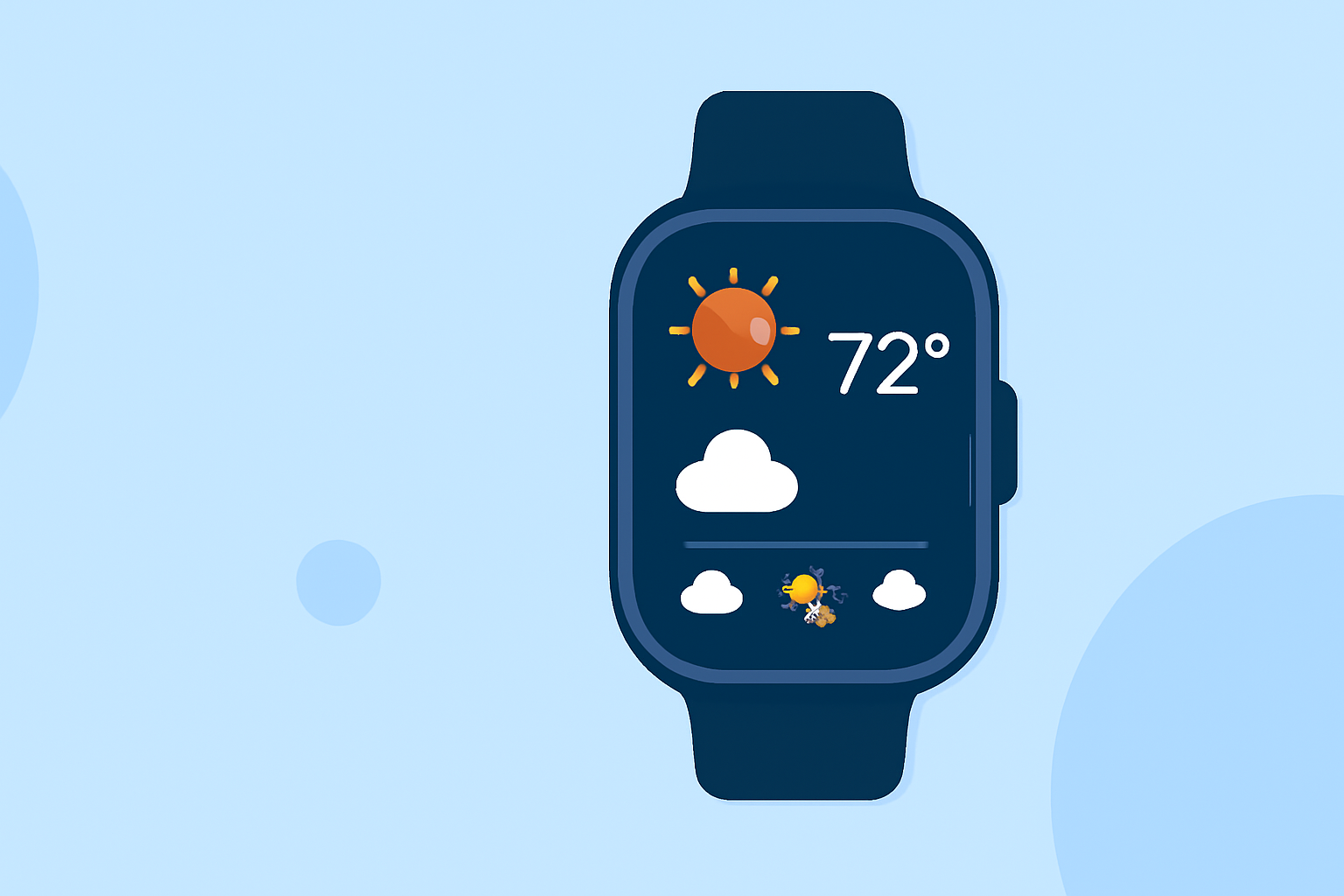
Staying informed about the weather is essential for daily planning, and with the advancements in Wear OS technology, accessing weekly weather forecasts has become more convenient than ever. For beginners, understanding how to utilize your Wear OS smartwatch for weather updates can enhance your daily routines.
Understanding Wear OS and Its Capabilities
Wear OS, developed by Google, is a smartwatch operating system that integrates seamlessly with Android devices. It offers a range of functionalities, including fitness tracking, notifications, and, notably, access to weather information. With the release of Wear OS 7, users can expect improved battery life and enhanced smart home integration, making it a versatile tool for daily use. (androidcentral.com)
Accessing Weekly Weather Forecasts on Wear OS
To view weekly weather forecasts on your Wear OS smartwatch, follow these steps:
-
Install a Weather App: While Wear OS devices may come with a default weather app, it's advisable to install a dedicated weather application for a more comprehensive experience. Clime offers a user-friendly interface that provides detailed weather information directly on your wrist.
-
Set Up the App: After installation, open the app and grant the necessary permissions, such as location access, to receive accurate forecasts.
-
View the Forecast: Navigate to the weekly forecast section within the app to see detailed information about upcoming weather conditions, including temperature, precipitation, and wind speed.
Features of Clime on Wear OS
Clime stands out as a market-leading solution for accessing weather information on Wear OS devices. Key features include:
-
Real-Time Updates: Receive up-to-date weather information, ensuring you're always prepared for changing conditions.
-
Detailed Forecasts: Access hourly and daily forecasts, including temperature, precipitation, and wind details.
-
User-Friendly Interface: Navigate through the app effortlessly, with intuitive controls designed for smartwatch users.
-
Customizable Widgets: Personalize your watch face with weather widgets that display essential information at a glance.
Tips for Beginners
-
Regular Updates: Ensure your weather app is updated regularly to benefit from the latest features and improvements.
-
Customize Notifications: Set up notifications for severe weather alerts to stay informed about critical weather changes.
-
Explore Settings: Dive into the app's settings to tailor the experience to your preferences, such as choosing between Celsius and Fahrenheit or adjusting update intervals.
Conclusion
Utilizing your Wear OS smartwatch to access weekly weather forecasts is a practical way to stay informed and plan your activities accordingly. By installing a dedicated weather app like Clime, you can enhance your smartwatch experience and ensure you're always prepared for the weather ahead.
Highlights:
- Wear OS 7 is here with better battery life and a massive smart home upgrade, Published on Tuesday, June 16
- Google is phasing out the Wear OS Weather app, but for something better, Published on Friday, September 12
- The Pixel Weather app is making its way to the Pixel Watch, Published on Friday, September 05