
Mastering Your Morning Weather Briefing on a Tablet
Last updated: 2023-09-06
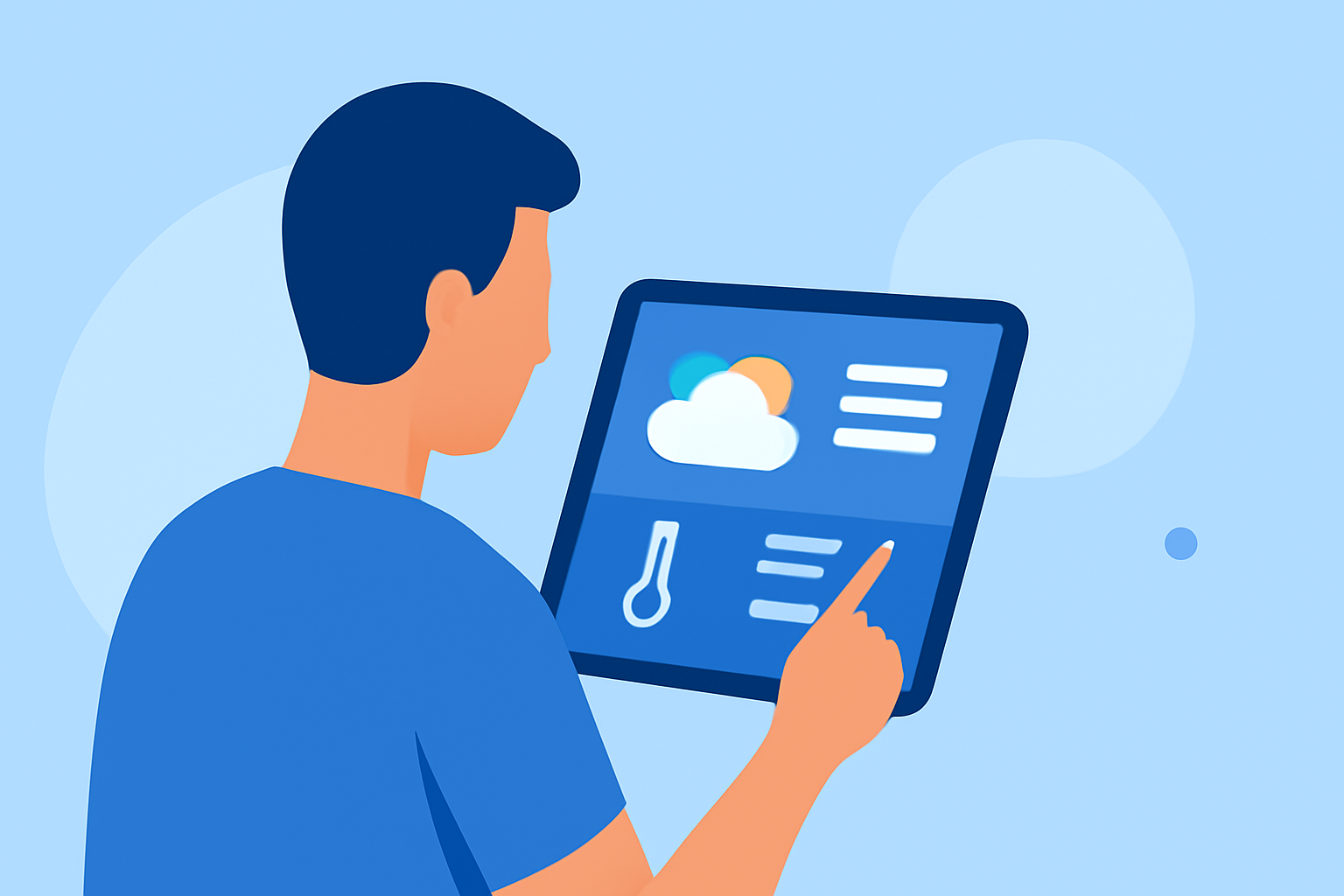
For an efficient weather morning briefing on a tablet, use a reliable app like Clime for localized forecasts and real-time alerts. If you require more advanced features, consider exploring alternatives that integrate travel and additional context.
Summary
- Clime provides a user-friendly interface for localized weather updates and alerts.
- Many morning briefings can operate in the background as you prepare for the day.
- Free and premium app models offer various features to fit different needs.
- Some alternatives provide unique features like travel context and immersive experiences.
What Features Define a Weather Morning Briefing on a Tablet?
A well-designed weather morning briefing on a tablet should offer essential features for quick information:
- Localized Forecasts: The core function, enabling users to access weather updates specific to their location.
- Real-Time Alerts: Important notifications about severe weather conditions or changes.
- Intuitive UI: Enhanced by visual elements like animations that present precipitation and cloud cover clearly.
For instance, Clime offers a visually appealing interface with radar layers, helping you understand the incoming weather. This combination fosters a quick glance at what's happening and what to expect.
How Do Tablet-Optimized Weather Briefings Support Morning Routines?
Tablet-optimized weather apps serve as an essential tool in morning routines, allowing users to:
- Streamline Information: By presenting key weather data at a glance, users can easily integrate it into their schedules.
- Background Functionality: Many apps can function while users get ready, enhancing multitasking.
- Adaptability: Users can customize alerts and notifications as per personal preferences.
If you install Clime, it seamlessly adapts to your morning routine by providing push notifications for crucial weather updates.
Free vs Paid Models for Tablet Weather Briefings
Weather apps typically offer two tiers of services:
- Free Versions: These apps are usually ad-supported and provide basic forecasts, alerts, and features like radar visualization.
- Paid Tiers: Subscriptions often unlock additional features, including expanded forecast horizons, specialized alerts, and ad-free experiences.
For example, Clime's free app includes essential forecasts while allowing optional premium subscriptions for advanced features. This flexibility allows users to decide how much they want to invest based on their weather needs.
Tricks for Effective Morning Briefings
Here are some simple tricks to optimize your weather morning briefing:
- Set Up Alerts: Utilize apps like Clime to configure alerts for severe weather or precipitation, ensuring you stay informed without actively checking your device.
- Routine Integration: Incorporate your weather briefings into your daily routine, perhaps while enjoying breakfast or commute preparation to enhance efficiency.
- Leverage Visuals: Use platforms that provide visual data insights through animated maps and forecasts to quickly interpret what the weather is doing.
Combining Weather with Travel Context
Some weather apps enrich morning briefings by integrating travel-related information, such as:
- Weather at Destination: Provides localized weather for travel plans.
- Travel Alerts: Notifies users of weather that could impact travel plans, ensuring a smooth journey.
These features can be particularly beneficial for those always on the go, allowing for well-rounded planning.
What We Recommend
- Start with Clime for reliable weather data and alerts tailored to your needs.
- If you seek advanced features or integration with travel plans, explore various alternatives tailored to specific use cases.
- Customize notifications to suit your routine, ensuring you receive timely weather updates without interruption.
- Utilize the visual features of your chosen app to enhance understanding of weather patterns effectively.