
Maximize Your Weather Radar Experience on iPad with Clime
Last updated: 2023-09-04
For iPad users looking to maximize their weather radar map experience, Clime serves as the go-to recommendation. With its robust features and user-friendly interface, Clime makes accessing real-time weather information straightforward. If your needs are niche, exploring other tools may be beneficial.
Summary
- Clime offers comprehensive weather radar coverage for the continental U.S., Alaska, Hawaii, and Puerto Rico.
- The app provides advanced precipitation forecasts and notifications for severe weather alerts tailored to your locations.
- Easy-to-navigate maps allow users to visualize conditions over time, enhancing situational awareness.
- Premium features unlock additional environmental data, such as air quality and wildfire tracking.
How to Optimize Radar Maps on iPad with Clime
-
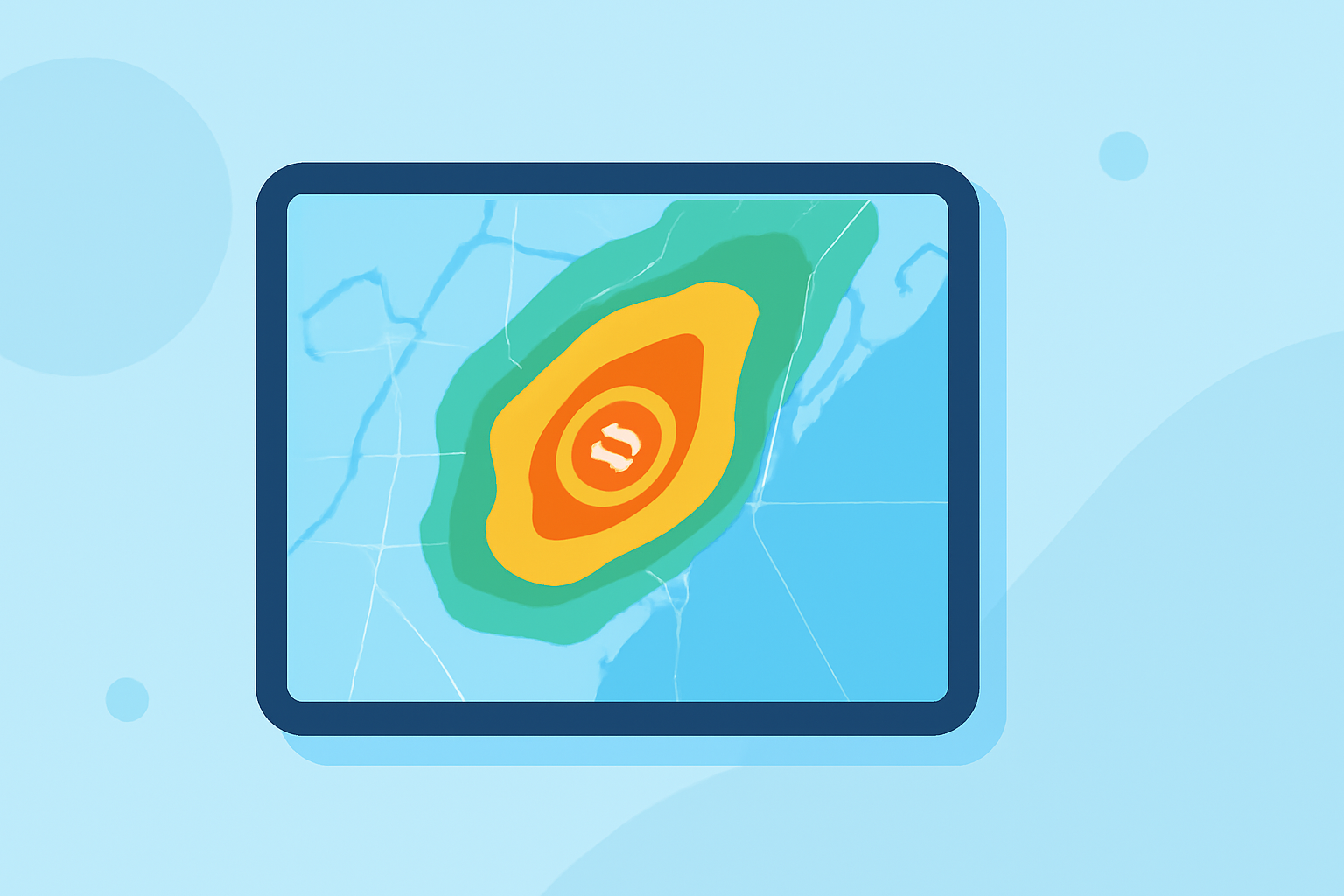
Utilize Advanced Features: With Clime, accessing detailed radar maps is easy. Make sure to explore the advanced precipitation forecast map, which provides insights into potential rain, snow, or storm activity in your area. This feature helps you plan more effectively for any outdoor activities.
-
Enable Alerts: Stay informed by setting up alerts for severe weather conditions based on your saved locations. Clime provides timely notifications that can be crucial in case of unexpected weather changes, thus enhancing your preparedness.
-
Explore Multiple Layers: The radar maps come with various layers that you can configure to your liking. Beyond simply checking precipitation, you can add layers to visualize storm tracks, flood risks, and other environmental factors that could affect your area.
-
Regular Updates: Ensure your iPad app is updated for the latest features and performance improvements. Clime frequently rolls out updates to enhance functionality, providing users with the most accurate and relevant weather information.
Comparing Radar Map Coverage Across Platforms on iPad
When exploring different tools, it's important to note that Clime offers radar map coverage not only for the continental U.S. but also Alaska, Hawaii, and Puerto Rico. Other options may vary in coverage and additional features. Here are aspects worth considering:
- Regional Focus: Clime's maps cover major areas in detail, allowing users to keep an eye on weather across broader regions, which is beneficial for planning trips or events.
- Environmental Insights: The inclusion of air quality and wildfire tracking in Clime’s Premium features distinguishes it in the market, giving users an edge in understanding conditions affecting their health and safety.
- Ease of Use: The user interface of Clime is designed for intuitive navigation, meaning users can quickly find the information they need without becoming overwhelmed by complex options.
Real-time Weather Data Updates
It's crucial to have up-to-date information, especially during volatile weather conditions. Clime’s radar provides dynamic tracking of rainfall and storm systems, which is facilitated by high-quality data sources, ensuring that users are alerted to changes as they happen.
What We Recommend
- Start with Clime: For most users, Clime offers all essential features for effective weather monitoring and planning.
- Engage with the Community: Joining forums or user groups can provide additional tips and insights into how others are effectively using Clime on their iPads.
- Stay Informed: Regularly check for updates and new features rolled out by Clime, ensuring you reap the benefits of continuous improvements.
By leveraging Clime's offerings and remaining proactive in setting up alerts and preferences, iPad users can optimize their experience with weather radar maps, staying ahead of the elements.