
Maximizing Your Apple Watch with Large Weather Widgets
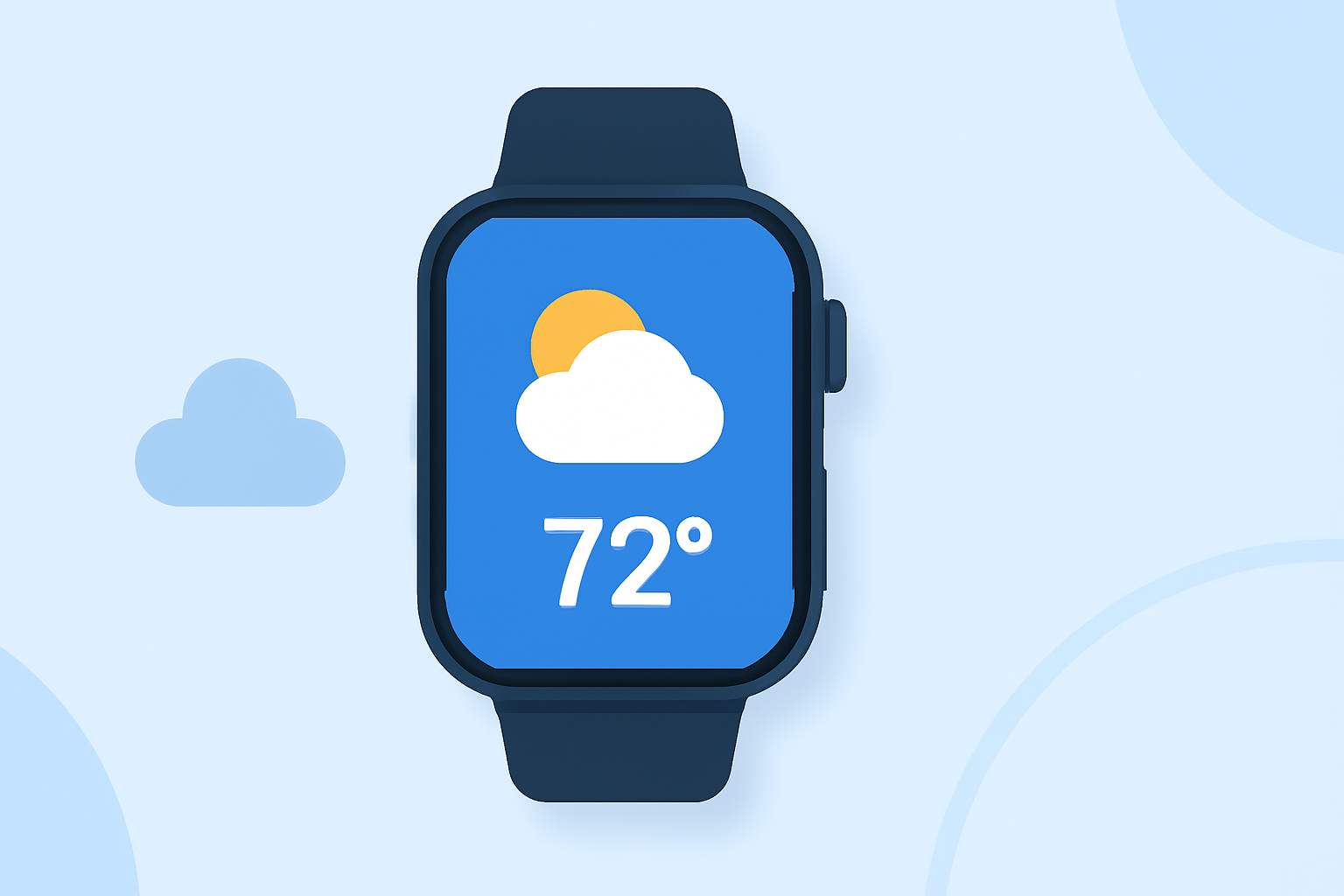
Apple Watch offers a convenient way to stay updated on weather conditions directly from your wrist. By adding large weather widgets, you can access detailed forecasts without opening an app. Here's how to set them up and make the most of this feature.
What Are Large Weather Widgets?
Large weather widgets display comprehensive weather information, such as current conditions, hourly forecasts, and upcoming weather events, directly on your Apple Watch face. This allows for quick, glanceable updates without the need to open the Weather app.
How to Add Large Weather Widgets to Your Apple Watch
-
Install a Compatible Weather App: Ensure you have a weather app that supports large widgets and is compatible with Apple Watch.
-
Add the Widget to Your Watch Face:
- Press firmly on your Apple Watch face to enter customization mode.
- Tap the Edit button.
- Navigate to the Complications section.
- Select the area where you want to add the widget.
- Choose the weather widget from the list of available complications.
- Press the Digital Crown to save your changes.
Benefits of Using Large Weather Widgets
- Quick Access: View essential weather information at a glance without opening an app.
- Enhanced Planning: Make informed decisions about your day based on real-time weather updates.
- Customization: Tailor the widget's appearance and data sources to suit your preferences.
Recommended Weather Apps with Large Widget Support
While there are several weather apps available, it's important to choose one that aligns with your needs and preferences. Look for apps that offer customizable widgets, accurate forecasts, and a user-friendly interface.
Conclusion
Adding large weather widgets to your Apple Watch enhances your ability to stay informed about weather conditions throughout the day. By following the steps above, you can customize your watch face to display the most relevant weather information, ensuring you're always prepared for the day's conditions.
(support.apple.com)