
Maximizing Your Gardening with Apple Watch Weather Insights
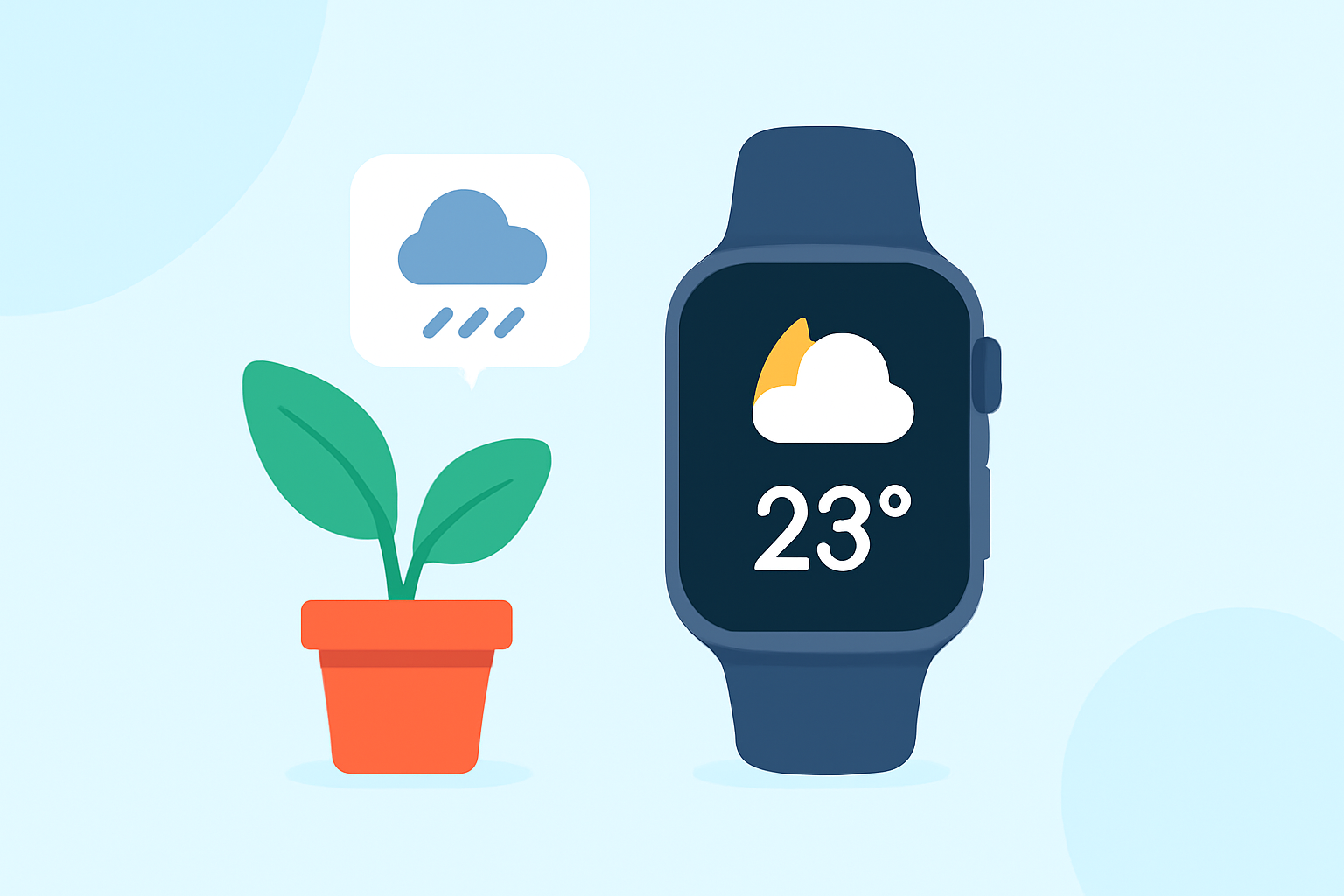
Gardening thrives on precise weather information. Your Apple Watch, equipped with the Weather app, offers real-time updates to support your horticultural endeavors.
Accessing Weather Information on Your Apple Watch
To stay informed:
- Open the Weather App: Press the Digital Crown and tap the Weather icon.
- View Current Conditions: The main screen displays temperature, conditions, and other relevant metrics.
- Explore Detailed Forecasts: Scroll down for hourly and 10-day forecasts, providing insights into upcoming weather patterns.
For a comprehensive guide, refer to Apple's official support page. (support.apple.com)
Utilizing Weather Data for Gardening Decisions
Accurate weather data is crucial for effective gardening. Your Apple Watch can assist in several ways:
- Temperature Monitoring: Ensure plants are within their optimal temperature range.
- Precipitation Alerts: Decide when to water based on rainfall forecasts.
- Wind Speed Tracking: Protect delicate plants from strong winds.
- UV Index Awareness: Safeguard plants sensitive to UV exposure.
Enhancing Your Apple Watch with Gardening-Specific Features
While the native Weather app provides essential information, specialized apps can offer tailored insights for gardeners. These apps often include features like soil moisture tracking, pest alerts, and plant-specific care tips. Integrating such apps with your Apple Watch can provide a more comprehensive gardening experience.
Troubleshooting Weather App Issues
If you encounter issues with the Weather app:
- Check Connectivity: Ensure your Apple Watch is connected to Wi-Fi and paired with your iPhone.
- Update Software: Verify that both your iPhone and Apple Watch are running the latest operating systems.
- Restart Devices: A simple restart can often resolve minor glitches.
For detailed troubleshooting steps, consult this guide. (guidingtech.com)
Conclusion
By effectively utilizing your Apple Watch's weather capabilities, you can make informed decisions that promote a healthier and more productive garden.