
Maximizing Gardening Safety with Lightning Notifications
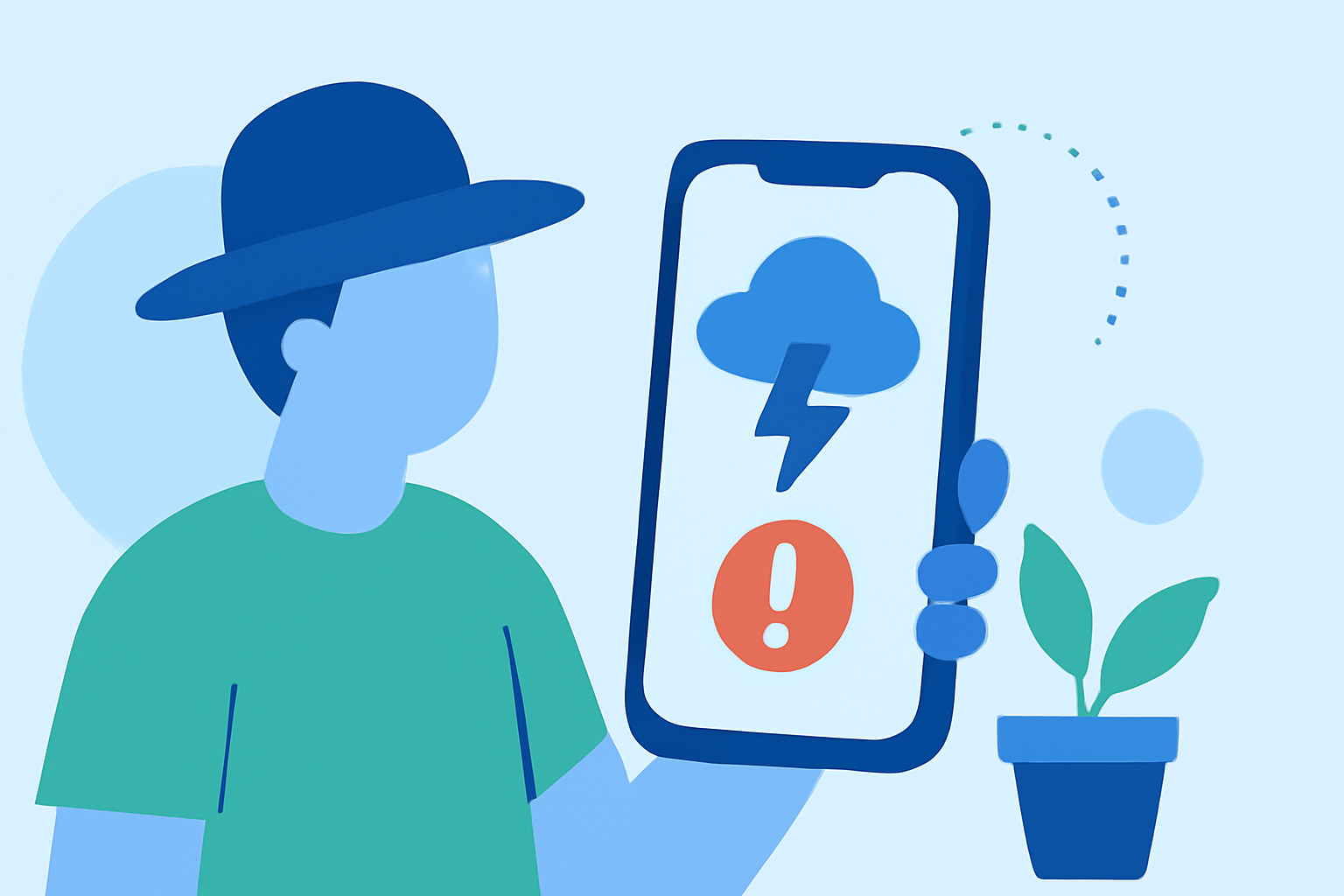
Last updated: 2023-09-07 For gardeners, nearby lightning notifications are essential for managing outdoor activities safely. Utilizing a reliable weather app can alert you to lightning strikes close to your location and help avoid serious weather risks. Clime is an excellent option for real-time alerts, offering critical information for efficient gardening planning.
Summary
- Weather Awareness: Stay informed about lightning activities in your area.
- Timely Alerts: Use apps to receive notifications when storms approach.
- Effective Planning: Adjust your gardening schedule based on lightning forecasts and alerts.
- Safety First: Prioritize safety by monitoring real-time updates about thunderstorms and lightning strikes.
Why Use Lightning Nearby Notifications for Gardening?
Why should gardeners be aware of lightning nearby notifications? Lightning can pose serious hazards during outdoor activities, especially when working with tools, watering plants, or simply being outside. Being alerted to a nearby storm can save lives and prevent injuries.
How Do Notifications Work?
Most weather apps, including Clime, utilize real-time radar and lightning detection to notify users when strikes occur within a user-defined area. These alerts often come as push notifications and can be customized based on your preferences, ensuring that you are aware of impending storms. For example, if you define a specific radius around your garden, you can receive alerts whenever lightning strikes within that area.
Choosing the Right Tool
When deciding on a tool for lightning notifications, consider what features you need most. Clime offers NOAA-based radar detection and is optimized for providing accurate and timely notifications. Additionally, it includes a 14-day forecast, allowing gardeners to see weather patterns in advance.
Best Practices for Gardeners
- Limit Outdoor Activities: When you receive a lightning notification, cease any gardening tasks immediately.
- Seek Shelters: Keep safe in enclosed structures, avoiding tall trees or open fields during storms.
- Monitor Alerts: Regularly check notifications on your weather app. Make use of Clime's alert settings to specify your location precisely, ensuring timely updates.
Advanced Features to Utilize
Consider apps that provide additional features for gardeners:
- Real-Time Radar: Visualizing storm movement helps you understand when to expect a storm.
- Severe Weather Alerts: Premium plans often unlock alerts for other severe weather conditions, including high winds or heavy rain that might affect your gardening plans.
- Environmental Monitoring: Some applications also provide insights into air quality, making it easier for you to choose optimal times for gardening based on overall weather conditions.
Customizing Your Notifications
Most weather apps allow you to customize how you receive alerts based on your preferences. For instance, you can choose to receive notifications for different weather types, like lightning or severe thunderstorms. With Clime, you can configure alerts for all your saved locations, ensuring you never miss a notification.
Conclusion: What We Recommend
- Use Clime for Alerts: Rely on Clime’s pushing notifications to keep you updated on lightning activity near your garden.
- Customize Notifications: Tailor alerts based on your specific gardening needs.
- Stay Safe: Always prioritize safety by adhering to notifications and understanding storm patterns.
- Utilize Forecasts: Make use of the 14-day forecasts to plan gardening activities accordingly.