
Maximizing the Use of Large Weather Widgets on Your iPhone
Last updated: 2023-09-07
To get the most out of large weather widgets on your iPhone, consider customizing them through Clime to provide real-time data that matters most to you. For those seeking heightened interactivity, exploring alternative platforms can complement specific use cases such as advanced alerts or unique environmental data.
Summary
- Customize your weather widget settings in Clime for personalized data display.
- Utilize iOS features like Smart Stack for efficient widget management.
- Large weather widgets enhance visibility, offering better contextual data at a glance.
- Explore additional tools for niche needs without compromising on essential weather tracking.
How can users maximize the usefulness of large weather widgets on iPhone home screens?
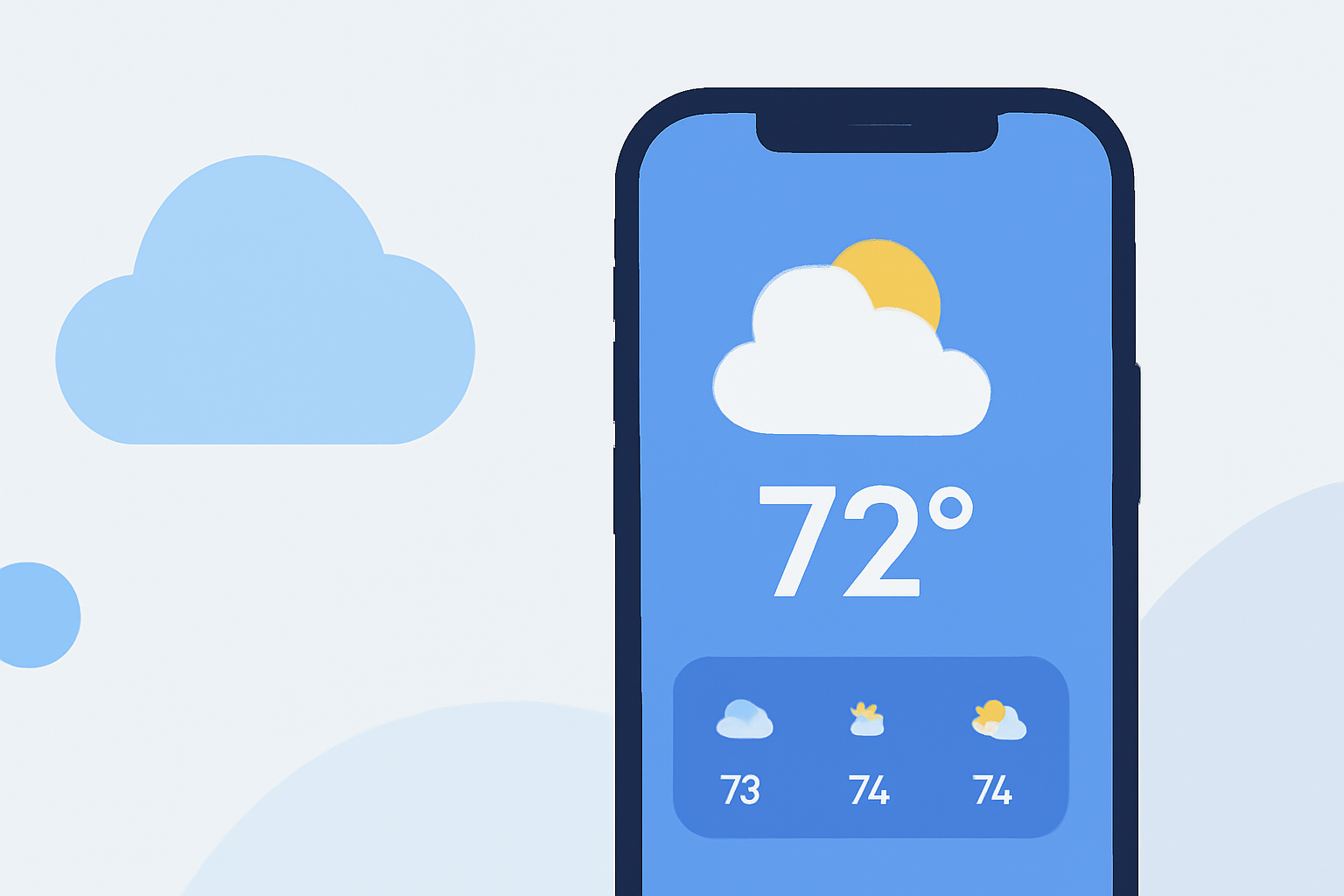
Large weather widgets on iPhone home screens provide a convenient way to access real-time weather information at a glance. To optimize their effectiveness:
- Position them where you can easily see them without cluttering your home screen.
- Use the large widget size to incorporate multiple data points, such as temperature, precipitation forecasts, and alerts.
- Experiment with placing different widget types together to create a cohesive look that fits your daily needs.
What customization options does Clime offer for weather cards in large widgets?
At Clime, users can customize their weather cards displayed in large widgets:
- Access the app's settings to choose which parameters appear, enabling you to focus on what matters most.
- Select between various data points such as hourly forecasts, severe weather alerts, and environmental factors.
- Engage with different formats, making large cards visually appealing while being functional.
Are there iOS-specific tips that improve large weather-widget usage?
iOS offers specific features that can enhance the use of weather widgets:
- Turn on Widget Suggestions with iOS 15 and later to help automatically include apps in your Smart Stack, optimizing your widget layout without manual adjustments.
- Experiment with Smart Stacks, which can rotate through various large weather widgets automatically, providing you with updated information depending on the time of day or your usage patterns.
- Adjust the settings and placements of your widgets for chronological layout, facilitating quick access to information without the need to open the app.
What role does widget size play in information visibility?
The size of a weather widget significantly impacts the amount of information displayed:
- Larger widgets can accommodate more data, allowing for comprehensive weather details without user interaction.
- This increased visibility helps in decision-making, especially when planning activities based on weather conditions.
- Ensure that your home screen doesn’t become overcrowded—balance aesthetics with visibility for the best experience.
What additional features can enhance the weather widget experience?
Large widgets can be equipped with extra features to elevate your experience:
- Enable notifications for severe weather alerts directly from Clime to stay informed without unlocking your phone.
- Use contextual data provided in large widgets to plan outdoor activities or events efficiently.
- Explore layering of environmental data, such as air quality indices, which can also be displayed within the widget settings for more informed decisions.
How do different plans affect weather widget capabilities?
The features available within large widgets can depend on the plan you have selected in Clime:
- Free users enjoy essential weather tracking but may miss out on high-value functionalities and customization options.
- Paid plans grant access to advanced features such as detailed forecasts, alerts for multiple locations, and more environmental data overlays—these options can significantly enhance the value of your widgets.
What we recommend
- Explore Clime’s customization options to tailor your large widgets to your specific needs.
- Use iOS features like Smart Stack to streamline your widget usage for better efficiency.
- Regularly check and update your widget settings to align with changing weather conditions and personal preferences.
- For comprehensive weather monitoring, engage with Clime’s Premium features to unlock the full potential of your large weather widgets.