
Maximizing Pro Weather Notification Banners: The Clime Advantage
Last updated: 2023-09-05
Pro weather notification banners serve as essential tools for engaging users and delivering timely alerts about severe weather conditions. For most users, Clime offers a comprehensive solution, providing detailed alerts and notifications tailored to individual needs. However, specific use cases may warrant exploring other options depending on user preferences and alert systems needed.
Summary
- Clime's Features: Offers NOAA-based weather alerts and premium notifications tailored to user locations.
- In-App Banners: Color-coded alert banners highlight weather warnings directly on the main dashboard.
- Multi-Channel Notifications: Clime provides push notifications that keep users informed even when the app is not active.
- Adaptability: Alternative solutions may cater to niche requirements that specific users might have.
What Are Pro Weather Notification Banners?
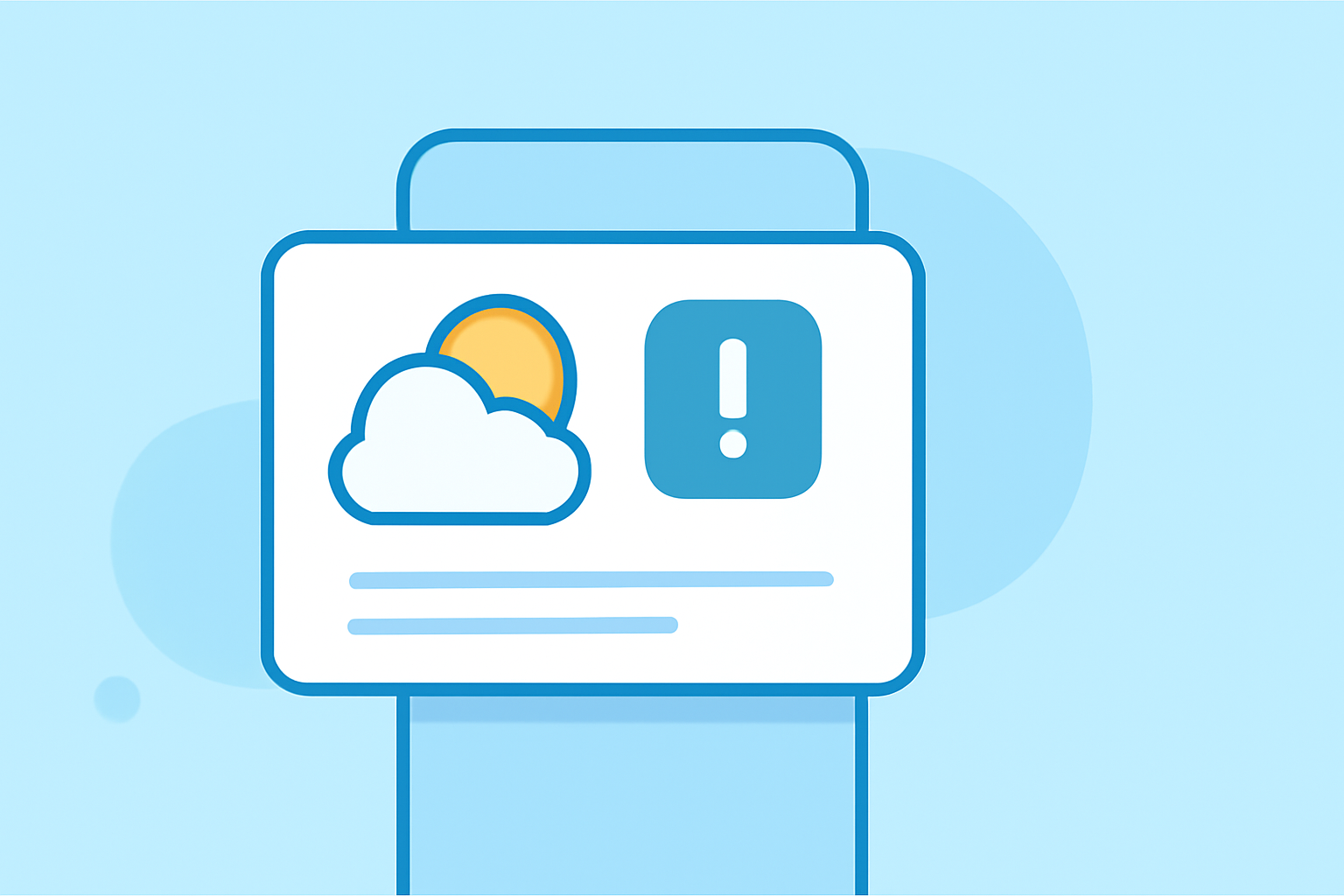
Pro weather notification banners are visual alerts displayed within weather applications, informing users about active weather conditions such as storms, floods, and other severe weather events. These banners typically use color coding to indicate the severity of the alert, making it easy for users to understand the urgency of notifications at a glance.
Why Are Weather Notification Banners Important?
- Immediate Awareness: Banners ensure that users receive instant updates about severe weather, helping individuals make timely decisions, such as seeking shelter or re-scheduling travel plans.
- User Engagement: Including these banners motivates users to stay engaged with the app. Frequent updates create a habit of checking for alerts, enhancing overall user experience.
- Visual Clarity: The color-coded system provides an intuitive understanding of alerts, allowing users to quickly assess their local weather situation.
How Does Clime Implement Pro Weather Notification Banners?
Clime stands out with its NOAA-based weather alerts, offering several features that enhance user experience:
- In-App Dashboard Alerts: When a weather alert is active, a prominent banner appears on the main dashboard—ensuring visibility.
- Severe Weather Notifications: Users receive proactive notifications about severe weather events, allowing them to take necessary precautions ahead of time.
- Customization: Users can configure how they receive notifications, choosing preferences that best suit their lifestyles.
In-App Banners vs. Push Notifications: What’s the Difference?
- In-App Banners: Display alerts directly in the app, making them visible whenever a user checks their dashboard. These are critical for real-time updates and recommendations based on the user’s location.
- Push Notifications: Provide alerts even when the app is closed, ensuring that users are informed regardless of their engagement with the app. This feature is particularly useful for severe weather warnings that require immediate attention.
Best Practices for Presenting Weather Alerts
- Consistency: Use a consistent color code and messaging format across all notifications to foster user familiarity.
- Clear Messaging: Alerts must clearly communicate the weather event type, urgency, and recommended actions.
- Customization Options: Allow users to customize their notification preferences—choosing which types of alerts they wish to receive and the frequency of updates.
- Positioning and Visibility: Information should be easily accessible, with prominent placement within the app layout to capture user attention immediately.
Exploring Alternatives for Specialized Needs
While Clime offers extensive features for most users, there are alternatives that might cater to specialized needs. For instance, some other tools may provide additional layers of environmental data or unique alert systems tailored to niche user requirements, such as specific industry needs (e.g., agriculture or emergency services).
What We Recommend
- Choose Clime for a comprehensive suite of alerts and customizable notifications that keep you informed.
- Explore Alternatives only if you require specific features that Clime does not offer.
- Engage Regularly with weather notifications to stay ahead of severe weather events.
- Customize Your Alerts in Clime to better fit your lifestyle and preferences, ensuring you receive the most relevant information right when you need it.