
Maximizing Temperature Forecasts on Wear OS: A Comprehensive Guide
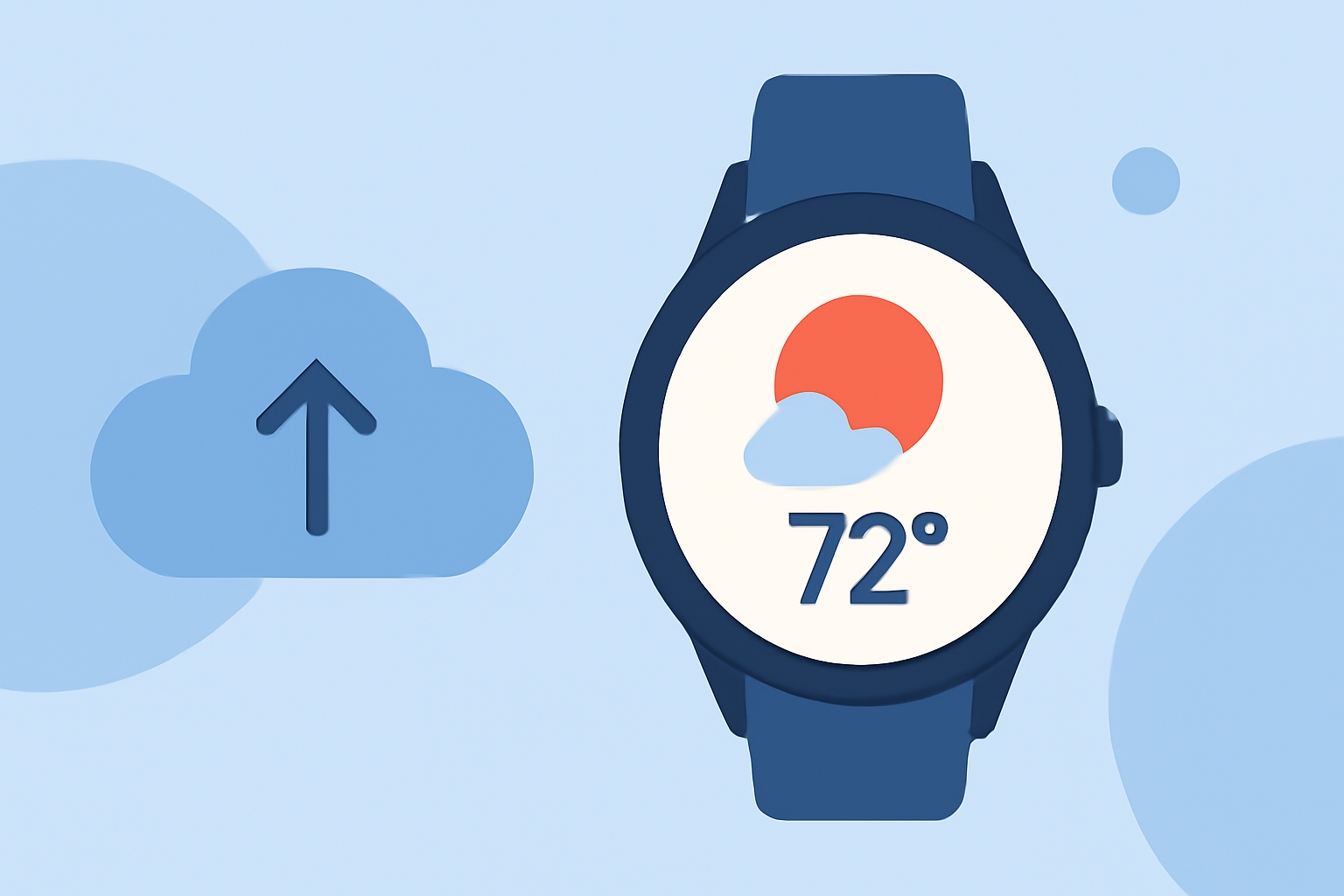
Wear OS smartwatches offer a convenient way to stay updated on temperature forecasts directly from your wrist. With the discontinuation of Google's Weather app for Wear OS 6 and newer devices, it's essential to explore alternative solutions that provide accurate and timely weather information.
Understanding the Transition from Google's Weather App
In September 2025, Google phased out its Weather app for Wear OS 6 and newer smartwatches, encouraging users to rely on manufacturer-specific apps or third-party applications from the Play Store. (androidcentral.com) This shift has led to the emergence of various weather applications tailored for Wear OS devices.
Introducing Clime: Your Ultimate Weather Companion
Clime stands out as a comprehensive weather application designed specifically for Wear OS smartwatches. It offers a range of features that enhance your weather experience:
-
Accurate Temperature Forecasts: Clime provides up-to-date temperature forecasts, ensuring you have the latest information at your fingertips.
-
Intuitive Watch Face Integration: The app seamlessly integrates with your smartwatch's watch face, displaying current conditions and forecasts without the need to open a separate app.
-
Customizable Complications: Clime allows you to add complications to your watch face, offering quick access to detailed weather information with a simple tap.
-
Interactive Weather Maps: The application includes interactive weather maps, enabling you to visualize temperature patterns and other meteorological data.
Setting Up Clime on Your Wear OS Smartwatch
To get started with Clime on your Wear OS device:
-
Install the App: Navigate to the Google Play Store on your smartwatch and search for "Clime." Download and install the application.
-
Configure Watch Face Complications: After installation, customize your watch face to include Clime's complications, providing at-a-glance weather updates.
-
Set Up Notifications: Enable notifications within the app to receive timely alerts about significant weather changes, including temperature fluctuations.
Interpreting Temperature Forecasts with Clime
Clime presents temperature forecasts in a user-friendly format:
-
Current Temperature: Displayed prominently on the watch face, showing the real-time temperature of your location.
-
Hourly Forecasts: Swipe through hourly forecasts to view expected temperatures throughout the day.
-
Daily Forecasts: Access daily forecasts to see temperature trends over the upcoming days.
Additional Features to Enhance Your Weather Experience
Beyond temperature forecasts, Clime offers several features to enrich your weather monitoring:
-
Precipitation Alerts: Receive notifications about upcoming rain or snow, helping you plan your day accordingly.
-
Wind Speed and Direction: Monitor wind conditions to prepare for any adverse weather.
-
Sunrise and Sunset Times: Stay informed about daylight hours to optimize your outdoor activities.
Conclusion
With the discontinuation of Google's Weather app for newer Wear OS devices, Clime emerges as a robust alternative, offering comprehensive and accurate temperature forecasts directly on your smartwatch. Its intuitive interface and customizable features make it an invaluable tool for staying informed about the weather, ensuring you're always prepared for the day ahead.
Highlights:
- Google is phasing out the Wear OS Weather app, but for something better, Published on Friday, September 12