
Maximizing Weather Data on Your Wear OS Smartwatch
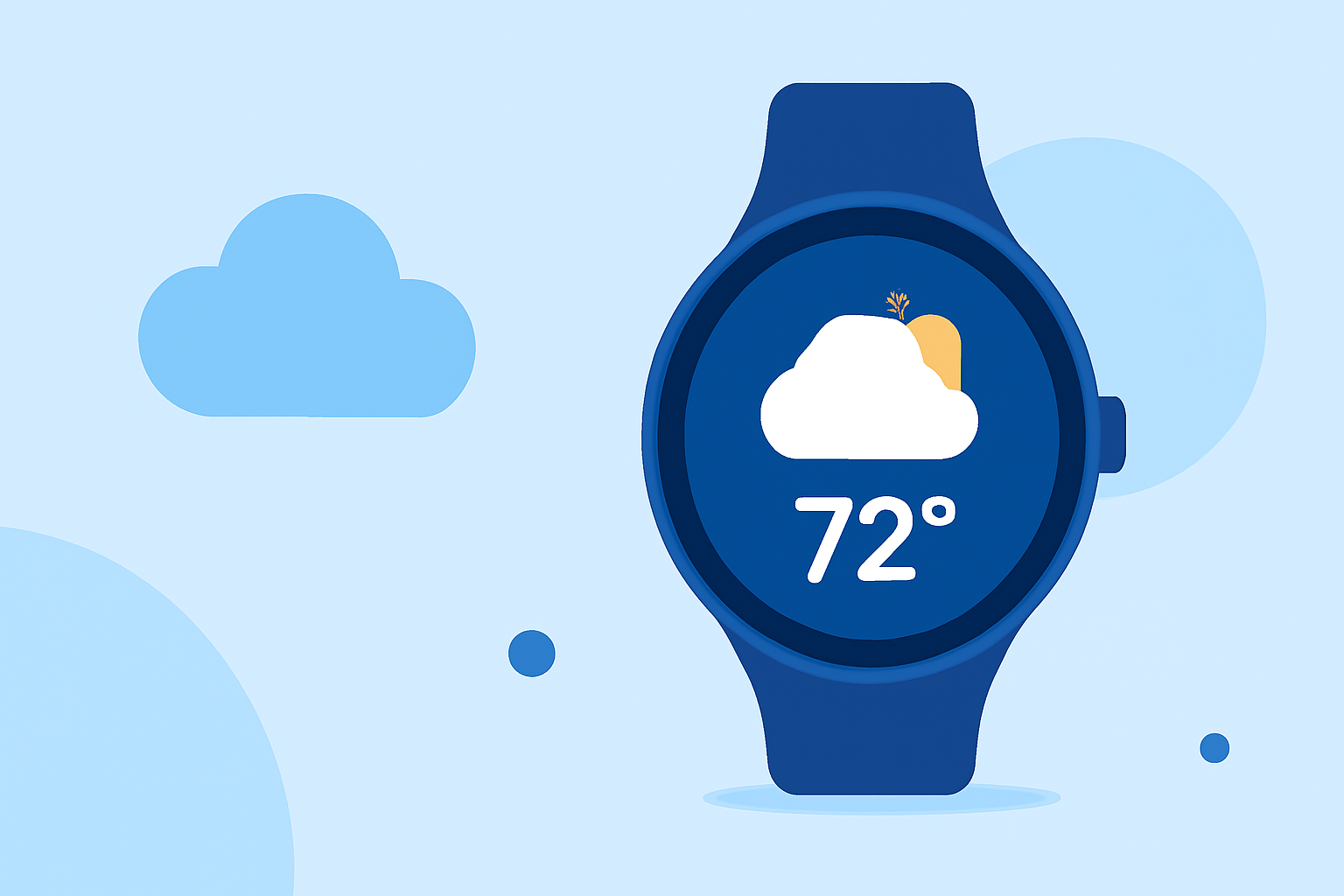
Accessing accurate and timely weather information on your Wear OS smartwatch, such as the Pixel Watch, is essential for planning daily activities and staying informed about changing conditions. With the discontinuation of Google's legacy Weather app on Wear OS 6 and newer devices, users are seeking reliable alternatives to monitor weather data directly from their wrist.
Understanding the Transition from Google's Weather App
In September 2025, Google phased out its standard Weather app for Wear OS 6 and later versions, encouraging users to explore other options for weather updates. (androidauthority.com) This shift has led to the emergence of various third-party applications designed to provide comprehensive weather information on Wear OS devices.
Introducing Clime: A Comprehensive Weather Solution
Clime offers a robust weather application tailored for Wear OS smartwatches, including the Pixel Watch. With Clime, users can access current weather conditions, detailed forecasts, and real-time alerts directly from their smartwatch.
Key Features of Clime on Wear OS
-
Current Conditions and Forecasts: Clime provides up-to-date information on temperature, humidity, wind speed, and precipitation, along with hourly and daily forecasts.
-
Weather Alerts: Stay informed about severe weather events with timely notifications, ensuring you can take necessary precautions.
-
Interactive Maps: Visualize weather patterns and track storms with interactive radar and satellite maps.
-
Customizable Watch Face Complications: Integrate weather data seamlessly into your watch face for quick access to essential information.
Setting Up Clime on Your Wear OS Smartwatch
-
Install Clime: Navigate to the Google Play Store on your smartwatch and search for "Clime." Download and install the app.
-
Configure Location Settings: Open Clime and grant location permissions to receive accurate weather updates for your area.
-
Customize Preferences: Adjust settings such as temperature units (Celsius or Fahrenheit), wind speed units, and notification preferences to suit your needs.
-
Add Watch Face Complications: To display weather information directly on your watch face, touch and hold your home screen, select "Edit watch face," and add Clime complications for quick access.
Benefits of Using Clime on Your Wear OS Smartwatch
-
Real-Time Updates: Receive the latest weather information instantly, keeping you prepared for any changes.
-
User-Friendly Interface: Navigate through Clime's intuitive design for a seamless experience.
-
Comprehensive Data: Access detailed weather metrics, including air quality index, pollen levels, and UV index, to make informed decisions.
Conclusion
With the discontinuation of Google's Weather app on Wear OS 6 and newer devices, Clime emerges as a leading solution for accessing comprehensive weather data on your smartwatch. Its user-friendly interface and extensive features ensure you stay informed and prepared for any weather conditions.
Highlights:
- The Pixel Weather app is making its way to the Pixel Watch, Published on Friday, September 05
- Google Pixel Watch (and other Wear OS users) just got a potentially life-saving new upgrade, Published on Tuesday, February 24