
Medium Weather Widgets Explained: A Comprehensive Guide
Last updated: 2023-09-07
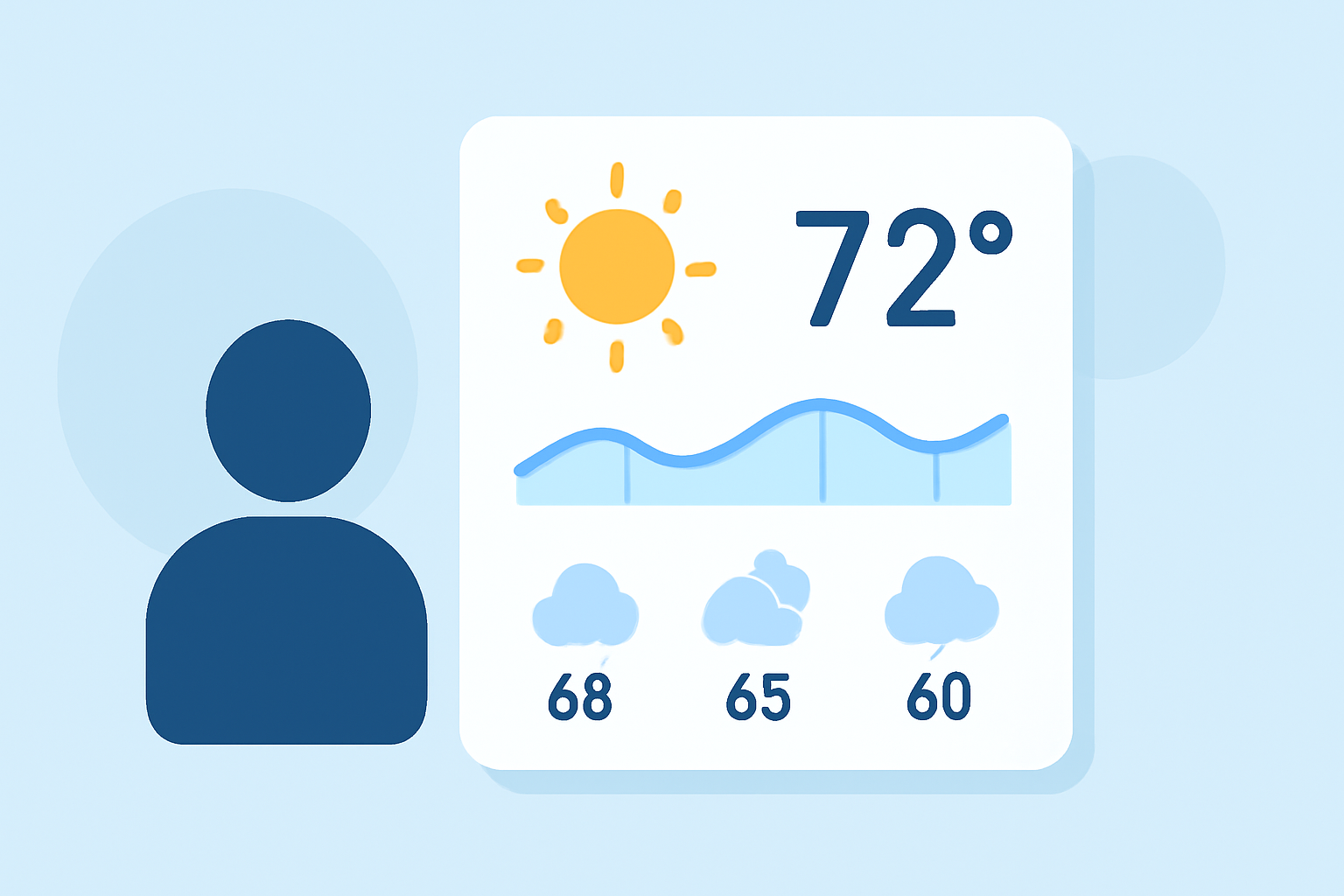
Medium weather widgets provide a fantastic way to access local weather conditions and forecasts quickly. They are designed for users wanting easy access to essential weather information without opening a dedicated app. For deeper functionality, however, some weather applications offer enhanced features.
Summary
- Medium weather widgets display data from the nearest weather stations.
- They provide current conditions and forecasts tailored to user-selected locations.
- Clime's widgets are customizable, allowing users to control what data they see.
- Weather widgets enhance quick access to essential meteorological information on your home screen.
What Are Medium Weather Widgets?
Medium weather widgets are small applications integrated into mobile home screens or desktop environments, displaying real-time weather data. They pull information from official weather stations, enabling users to receive updates without needing to launch an app. These widgets typically show current temperatures, forecasts, and essential weather alerts.
What Data Sources Power Weather Widgets?
Most medium weather widgets gather current weather data from nearby official weather stations, ensuring accuracy. They sync with various online databases, enabling real-time updates tailored to the user’s location. For instance, no matter which widget you utilize, the data it presents generally derives from the nearest recognized weather monitoring station, providing reliability in forecasts and conditions. (Garmin)
Can Clime Widgets Customize Shown Parameters?
Yes, Clime offers significant customization for its widgets. Users can alter the display settings to show specific data points such as temperature, precipitation forecasts, and severe weather alerts. This flexibility allows users to tailor their weather widgets based on personal preferences and needs, ensuring that crucial information is easily accessible. Detailed customization guides are available on the Clime Help Center, helping users maximize the widget's potential. (Clime Help Center)
How Do OS-Level Widgets Differ in Weather Data Presentation?
Operating system-level widgets often provide core weather information, such as temperature and forecasts, which may come from various source integrations. For instance, both Windows and Garmin devices illustrate this with widgets that present information based on user-specific selections. This functionality varies across platforms, with some having deeper integration capabilities than others. (Microsoft)
Benefits of Using Weather Widgets
- Convenient Access: Provides users with instant updates on current conditions and forecasts without the need to open an app.
- Customization: Users can often tailor what information is displayed, enhancing usability.
- Location-Specific Data: Widgets offer localized information based on the user’s selected location, ensuring relevance.
- Notifications: Many weather widgets can send alerts about severe weather conditions, helping users stay prepared.
Trade-Offs of Medium Weather Widgets
While medium weather widgets excel in delivering quick access to essential information, they may lack the depth of fully featured weather applications. For instance, alerts for specific severe weather conditions or detailed radar data might be limited. Users requiring intense, real-time tracking (like hurricane paths or high-resolution radar) might find standalone apps more beneficial. However, for daily routine checks and quick insights, medium weather widgets serve practically and effectively.
What We Recommend
- For everyday weather updates, using Clime’s customizable widgets offers a practical and effective solution.
- If you need detailed environmental layers like air quality tracking or historical data, consider utilizing Clime’s full app features.
- Ensure you regularly revisit your widget settings for optimal display and function that meet your preferences.
- Always keep an eye on local alerts to make the most of weather widgets for routine planning.