
Mastering Medium Weather Widgets: A Guide for Outdoor Enthusiasts
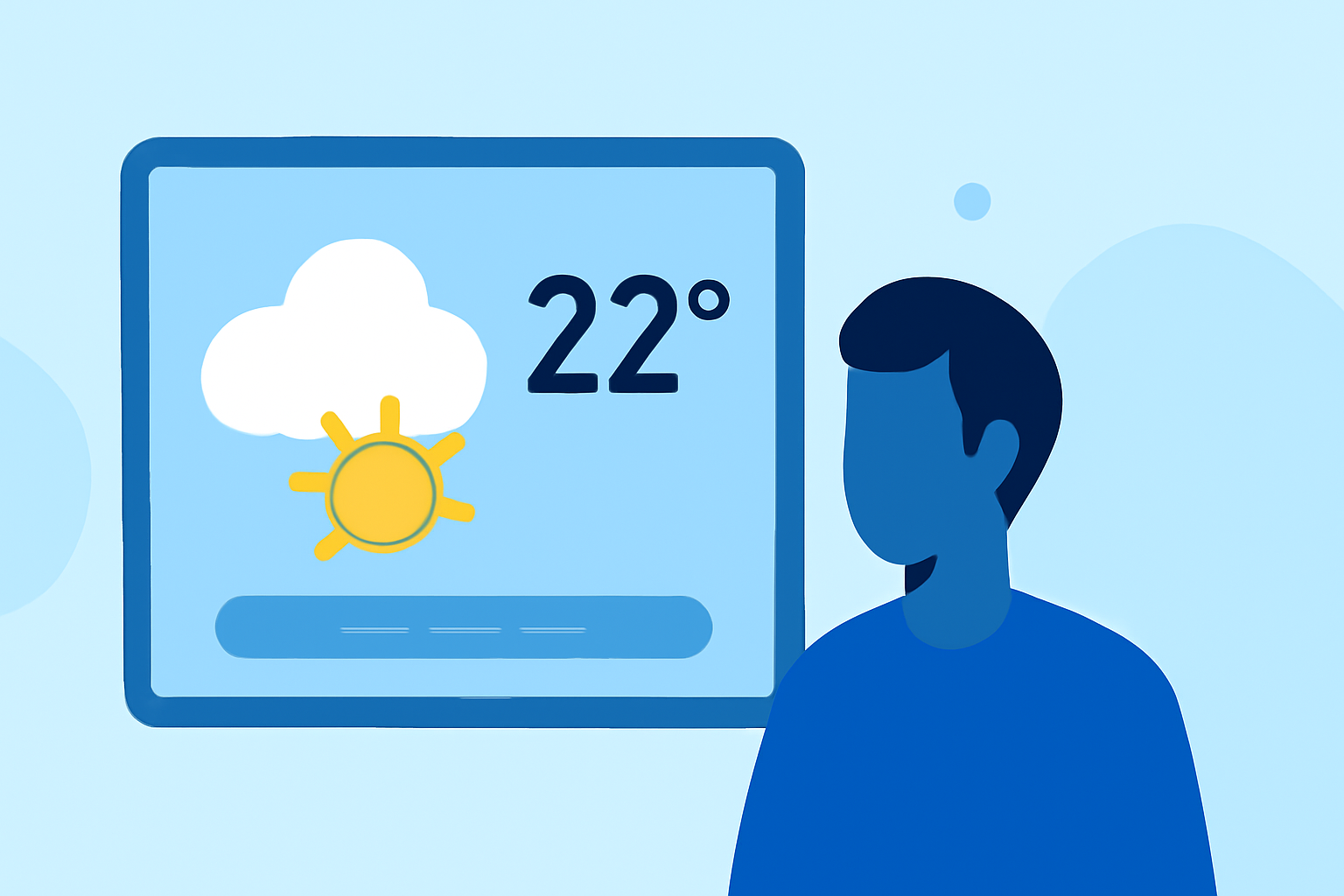
As an outdoor enthusiast, staying informed about the weather is crucial for planning safe and enjoyable activities. Medium weather widgets offer a convenient way to access real-time weather updates directly from your device's home screen. This guide will walk you through the benefits, features, and setup of medium weather widgets tailored for outdoor adventures.
What Are Medium Weather Widgets?
Medium weather widgets are customizable tools that display current weather conditions, forecasts, and other meteorological data on your device's home screen. They provide quick access to essential weather information without the need to open a full-fledged weather app.
Why Should Outdoor Enthusiasts Use Weather Widgets?
- Instant Access to Weather Data: Widgets provide immediate updates on weather conditions, helping you make timely decisions.
- Customization: Tailor the widget to display the specific weather metrics most relevant to your activities, such as temperature, precipitation, wind speed, and UV index.
- Enhanced Planning: Accurate and up-to-date weather information aids in planning outdoor activities, ensuring safety and enjoyment.
Key Features to Look for in Weather Widgets
When selecting a weather widget for your outdoor adventures, consider the following features:
- Real-Time Updates: Ensure the widget provides live weather data for accurate decision-making.
- Customizable Metrics: The ability to choose which weather parameters are displayed allows for a personalized experience.
- Interactive Forecasts: Widgets that offer interactive elements, such as hourly forecasts or radar maps, can provide more detailed insights.
- Offline Functionality: For remote areas with limited connectivity, offline access to weather data is invaluable.
How to Set Up a Medium Weather Widget
Setting up a weather widget on your device is a straightforward process. Here's how:
- Choose a Compatible App: Select a weather app that offers widget functionality and suits your needs.
- Install the App: Download and install the app from your device's app store.
- Add the Widget to Your Home Screen:
- iOS Devices: Press and hold an empty area on your home screen until the apps jiggle. Tap the '+' icon, search for the weather app, and select the desired widget size.
- Android Devices: Press and hold an empty area on your home screen, tap 'Widgets,' find the weather app, and drag the widget to your home screen.
- Customize the Widget: Access the widget's settings to select the location, weather parameters, and update frequency.
Recommended Weather Widgets for Outdoor Activities
While there are various weather widgets available, it's essential to choose one that aligns with your specific needs and preferences. Look for widgets that offer real-time updates, customizable metrics, and offline functionality to ensure you have the most accurate and relevant weather information for your outdoor adventures.
Tips for Using Weather Widgets Effectively
- Regularly Update the Widget: Ensure the widget refreshes at appropriate intervals to provide the latest weather data.
- Monitor Multiple Locations: If you frequent various outdoor spots, set up widgets for each location to stay informed.
- Combine with Other Tools: Use the widget in conjunction with other weather tools, such as radar apps or weather websites, for comprehensive planning.
Conclusion
Incorporating a medium weather widget into your device can significantly enhance your outdoor planning and safety. By selecting a widget that offers real-time updates, customization, and offline capabilities, you can ensure you're always prepared for your next adventure.
Remember, the key to a successful outdoor experience lies in thorough preparation, and having accurate weather information at your fingertips is a vital part of that preparation.