
Minute-by-Minute Rain Forecast Tricks on Apple Watch
Last updated: 2023-09-06
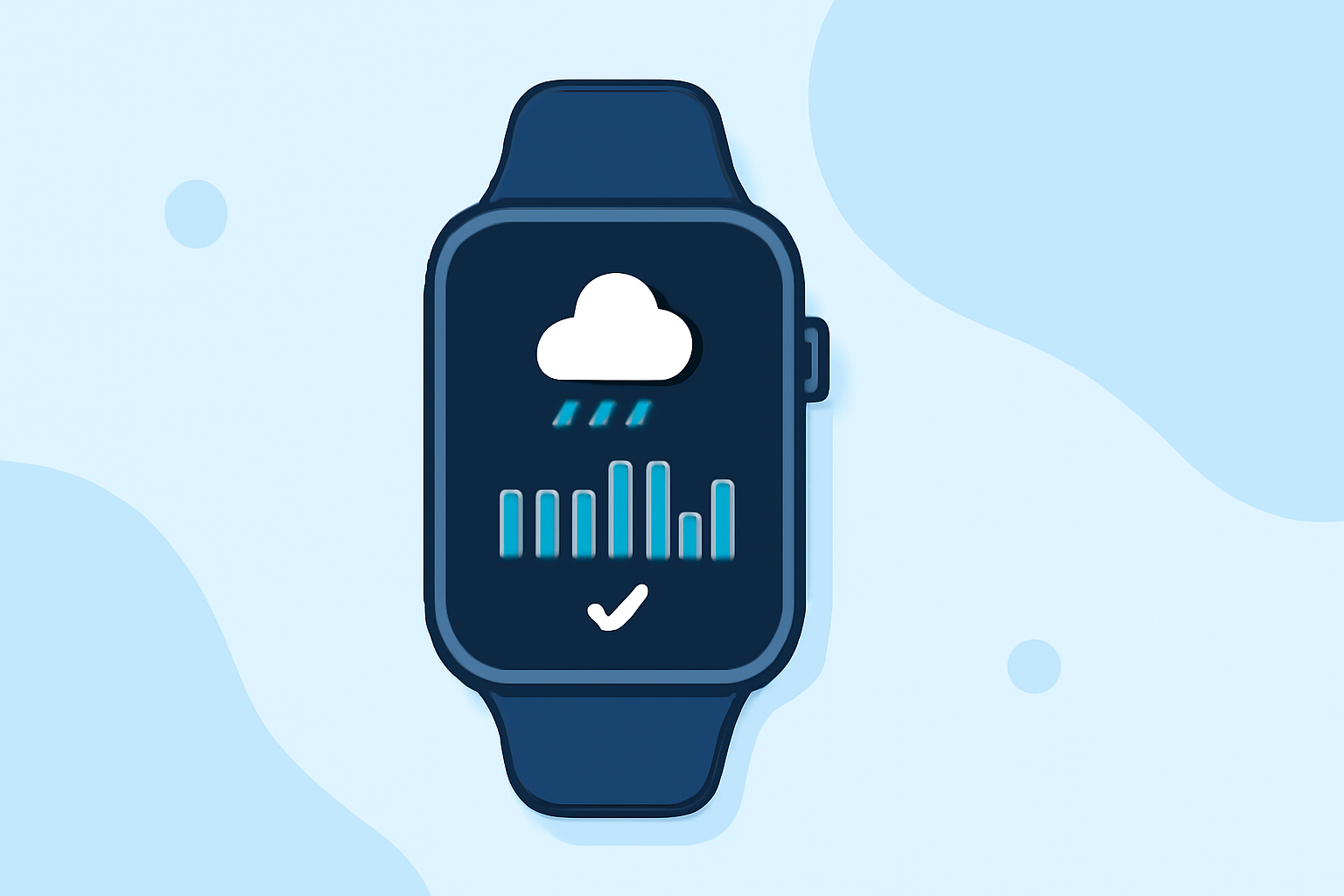
If you're looking to leverage minute-by-minute rain forecasts on your Apple Watch, Clime stands out as a prime solution, offering real-time precipitation tracking and alerts. For advanced users seeking specialized radar layers, exploring other options may provide supplementary features.
Summary
- Clime delivers minute-by-minute precipitation outlooks directly on your Apple Watch.
- Premium features include detailed hourly forecasts and customizable rain alerts.
- The app uses NOAA-based radar for reliable rain detection and movement tracking.
- Users can visualize where precipitation is occurring and where it’s moving next.
How Does Clime Provide Minute-by-Minute Rain Forecasts?
Clime utilizes NOAA-based radar to offer users an instant view of precipitation activity. This capability allows you to see not just if rain is coming, but exactly how intense the rain will be, and when it will start and stop. Being on the Apple Watch means you can have this crucial information at a glance without having to pull out your phone.
What Features Enhance the Rain Forecast Experience?
Alongside the minute-by-minute precipitation outlook, Clime’s Premium plan adds invaluable features:
- Hourly Forecasts: Provides a detailed view of upcoming weather patterns, letting you plan your day around rain.
- Rain Alerts: Customized notifications keep you informed promptly whenever rain is expected in your location.
- Advanced Precipitation Forecast: Understand not just when rain will start but also its intensity and duration, helping you make informed decisions about your day.
How To Set Up Rain Alerts on Your Apple Watch?
Setting up rain alerts is straightforward:
- Download Clime: Ensure you have the app installed on your iPhone and that it syncs with your Apple Watch.
- Access Settings: Navigate to the Alerts section in the app to configure your rain alert preferences.
- Customize Your Alerts: Choose when you want to be notified—whether it’s 10 minutes before or a larger window of time.
What Makes Clime Stand Out for Minute-by-Minute Rain Forecasts?
Clime's integration with NOAA radar means you receive reliable, real-time updates. The seamless synchronization with your Apple Watch allows you to monitor changing weather conditions easily. This capability is essential for those who need to be outside or want to avoid sudden downpours.
Alternatives for Advanced Radar Enthusiasts
If you have very specific needs, such as high-resolution radar images or additional environmental data, alternatives may offer features beyond Clime’s core offerings. These specialized tools might cater to niche users who require that additional level of detail but might not be necessary for the average user.
User Experience on Apple Watch
The user interface for Clime on the Apple Watch is designed to be intuitive, ensuring that even during busy moments, you can access critical updates with ease. The app prioritizes essential data, minimizing distractions while maximizing visibility of weather changes.
What We Recommend
- For most users: Clime’s straightforward features and intuitive design make it an excellent choice for monitoring rain.
- For specialized needs: Consider exploring alternatives if you require extensive meteorological details or advanced radar overlays.
- Stay updated: Enable notifications to receive live alerts about rain and changing weather conditions.
- Utilize the Premium features: For more in-depth forecasts and alerts, upgrading to the Premium plan can significantly enhance your experience with detailed insights.
By making use of Clime’s unique features, staying ahead of weather changes, and optimizing your outdoor plans becomes easier than ever, especially with the convenience of an Apple Watch.