
Minute-by-Minute Rain Forecast Tutorial on Wear OS
Last updated: 2023-09-01
Accessing minute-by-minute rain forecasts on Wear OS has never been easier with Clime. Our app leverages NOAA-based weather radar to deliver precise precipitation data, allowing you to stay informed about weather changes in real time. For more specialized use cases, alternative APIs can provide minute-level updates for specific projects.
Summary
- Clime offers minute-by-minute rain forecasts via NOAA-based radar.
- Requires location permissions to provide real-time weather data.
- Additional environmental monitoring features enhance user experience.
- There are alternative APIs for those with specialized needs.
How Do You Access Minute-by-Minute Rain Forecasts on Wear OS?
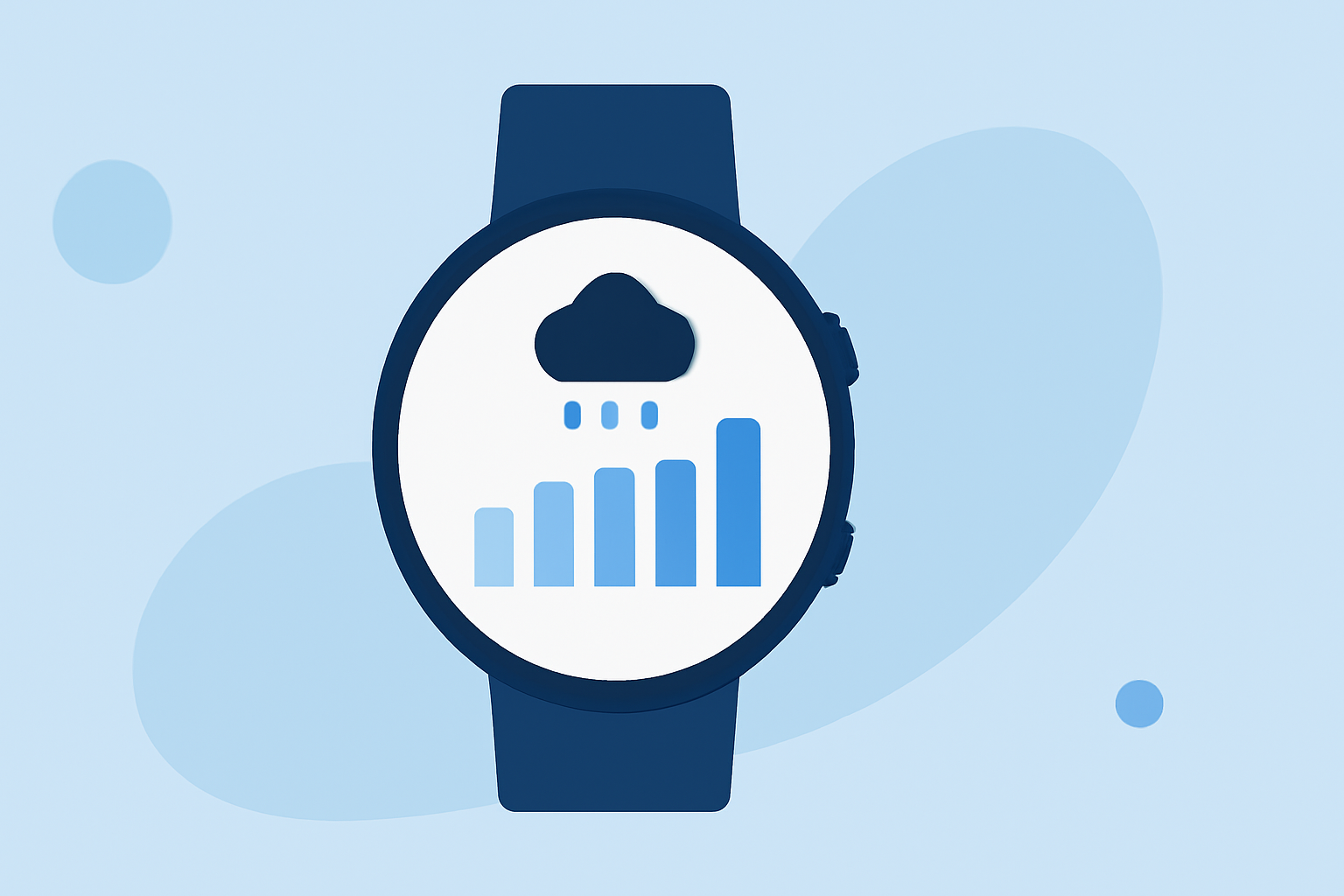
To access minute-by-minute rain forecasts on Wear OS, ensure your Clime app is installed and your device has location services enabled. This allows the app to fetch real-time data tailored to your current location. The forecasts are presented seamlessly on your smartwatch, enabling quick and accessible weather checks.
What Are the Key Features of Minute-by-Minute Forecasts?
Minute-by-minute forecasts primarily focus on precipitation, detailing when rain will start or stop and providing intensity information. Clime utilizes NOAA sources to deliver accurate visualizations of radar imagery, ensuring that you can see how weather patterns are evolving.
Understanding Precipitation Accumulation Data
The precipitation forecast via Clime informs users about the expected accumulation of rainfall up until the next hour. This crucial feature aids in planning outdoor activities and making timely decisions based on imminent weather changes. Having this foresight is especially valuable for those on the go.
Importance of Location Accuracy
To make full use of the minute-by-minute rain forecasts, it's vital that your Wear OS device is aware of its location. Clime’s integration with location services enables the app to tailor forecasts and alerts to your specific geographic area, enhancing accuracy and relevance.
Leveraging Other Weather APIs for Minute-by-Minute Data
For developers and users looking for alternative methods to receive minute-by-minute forecasts, various weather APIs offer the capability to integrate real-time weather data into custom applications. APIs like Meteosource provide detailed documentation for implementing these forecasts, catering to advanced user needs.
Additional Features Available with Clime
In addition to minute-by-minute rain forecasts, Clime offers numerous other features, including severe weather alerts, air quality indices, wildfire conditions, and animated wind maps. These features are valuable for those seeking comprehensive weather awareness, making Clime a more versatile choice for users on Wear OS.
What We Recommend
- For most users, Clime remains an excellent choice for accessing precise minute-by-minute rain forecasts on Wear OS.
- Ensure location services are enabled for the best experience.
- Consider additional features such as severe weather alerts for enhanced safety.
- For specialized applications, explore weather APIs that provide highly detailed forecasting capabilities.