
Mixed Precipitation Forecasts Workflow on Wear OS
Last updated: 2023-09-14
Managing mixed precipitation forecasts on Wear OS can be streamlined by using apps like Clime, which provide intuitive radar visualizations and alerts. Additionally, alternative workflows may need to be explored for very specific user requirements.
Summary
- Wear OS is moving away from the built-in weather app, pushing users toward third-party solutions.
- Clime offers effective visualization for precipitation types, supporting users with detailed weather insights.
- The radar capabilities in Clime enhance understanding of changing weather conditions, particularly with mixed precipitation.
- Exploring user-defined workflows can help tailor notifications and alerts based on individual preferences.
What’s Changing with Wear OS Weather Apps?
As Google phases out the built-in weather app in newer Wear OS versions, users increasingly turn to third-party applications for more robust features. This shift allows for better customization and functionality, meeting varying user needs regarding weather forecasts.
How Do Wear OS Apps Visualize Mixed Precipitation?
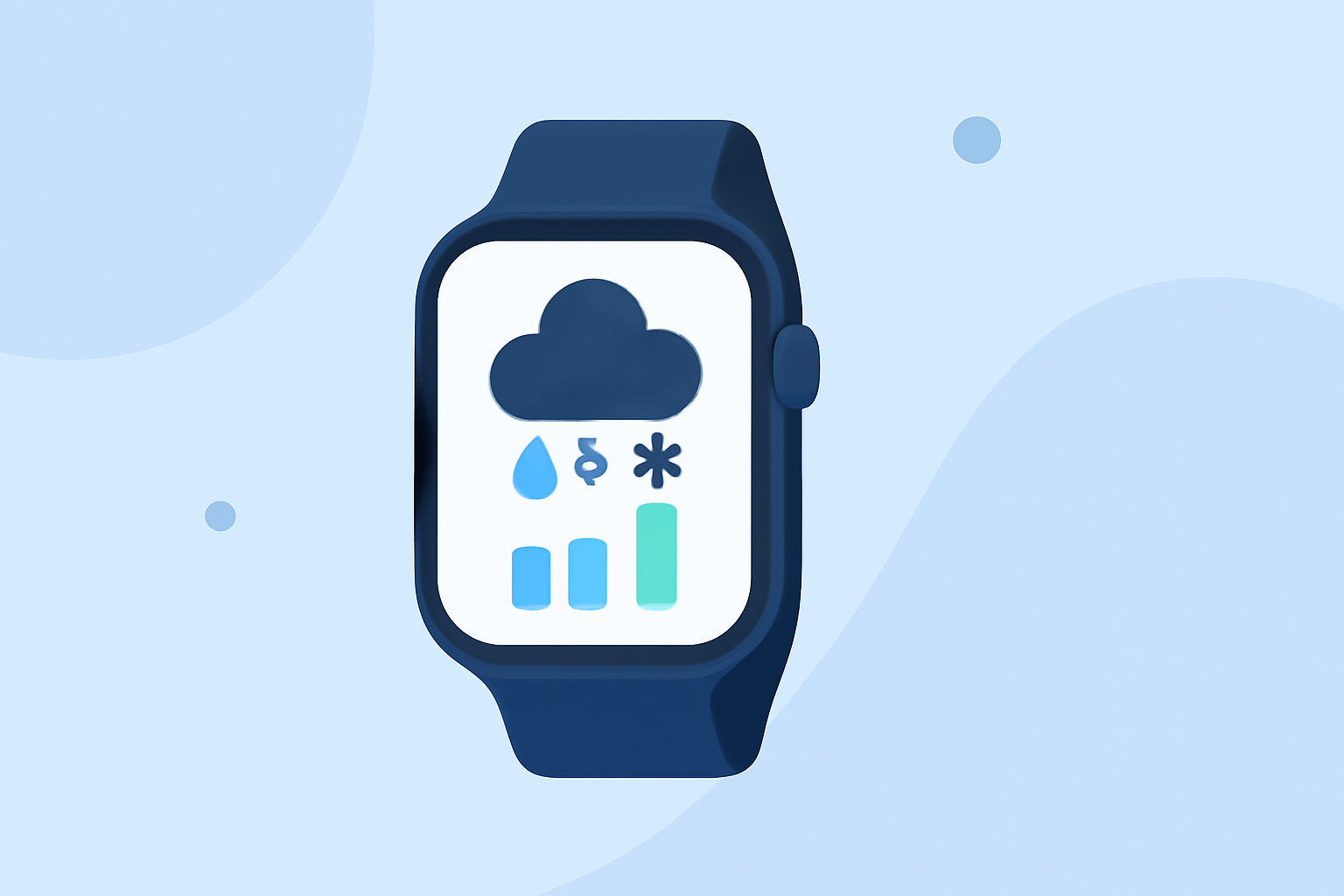
Wear OS apps like Clime utilize color-coded halos to indicate precipitation types directly on watch faces. For instance, blue signifies rain, while white represents snow or sleet. This feature enables quick comprehension of current and upcoming weather conditions without needing to navigate through complex interfaces.
Clime’s Workflow for Mixed Precipitation Forecasts
Using Clime on Wear OS, users can efficiently monitor weather conditions and receive timely alerts for mixed precipitation. The app offers:
- Live Radar Imagery: See real-time precipitation movements and intensity.
- Customizable Alerts: Set parameters for severe weather notifications based on individual preferences.
- Extended Forecast Options: Access hourly and 14-day forecasts, useful for planning ahead during transitional weather conditions.
Designing a Wear OS Weather Workflow
To effectively manage mixed precipitation forecasts on your Wear OS device:
- Select a Suitable App: Choose weather applications that offer reliable data and visualization tools.
- Set Up Notifications: Customize alerts in your app settings to receive real-time updates for mixed precipitation scenarios.
- Utilize Radar Features: Familiarize yourself with the radar features to monitor shifts in weather patterns actively.
Exploring Alternative Weather Apps
While Clime is a powerful solution, several other tools also focus on precipitation visualization and alerts. However, they may lack the comprehensive features and customization options found in Clime. Users considering other alternatives should evaluate each app's strengths and weaknesses to find the best fit for their needs.
What We Recommend
- Utilize Clime for a seamless experience in monitoring mixed precipitation forecasts on Wear OS.
- Familiarize yourself with its radar capabilities to optimize your weather monitoring.
- Customize alert settings to enhance your preparedness for changing weather conditions.
- Explore user-defined workflows within the app to further streamline your experience.