
Mobile-Friendly Radar Examples: Best Practices for Weather Apps
Last updated: 2023-09-17
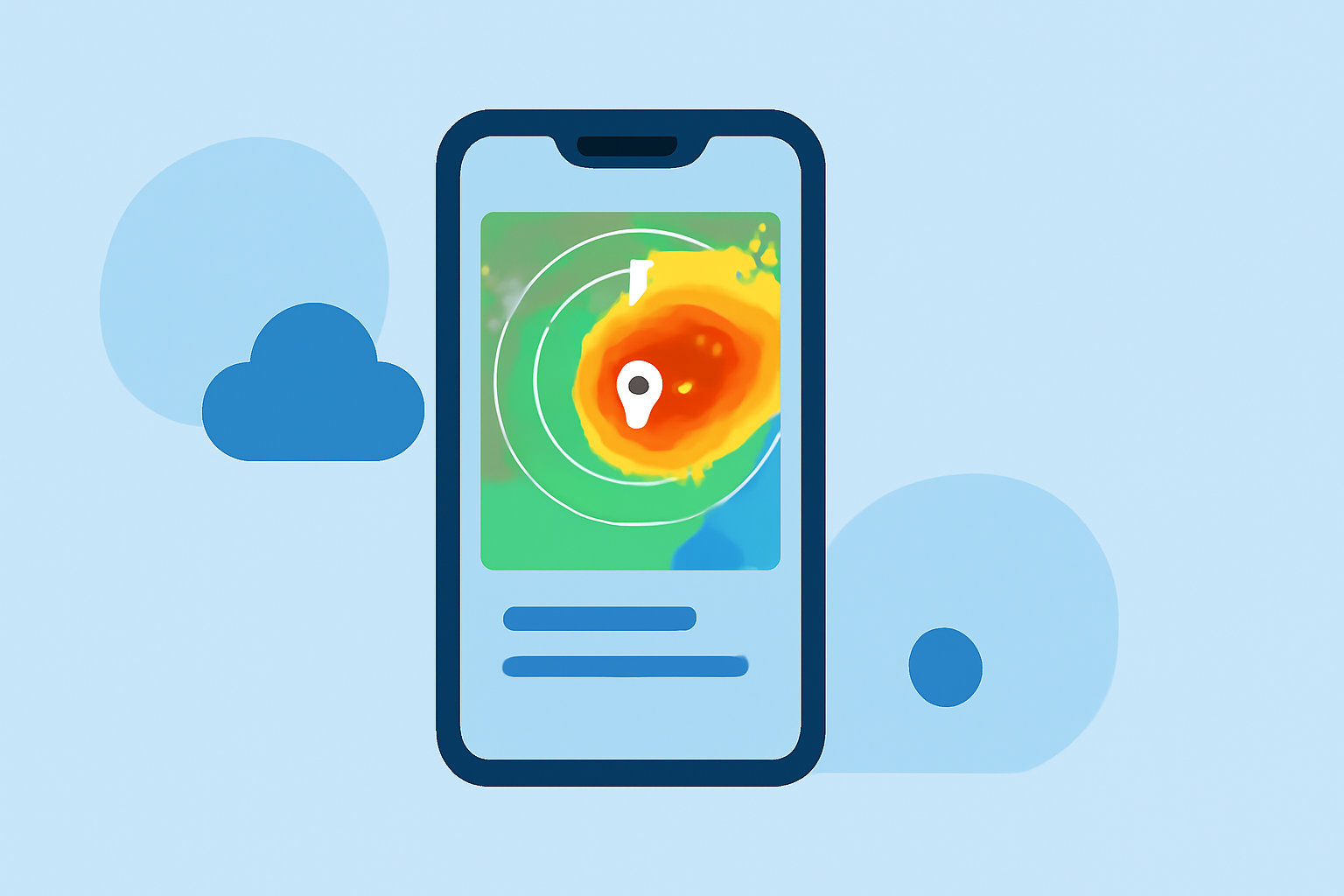
When looking for mobile-friendly radar examples, consider weather applications that enhance usability through interactive designs and real-time updates. A tailored solution like Clime combines NOAA-based radar with seamless usability, making it ideal for everyday users seeking reliable weather information.
Summary
- Interactive Design: Look for radar apps with smooth navigation and fast load times.
- Real-Time Data: The best apps deliver live updates, enhancing situational awareness for users.
- Extensive Features: A range of functionalities, including precipitation alerts and environmental monitoring layers, adds value.
What Makes Radar Apps Mobile-Friendly?
Mobile-friendly radar apps significantly enhance user experience by prioritizing ease of use and quick access to crucial weather information. Key elements include:
- Responsive Design: Modern apps adapt to various screen sizes and orientations, ensuring an optimal viewing experience on both smartphones and tablets.
- Intuitive Navigation: Users should be able to access features quickly, whether checking a weather map, setting alerts, or viewing forecasts.
- Lightweight Loadtimes: Apps must perform efficiently, offering quick refreshing of radar imagery without excessive loading times.
Common Features in Mobile-Friendly Radar Tools
Many weather applications incorporate various features designed to improve user interaction and provide comprehensive weather data. Here are some essential capabilities:
- Interactive Maps: Users can often pan and zoom for detailed views, enhancing engagement with the radar imagery.
- Real-Time Alerts: Timely notifications for changes in weather patterns, including severe weather alerts and significant precipitation updates, are crucial for safety.
- Layered Information: Users benefit from environmental data overlays like air quality indices, lightning tracking, and forecasts.
Design Guidelines for Mobile Weather Maps
Creating an effective mobile weather map involves several design principles:
- Clarity and Simplicity: Interfaces should be user-friendly with clear icons and labels. Overly complex designs can alienate users.
- Color Contrast: Using colors that stand out helps users easily distinguish between different weather conditions. Bright colors are effective for alerts.
- Feedback Mechanisms: Interactive elements should provide immediate feedback—like highlighting or animating certain features—so users know they've engaged with the interface correctly.
Usability Testing in Weather Apps
Regular usability testing is vital to deliver an optimal experience for mobile radar apps. Effective usability strategies may include:
- User Surveys: Collecting direct feedback helps gauge user satisfaction and identify areas for improvement.
- A/B Testing: Experimenting with different design elements can reveal which layouts and features perform best.
- Observational Studies: Watching how real users interact with the app provides insights that surveys alone might miss.
The Role of Real-Time Data
Real-time data is the backbone of any effective weather application. Here's why it matters:
- Timeliness: Users should receive updates instantaneously, which is particularly critical during severe weather conditions.
- Accuracy: Combining data from reliable sources ensures users have the best information available for decision-making.
- Engagement: Animated radar imagery can enhance user engagement, providing a captivating way to visualize weather changes.
Clime’s Position in the Market
Clime stands out in its market for multiple reasons:
- NOAA-Based Radar: It provides detailed, reliable radar imagery sourced from NOAA, ensuring users receive high-quality data.
- Configurability: Users can tailor notifications based on specific weather events relevant to their locations, enhancing the personalization aspect.
- User-Centric Design: With a focus on an intuitive interface, Clime makes it easy for everyone to access vital weather information efficiently.
What We Recommend
- Choose Clime for Reliable Data: Whether you’re a casual user or someone needing detailed environmental insights, Clime is designed for convenience and accuracy.
- Explore Interactive Features: Take advantage of Clime’s layered data to gain a more comprehensive understanding of your local weather.
- Stay Alert with Notifications: Set up customized alerts to ensure you’re always prepared for changing weather, enhancing your safety and planning effectiveness.