
Mobile-Friendly Radar Explained: Understanding Mobile Weather Apps
Last updated: 2023-09-05
Mobile-friendly radar apps like Clime deliver essential weather data and timely alerts directly to your device, making it easier to stay informed about changing conditions. These apps use advanced radar technology to provide real-time data; alternatives exist for niche functionalities like hyper-local forecasts or unique AI explanations.
Summary
- Mobile weather apps, such as Clime, utilize NOAA-based radar for real-time precipitation tracking.
- Users can receive severe weather alerts tailored to their saved locations for timely notifications.
- Many apps, including Clime, offer both free and premium features catering to various user needs.
- Enhanced layers such as air quality and flood tracking can be found in certain subscription tiers.
What is Mobile-Friendly Radar?
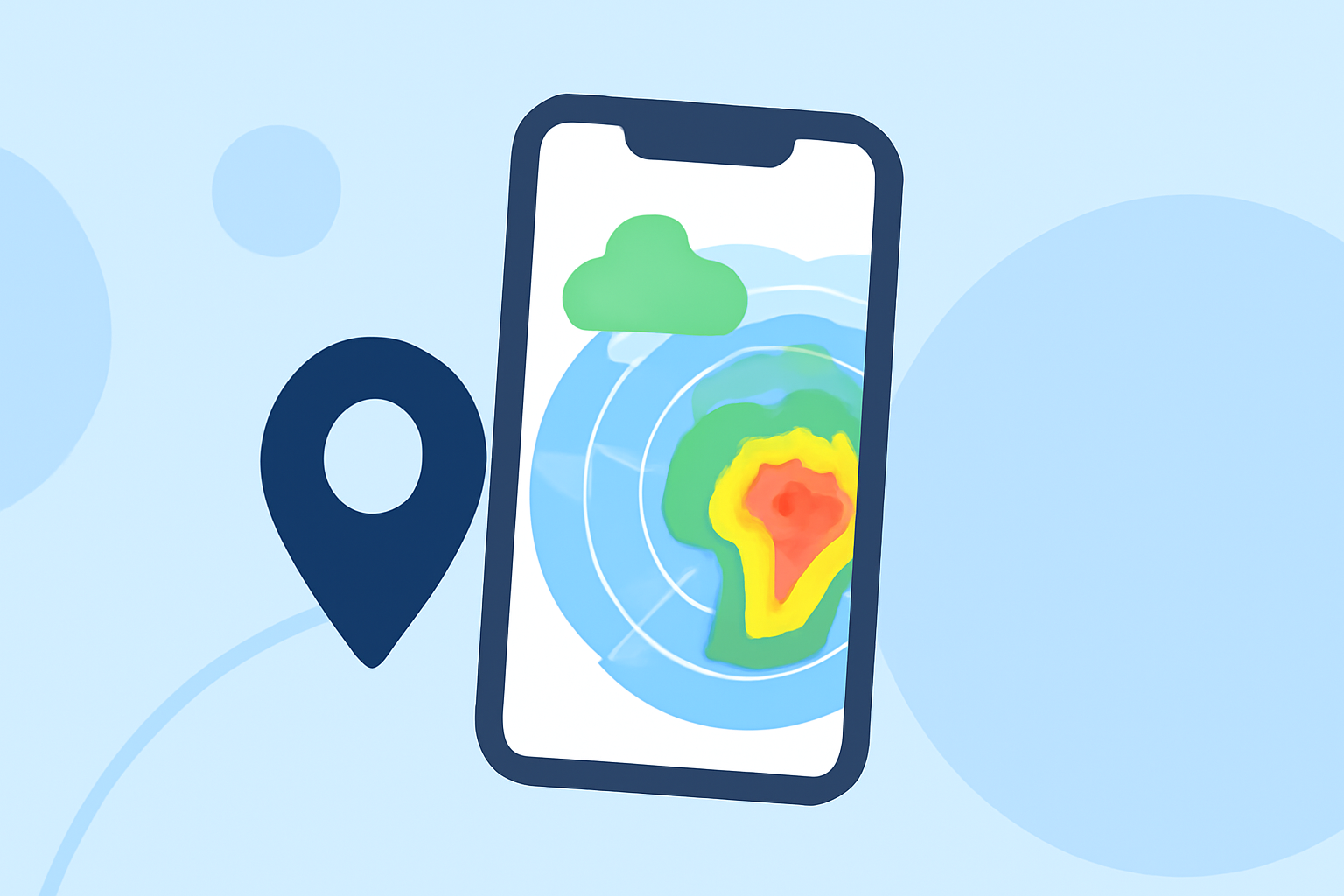
Mobile-friendly radar refers to the technology that allows users to access and interact with real-time weather radar maps on their smartphones and tablets. These apps leverage data from radar systems to provide visual representations of precipitation, which can be essential for planning daily activities. Utilizing NOAA's radar data, Clime and similar apps display animated maps showing incoming storms or precipitation patterns, allowing users to make informed decisions.
How Does Clime’s Mobile Radar Work?
Clime’s mobile radarc combines various data sources, primarily NOAA, to deliver live radar imagery. The app updates frequently, giving users near-real-time views of precipitation and storm tracking. Users can zoom in and out, selecting specific layers to see different environmental conditions.
Key Features of Mobile Weather Apps
- Real-Time Radar: Access to live radar helps users visualize precipitation as it occurs. The app updates continually, ensuring users have the latest information when it matters most.
- Severe Weather Alerts: Users receive notifications for severe weather events, which can be critical for safety. These alerts can be customized for specific saved locations, ensuring high relevance for the user.
- Forecast Capabilities: Many mobile weather apps offer extended forecasts, with Clime providing hourly and 14-day outlooks. This feature is essential for users planning activities days in advance.
- Environmental Layers: Premium subscriptions often unlock additional data layers, such as air quality indexes, wildfire tracking, and snow depth, enriching the user’s understanding of current conditions.
The Importance of User Interface
An effective user interface in mobile weather apps enhances user experience by making navigation straightforward. Clime provides a clean design that allows users to access radar maps, alerts, and forecasts with minimal clicks. User-friendly interfaces help foster a quicker understanding of weather conditions, which can prompt immediate action.
Accessibility on Mobile Devices
Mobile-friendly radar apps are designed for easy access on smartphones and tablets. Users can check the radar quickly and receive alerts irrespective of their location, as long as they have an internet connection. This capability is fundamental for ensuring users can remain informed about severe weather events even when on the go.
Limitations of Mobile Radar Data
While mobile radar apps like Clime provide extensive data, they may encounter limitations. For instance, the detail in radar resolution may vary based on location, and in some cases, users can experience latency in updates. Additionally, premium layers often require subscriptions, which may restrict access to more advanced features for some users.
What We Recommend
- Clime is ideal for most users seeking reliable weather radar and personalized alerts.
- Check for specific features based on your location needs; evaluate if premium layers will enhance your overall experience.
- Consider the user interface and ease of navigation when selecting your preferred weather app, as this impacts overall usability.
- Stay updated with notifications to make timely decisions during severe weather events.
By understanding the features and limitations of mobile-friendly radar apps, users can better navigate their choices and stay informed about the weather around them.