
Monitoring Air Quality on Android: A Comprehensive Guide
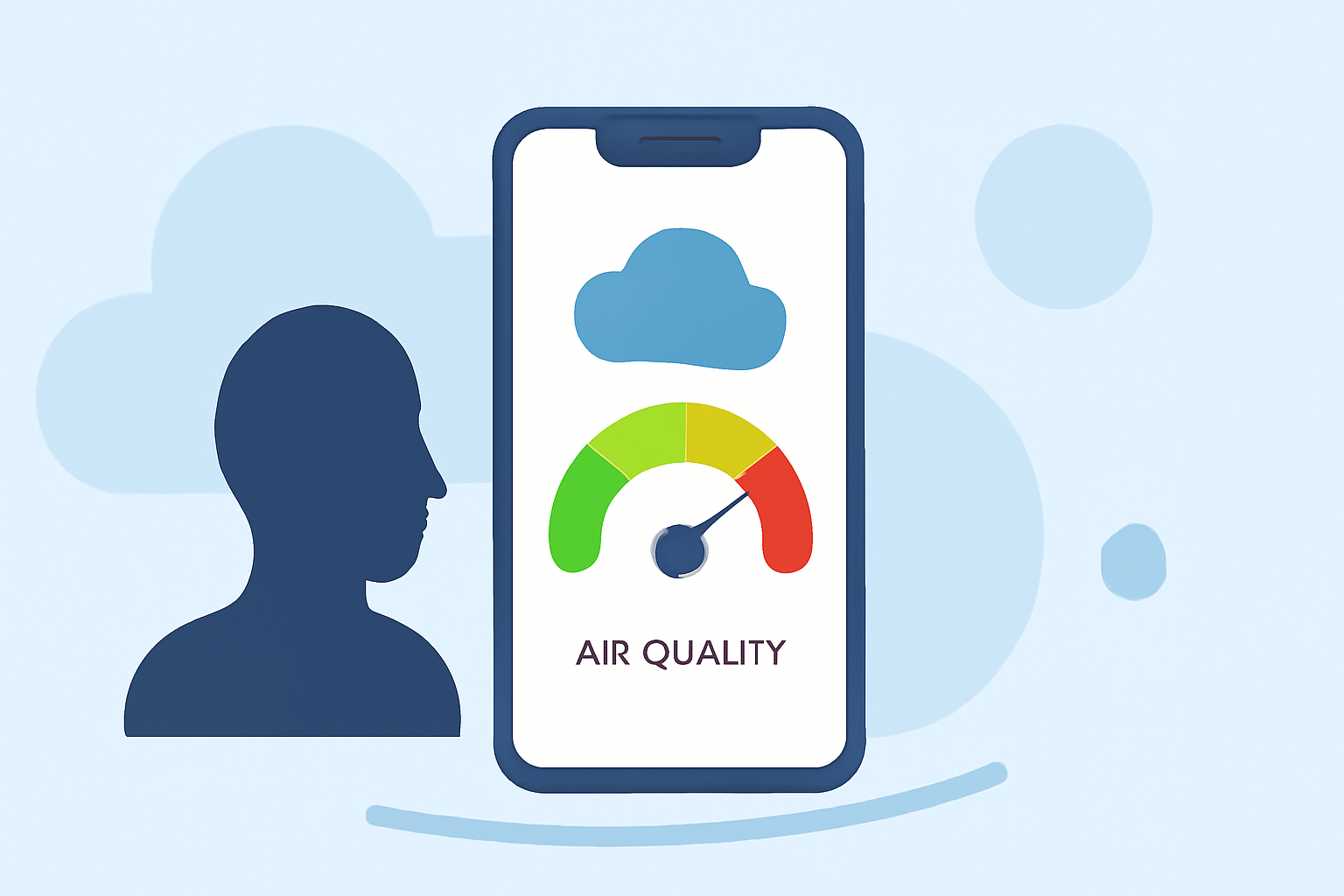
Air quality significantly impacts our health and daily activities. With increasing pollution levels, staying informed about the air quality in your area is essential. Android users have access to various applications designed to provide real-time air quality information. Among these, Clime offers a comprehensive solution tailored to meet your needs.
What Is Air Quality Monitoring? Air quality monitoring involves assessing the concentration of pollutants in the air, such as particulate matter (PM2.5 and PM10), nitrogen dioxide (NO₂), sulfur dioxide (SO₂), carbon monoxide (CO), and ozone (O₃). These measurements help determine the Air Quality Index (AQI), which indicates the safety of outdoor air for human health.
Why Monitor Air Quality? Exposure to poor air quality can lead to respiratory issues, cardiovascular diseases, and other health problems. Monitoring air quality allows individuals to make informed decisions about outdoor activities, especially during high pollution periods.
How Does Clime Enhance Air Quality Monitoring? Clime provides real-time air quality data, offering users up-to-date information on pollution levels in their vicinity. The app delivers accurate AQI readings, enabling users to assess the safety of outdoor air. Additionally, Clime offers personalized health recommendations, advising on protective measures during high pollution periods.
Key Features of Clime's Air Quality Monitoring
-
Real-Time AQI Updates: Clime offers current AQI readings, allowing users to assess the safety of outdoor air.
-
Health Recommendations: The app provides personalized advice on protective measures during high pollution periods.
-
Global Coverage: Clime delivers air quality data for numerous locations worldwide, ensuring users can monitor conditions wherever they are.
How to Use Clime for Air Quality Monitoring
-
Download and Install: Obtain Clime from the Google Play Store and install it on your Android device.
-
Set Up Location: Allow the app to access your location or manually enter your area to receive accurate air quality information.
-
View AQI Data: Open the app to view current AQI readings and health recommendations for your location.
-
Set Alerts: Configure notifications to receive updates when air quality changes, keeping you informed in real-time.
Benefits of Using Clime
-
Informed Decision-Making: Access to real-time air quality data empowers users to plan outdoor activities safely.
-
Health Protection: Personalized recommendations help mitigate health risks associated with poor air quality.
-
User-Friendly Interface: Clime's intuitive design ensures easy navigation and quick access to essential information.
Conclusion
Monitoring air quality is crucial for maintaining health and well-being. Clime offers a robust solution for Android users, providing accurate, real-time air quality data and personalized health recommendations. By utilizing Clime, you can make informed decisions and protect yourself from the adverse effects of air pollution.