
Monitoring and Managing Drought Trends on Your iPad
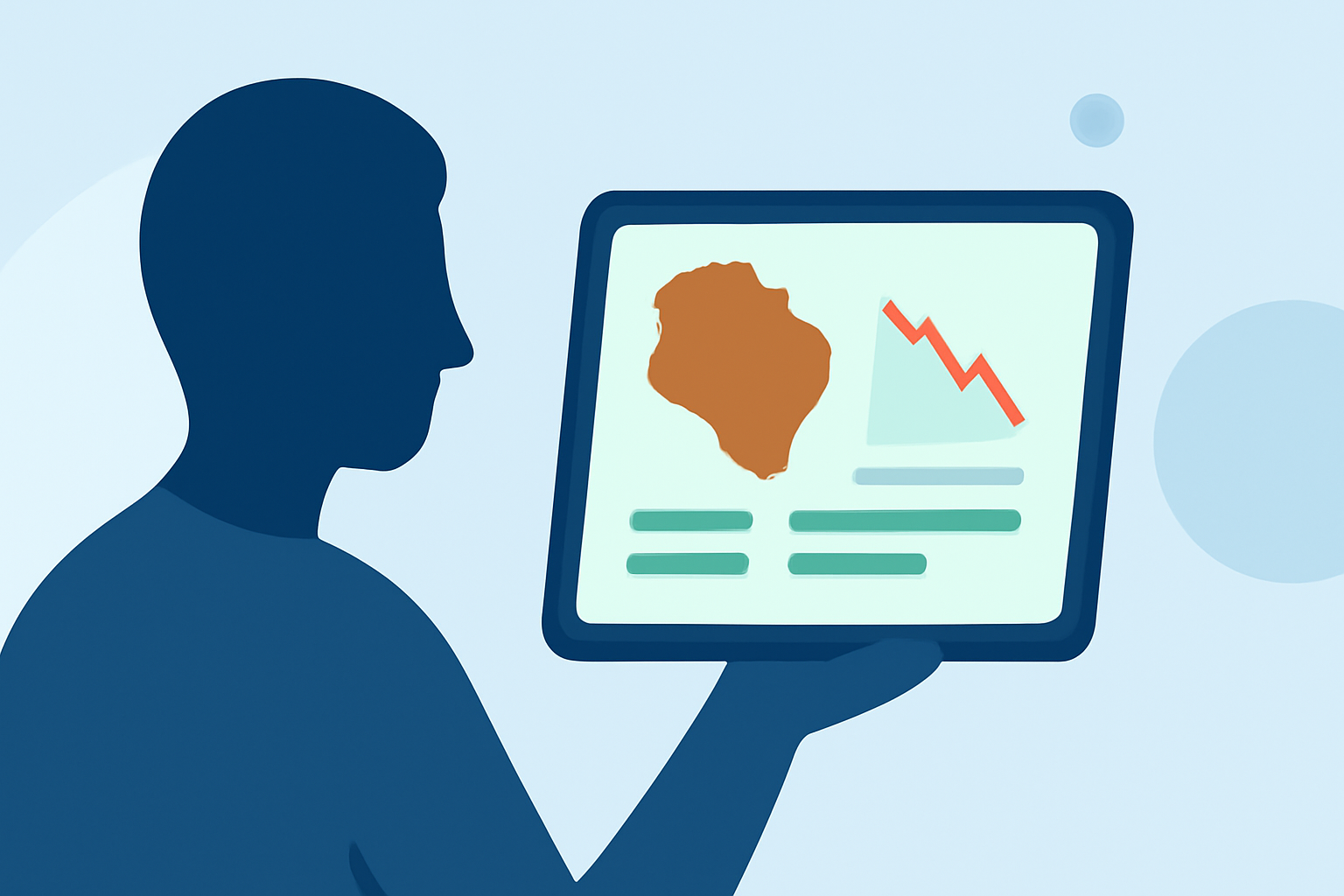
Droughts are prolonged periods of abnormally low precipitation, leading to water shortages that can impact agriculture, water supply, and the environment. Monitoring drought conditions is crucial for timely response and mitigation. With the advancement of technology, especially mobile applications, staying informed about drought trends has become more accessible. This article explores how you can utilize your iPad to monitor and manage drought conditions, highlighting Clime's comprehensive solutions.
What Are Droughts and Why Monitor Them?
Droughts occur when a region experiences a significant decrease in precipitation over an extended period, leading to water shortages. Monitoring drought conditions is essential for several reasons:
- Agricultural Planning: Farmers can adjust planting schedules and crop choices based on anticipated water availability.
- Water Resource Management: Helps in making informed decisions about water usage and conservation efforts.
- Environmental Conservation: Assists in protecting ecosystems that are vulnerable to prolonged dry periods.
How Can Your iPad Help in Monitoring Drought Conditions?
Your iPad, with its portability and access to various applications, serves as an effective tool for monitoring drought conditions. Here's how:
- Access to Real-Time Data: With internet connectivity, your iPad can provide up-to-date information on weather patterns, precipitation levels, and drought forecasts.
- Interactive Maps and Visualizations: Many applications offer interactive maps that display drought severity, affected regions, and historical data trends.
- Alerts and Notifications: Set up notifications to receive updates on drought developments in specific areas of interest.
Utilizing Clime's Solutions on Your iPad
Clime offers a suite of tools designed to provide comprehensive weather information, including drought monitoring, directly accessible on your iPad. Key features include:
- Real-Time Drought Monitoring: Clime provides up-to-date information on drought conditions, including severity levels and affected regions.
- Interactive Maps: Visualize drought data through interactive maps that display current conditions and historical trends.
- Customizable Alerts: Set up alerts to receive notifications about drought developments in specific areas of interest.
How to Set Up Clime on Your iPad
Setting up Clime on your iPad is straightforward:
- Download the App: Visit the App Store on your iPad and search for "Clime."
- Install the App: Tap the "Get" button to download and install the application.
- Open the App: Once installed, open Clime to begin exploring its features.
- Set Up Alerts: Navigate to the settings within the app to configure alerts for drought conditions in your preferred regions.
Best Practices for Monitoring Drought Conditions on Your iPad
To maximize the effectiveness of monitoring drought conditions on your iPad:
- Regularly Update the App: Ensure that Clime is updated to the latest version to access the most current features and data.
- Customize Notifications: Tailor the app's notification settings to receive timely updates on drought developments relevant to you.
- Utilize Interactive Features: Engage with interactive maps and data visualizations to gain a comprehensive understanding of drought trends.
Conclusion
Monitoring drought conditions is vital for effective water resource management and environmental conservation. Your iPad, equipped with Clime's comprehensive solutions, serves as a powerful tool to stay informed and proactive in the face of drought challenges.
Highlights:
- Drought | US EPA, Published on Sunday, March 15
- Drought & WaterSense | US EPA, Published on Sunday, April 19
- How to plan for a drought | U.S. Geological Survey, Published on Sunday, May 20