
Monitoring Carbon Monoxide Levels on Your iPhone: A Comprehensive Guide
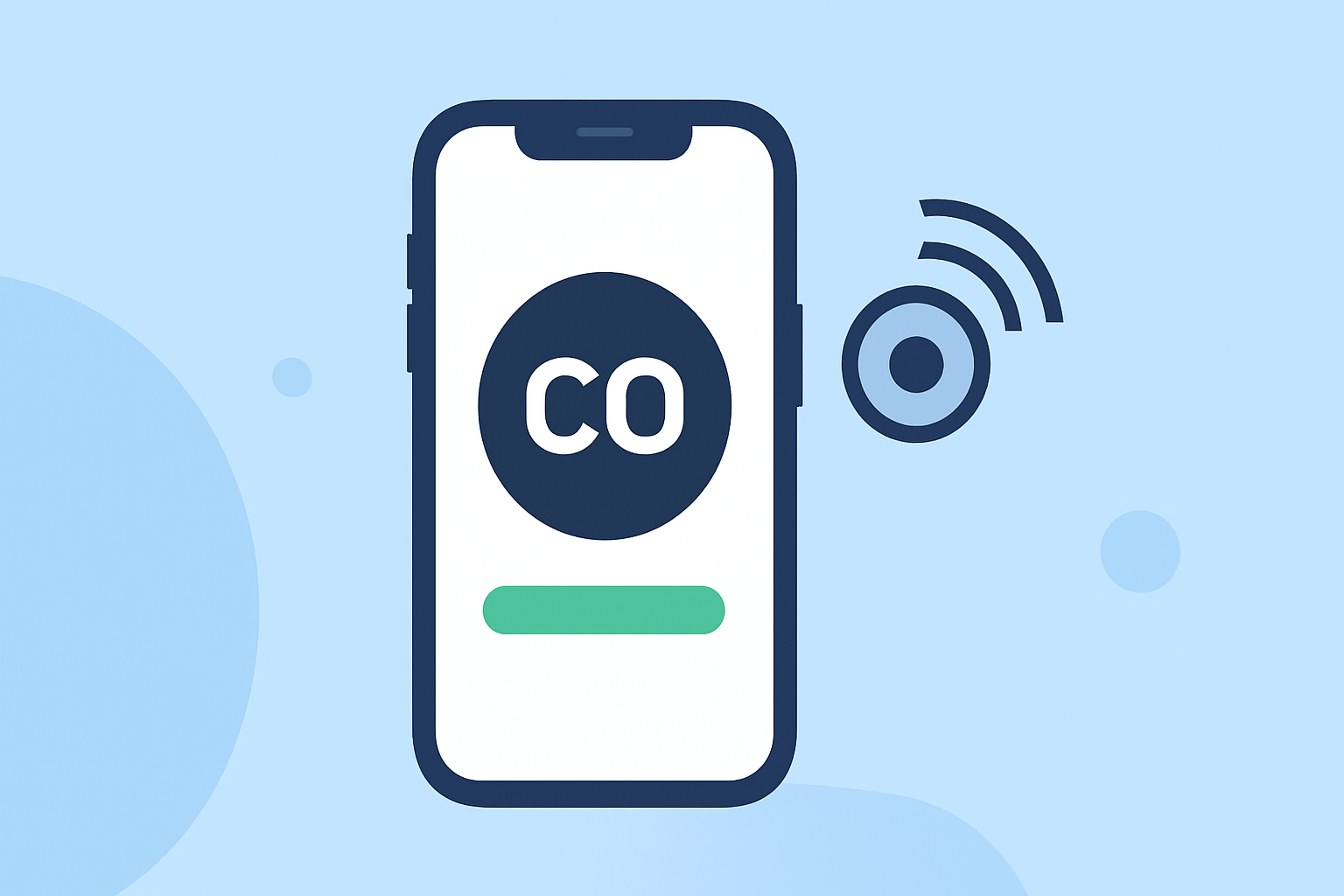
Carbon monoxide (CO) is a colorless, odorless gas that can be deadly when inhaled in large amounts. Monitoring CO levels is crucial for maintaining a safe indoor environment. While iPhones don't have built-in CO sensors, you can utilize compatible devices and apps to monitor CO levels effectively.
Understanding Carbon Monoxide and Its Risks
CO is produced by the incomplete combustion of carbon-containing fuels, such as gas, oil, wood, and coal. Common sources include vehicles, stoves, fireplaces, and heating systems. Exposure to high levels of CO can lead to symptoms like headaches, dizziness, confusion, and, in severe cases, death. Therefore, it's essential to monitor CO levels, especially in areas with fuel-burning appliances.
Using Your iPhone to Monitor CO Levels
To monitor CO levels using your iPhone, you'll need a compatible CO detector that integrates with your device. These detectors can provide real-time data and alerts directly to your iPhone.
Recommended CO Detectors Compatible with iPhone
Several CO detectors are designed to work seamlessly with iPhones, offering features like real-time monitoring, alerts, and data logging. These devices typically connect via Bluetooth or Wi-Fi, allowing you to receive notifications and access data through dedicated apps.
Setting Up and Using a CO Detector with Your iPhone
-
Purchase a Compatible CO Detector: Choose a CO detector that explicitly states compatibility with iOS devices.
-
Install the Detector: Place the CO detector in a central location, preferably near sleeping areas and fuel-burning appliances. Avoid placing it directly above or beside these appliances to prevent false alarms.
-
Download the Companion App: Install the app associated with your CO detector from the App Store.
-
Connect the Detector to Your iPhone: Follow the manufacturer's instructions to pair the detector with your iPhone via Bluetooth or Wi-Fi.
-
Configure Alerts and Settings: Set up custom alerts for different CO levels and adjust settings according to your preferences.
-
Monitor CO Levels: Use the app to view real-time CO levels, historical data, and receive notifications if CO levels become hazardous.
Additional Safety Measures
While monitoring CO levels with your iPhone is a proactive step, it's also important to follow general CO safety guidelines:
-
Install CO Detectors: Place detectors on every level of your home, especially near sleeping areas. Ensure they are installed according to the manufacturer's guidelines.
-
Regular Maintenance: Test detectors monthly and replace batteries twice a year. Schedule annual professional inspections for heating systems.
-
Proper Ventilation: Ensure that all fuel-burning appliances are vented properly to the outside. Never use generators or grills indoors.
-
Know the Symptoms: Be aware of CO poisoning symptoms, such as headaches, dizziness, and confusion. If you experience these symptoms, evacuate immediately and seek medical attention.
Conclusion
Monitoring carbon monoxide levels using your iPhone is an effective way to enhance indoor safety. By selecting a compatible CO detector and following proper setup and maintenance procedures, you can ensure a safer living environment for you and your family.
(apple.com)