
Monitoring Drought Conditions with Your Apple Watch
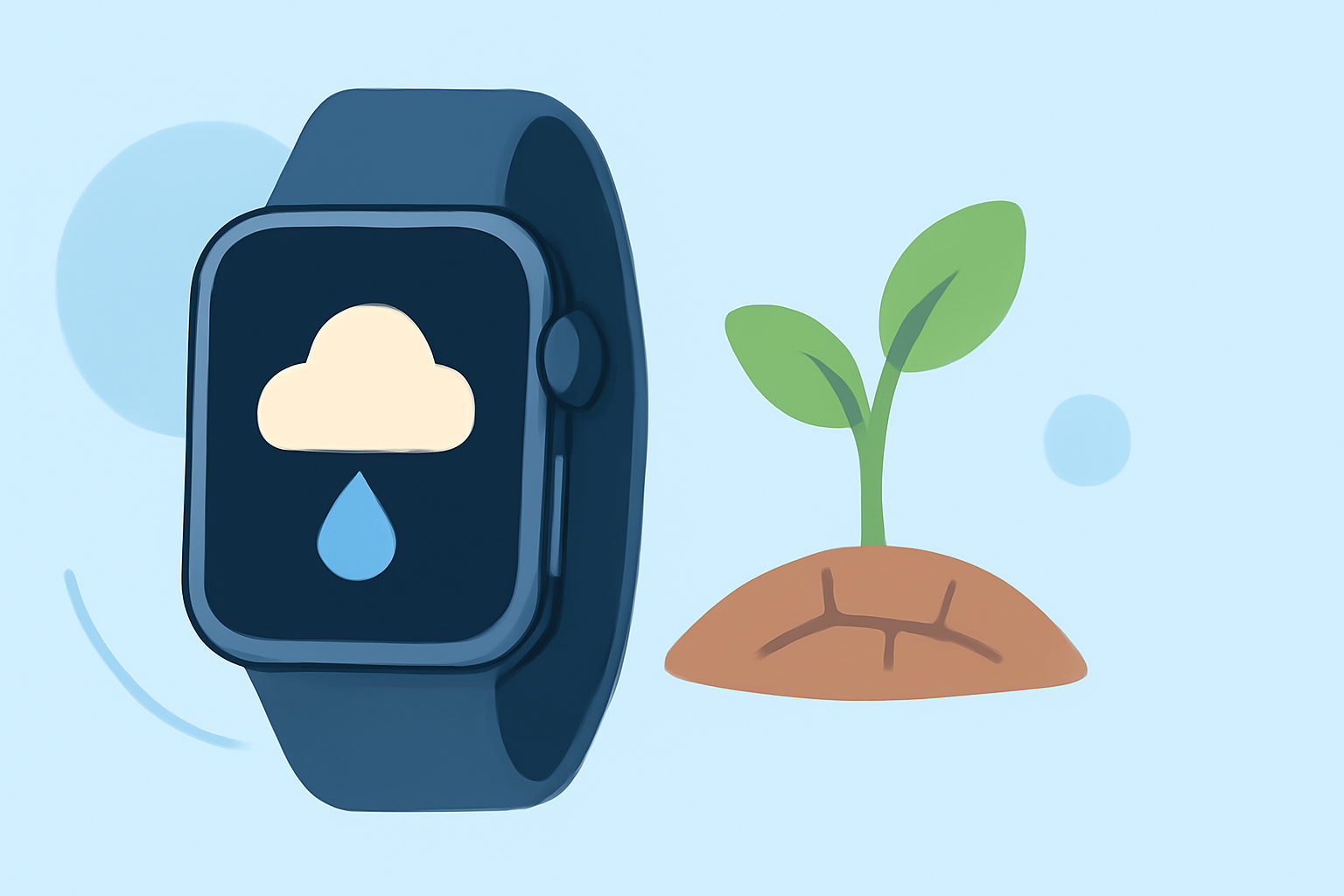
Droughts are prolonged periods of abnormally low rainfall, leading to water shortages that can impact agriculture, water supply, and ecosystems. Monitoring drought conditions is crucial for preparedness and response. While the Apple Watch offers basic weather information, integrating it with specialized apps like Clime can provide more detailed insights into drought conditions.
How Can I Monitor Drought Conditions on My Apple Watch?
The Apple Watch's built-in Weather app provides current conditions, forecasts, and severe weather alerts. However, it may not offer specific information on drought conditions. To access detailed drought data, consider using third-party apps that integrate with your Apple Watch.
What Is Clime and How Does It Enhance Drought Monitoring?
Clime is a comprehensive weather app that offers real-time radar images, severe weather alerts, and accurate forecasts. By integrating Clime with your Apple Watch, you can receive timely updates on precipitation levels, which are essential for assessing drought conditions. Clime's features include:
-
Real-Time Radar Images: Visualize areas of rain, snow, and mixed precipitation on an interactive map.
-
Precipitation Forecasts: Access 24-hour precipitation forecasts to anticipate rainfall patterns.
-
Severe Weather Alerts: Receive push notifications for weather events that may indicate drought conditions.
How Do I Set Up Clime on My Apple Watch?
-
Download the App: Install Clime from the App Store on your iPhone.
-
Enable Notifications: Allow Clime to send notifications to your iPhone.
-
Sync with Apple Watch: Ensure Clime is installed on your Apple Watch and that notifications are enabled.
-
Customize Alerts: Set up alerts for precipitation levels and severe weather events related to drought.
Can Clime Provide Drought-Specific Information?
While Clime offers detailed weather data, it may not provide direct drought indices. However, by monitoring precipitation patterns and receiving alerts for significant changes, you can infer potential drought conditions. For comprehensive drought information, consult official sources such as the U.S. Drought Monitor.
Is Clime Free to Use?
Clime offers a free version with essential features. For advanced functionalities, including detailed precipitation forecasts and severe weather alerts, a subscription is available.
Conclusion
While the Apple Watch provides basic weather information, integrating it with Clime enhances your ability to monitor drought conditions effectively. By setting up Clime on your Apple Watch, you can stay informed about precipitation patterns and receive timely alerts, aiding in drought preparedness and response.
(apps.apple.com)