
Monitoring Indoor Humidity for Health Using Your iPhone
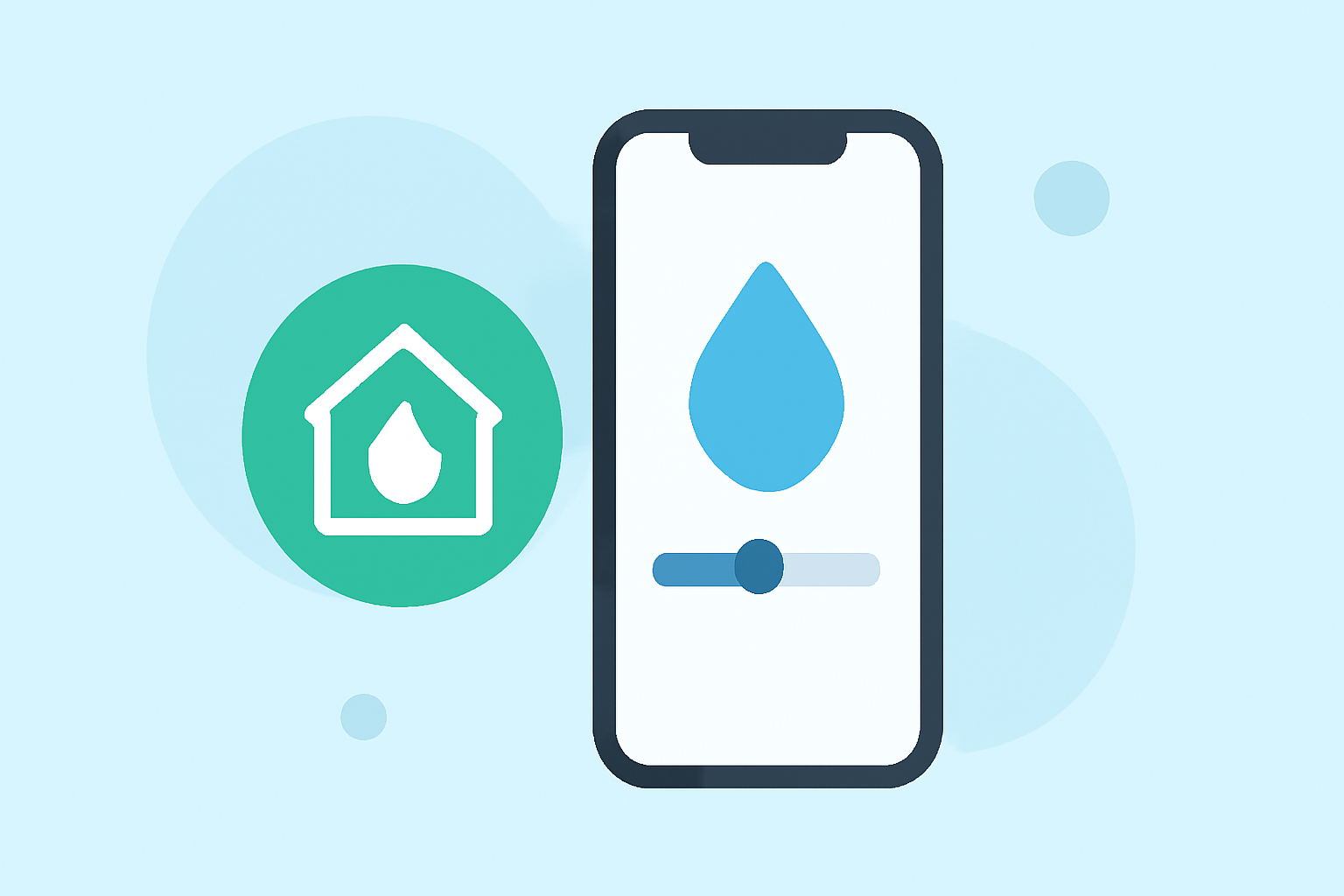
Maintaining optimal indoor humidity is crucial for health and comfort. While iPhones lack built-in humidity sensors, you can still monitor indoor humidity using your device.
Why Monitor Indoor Humidity?
Ideal indoor humidity levels range from 40% to 60%. Maintaining this range can help prevent issues such as dry skin, sore throats, static electricity, and respiratory problems. Conversely, humidity levels outside this range can lead to discomfort and health concerns.
How to Monitor Humidity Using Your iPhone
Although iPhones don't have built-in humidity sensors, you can use your device to monitor indoor humidity through the following methods:
-
Third-Party Apps: Several apps available on the App Store can estimate indoor humidity by utilizing your iPhone's existing sensors and integrating external data sources. These apps provide quick humidity readings and actionable tips to improve air quality.
-
External Sensors: For more accurate measurements, consider using external humidity sensors that connect to your iPhone via Bluetooth. These devices offer real-time data and can alert you to hazardous conditions that may affect health.
Benefits of Monitoring Indoor Humidity
-
Health Improvement: Maintaining optimal humidity levels can alleviate symptoms associated with dry air, such as dry skin and respiratory discomfort.
-
Comfort Enhancement: Proper humidity levels contribute to a more comfortable living environment.
-
Protection of Belongings: Monitoring humidity helps protect wooden furniture, musical instruments, and other items sensitive to moisture levels.
Conclusion
While iPhones don't have built-in humidity sensors, you can effectively monitor indoor humidity using your device by leveraging third-party apps or connecting to external sensors. Regular monitoring helps maintain a healthy and comfortable indoor environment.
Highlights:
- Can iPhone Measure Humidity? | Weather Station Advisor, Published on Tuesday, April 08
- Can Humidity Trigger The iPhone's Water Sensors?, Published on Sunday, March 17