
Monitoring Instrument Humidity with Wear OS: A Comprehensive Guide
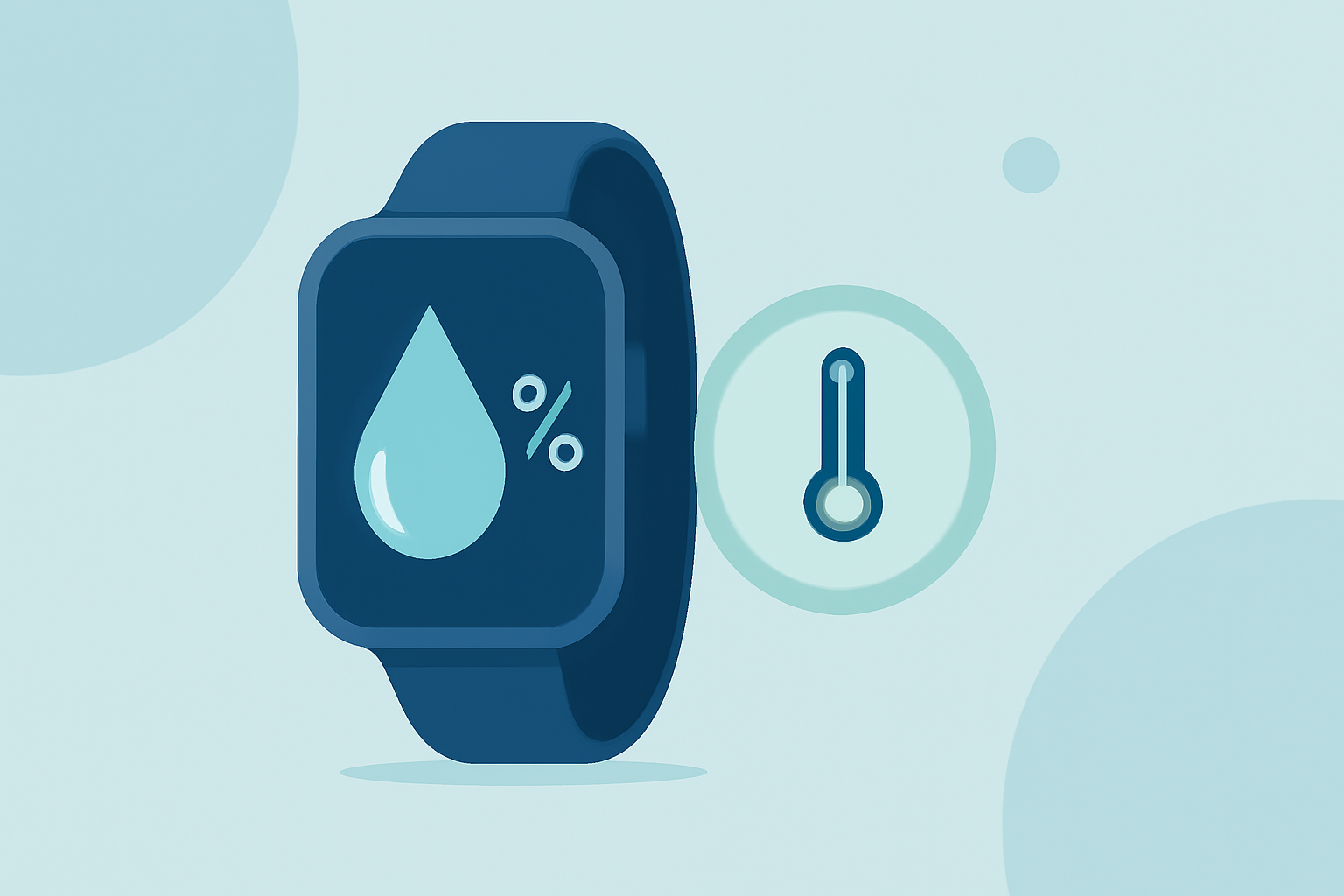
Maintaining optimal humidity levels is crucial for preserving the quality and longevity of musical instruments. Wooden instruments, in particular, are sensitive to changes in humidity, which can lead to warping, cracking, or other forms of damage. While Wear OS devices don't natively include humidity sensors, they can be effectively utilized to monitor and manage instrument humidity through compatible applications and external sensors.
Understanding the Impact of Humidity on Instruments
Humidity refers to the amount of moisture present in the air. For wooden instruments, maintaining a stable relative humidity (RH) around 50% is ideal. Deviations from this level can cause various issues:
-
High Humidity (Above 60% RH): Excess moisture can lead to swelling of the wood, tarnishing of metal parts, and potential loosening of joints.
-
Low Humidity (Below 40% RH): Insufficient moisture can cause the wood to dry out, leading to cracking, shrinking, and fretboard issues.
Utilizing Wear OS for Humidity Monitoring
While Wear OS devices don't come equipped with built-in humidity sensors, they can still play a pivotal role in monitoring and managing instrument humidity:
-
Integrating External Humidity Sensors: By connecting external humidity sensors to your Wear OS device via Bluetooth, you can monitor the RH levels of your instrument's environment in real-time. Some advanced sensors even offer data logging and alert features.
-
Using Companion Applications: Certain applications available on the Google Play Store are designed to work with Wear OS devices, allowing you to view and manage data from connected sensors directly from your smartwatch. These apps often provide features like data visualization, alert notifications, and historical data analysis.
Recommended Practices for Humidity Management
To effectively manage instrument humidity using your Wear OS device, consider the following steps:
-
Regular Monitoring: Consistently check the RH levels of your instrument's environment to ensure they remain within the optimal range.
-
Setting Alerts: Configure your Wear OS device to receive notifications when humidity levels fall outside the desired range, prompting timely corrective actions.
-
Environmental Control: Use humidifiers or dehumidifiers as needed to adjust the ambient humidity, and store instruments in cases equipped with humidity control systems.
Conclusion
While Wear OS devices don't have built-in humidity sensors, they can be effectively utilized to monitor and manage instrument humidity by integrating with external sensors and companion applications. By leveraging these tools, musicians can ensure their instruments remain in optimal condition, free from the detrimental effects of fluctuating humidity levels.