
Monitoring Plant Humidity on Wear OS: A Comprehensive Guide
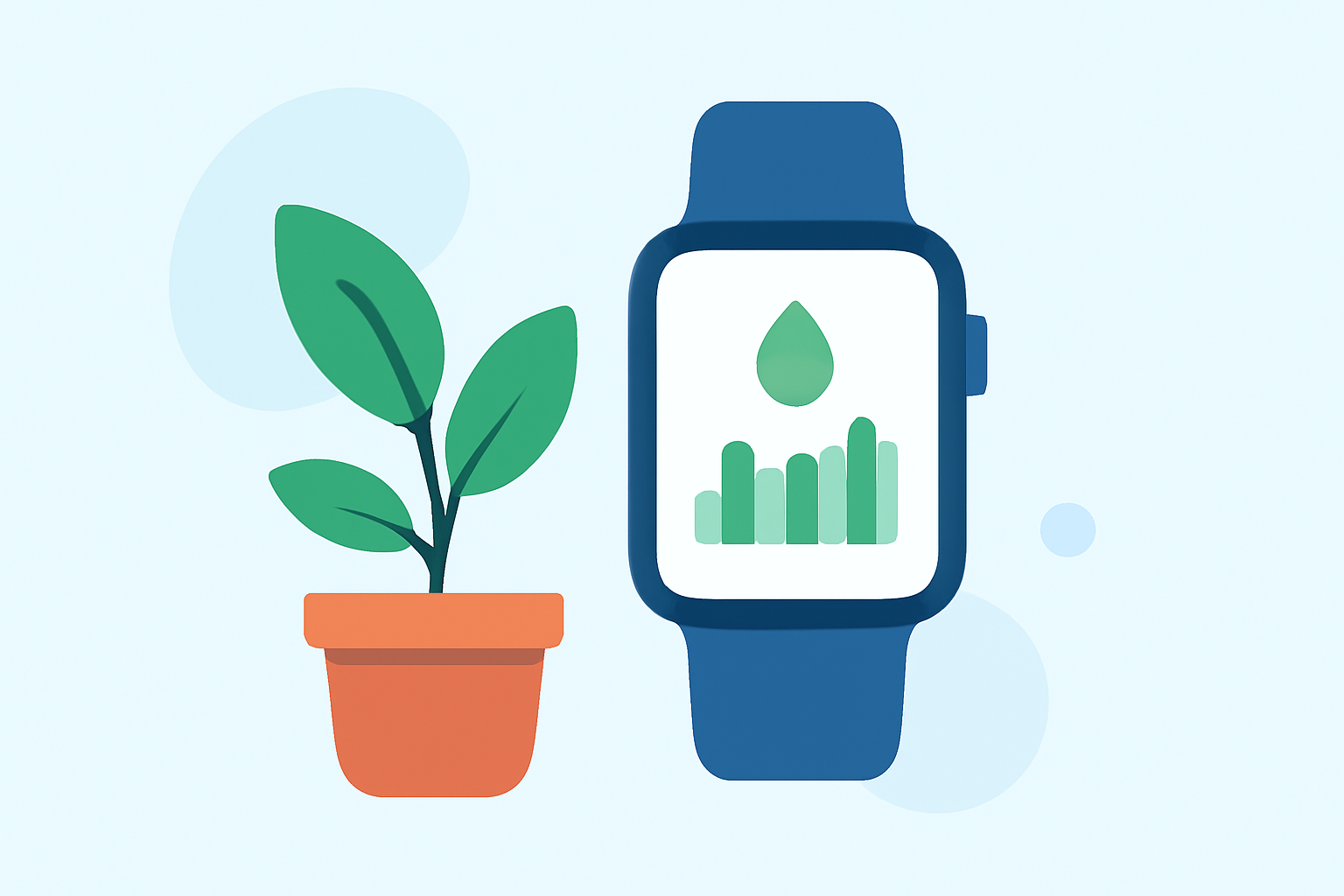
Maintaining the right humidity levels is crucial for plant health, especially for species that thrive in specific moisture conditions. With the advent of Wear OS devices, plant enthusiasts can now monitor and manage their plants' humidity levels directly from their smartwatches.
Understanding Plant Humidity Needs
Different plants have varying humidity requirements. Tropical plants, for instance, often need higher humidity levels, while succulents and cacti prefer drier conditions. Recognizing these needs is the first step in ensuring your plants thrive.
Challenges in Monitoring Plant Humidity
Traditionally, monitoring plant humidity involved manual checks and guesswork. This approach can be time-consuming and may not provide real-time insights, leading to potential issues like overwatering or underwatering.
Leveraging Wear OS for Plant Care
Wear OS devices offer a convenient platform to integrate plant care into your daily routine. By pairing your smartwatch with compatible plant monitoring sensors, you can receive real-time humidity data and alerts directly on your wrist.
Setting Up Your Wear OS Device for Plant Monitoring
-
Choose Compatible Sensors: Select plant monitoring sensors that can measure humidity and are compatible with Wear OS devices.
-
Install the Companion App: Download and install the sensor's companion app on your Wear OS device. This app will facilitate the connection between your smartwatch and the sensor.
-
Pair the Sensor: Follow the app's instructions to pair the sensor with your Wear OS device. Ensure that both devices are within range and that Bluetooth is enabled.
-
Configure Alerts: Set up humidity thresholds within the app. Your Wear OS device will notify you when your plants' humidity levels fall outside these parameters.
Benefits of Using Wear OS for Plant Humidity Monitoring
-
Real-Time Notifications: Receive immediate alerts about your plants' humidity status, allowing for prompt action.
-
Convenience: Access plant data directly from your wrist, eliminating the need to check multiple devices.
-
Integration: Combine plant care with other smartwatch functionalities, such as fitness tracking and communication.
Best Practices for Plant Humidity Management
-
Regular Monitoring: Consistently check humidity levels to ensure they remain within the optimal range for your plant species.
-
Adjust Environment: Use your Wear OS device to monitor environmental factors that affect humidity, such as room temperature and ventilation.
-
Automate Care: Consider integrating your plant monitoring system with smart home devices to automate actions like misting or adjusting room temperature.
Conclusion
Integrating Wear OS devices into your plant care routine offers a modern and efficient way to monitor and manage humidity levels. By leveraging technology, you can ensure your plants receive the optimal conditions they need to flourish.
Highlights:
- Google is phasing out the Wear OS Weather app, but for something better, Published on Friday, September 12