
Monitoring PM10 Levels on Wear OS: A Comprehensive Guide
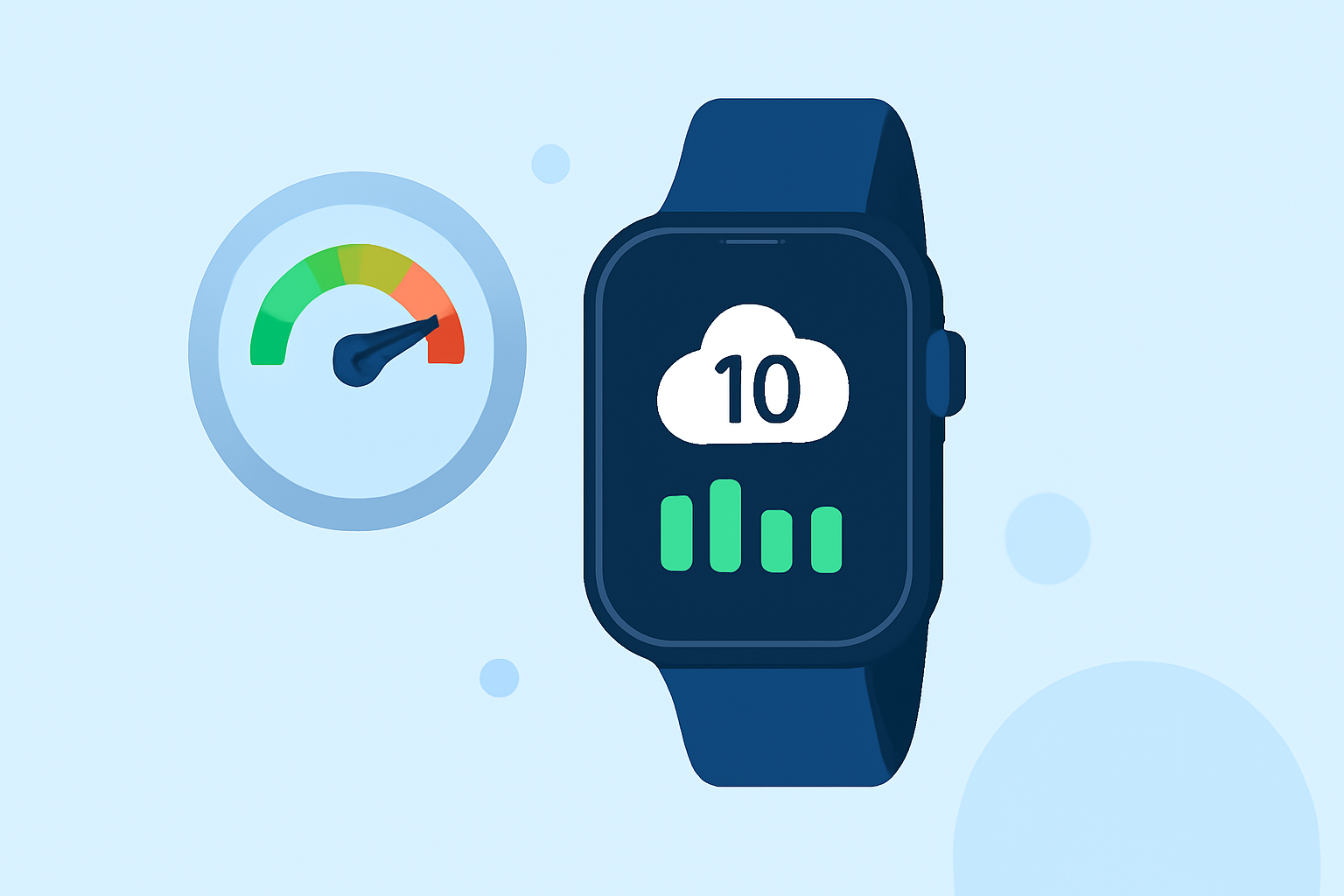
Monitoring PM10 levels on your Wear OS device is essential for staying informed about air quality and protecting your health. PM10 refers to particulate matter with diameters generally 10 micrometers and smaller, which can penetrate the respiratory system and pose health risks.
What Are PM10 Particles?
PM10 particles are inhalable particles with diameters generally 10 micrometers and smaller. They originate from various sources, including vehicle emissions, industrial processes, and natural events like wildfires. Due to their small size, PM10 particles can penetrate deep into the lungs, potentially leading to respiratory issues and other health problems.
Why Monitor PM10 Levels?
Monitoring PM10 levels helps you understand the air quality in your environment, enabling you to take necessary precautions, such as staying indoors or using protective equipment, when air quality is poor. This proactive approach is particularly important for individuals with respiratory conditions or sensitivities.
How to Monitor PM10 Levels on Wear OS
To monitor PM10 levels on your Wear OS device, you can use applications that integrate air quality data into your watch face. These apps typically source data from community air sensors, providing real-time information on air quality.
Setting Up an Air Quality App on Wear OS
-
Install the App: Navigate to the Google Play Store on your Wear OS device and search for air quality monitoring apps.
-
Configure the App: After installation, open the app and set your location to receive accurate air quality data.
-
Add the Complication: Customize your watch face to include the air quality complication, allowing you to view PM10 levels directly from your watch face.
Interpreting PM10 Readings
Air quality readings are often presented in terms of the Air Quality Index (AQI), which categorizes air quality into different levels:
-
Good (0-50): Air quality is satisfactory, and air pollution poses little or no risk.
-
Moderate (51-100): Air quality is acceptable; however, there may be some health concerns for sensitive individuals.
-
Unhealthy for Sensitive Groups (101-150): Sensitive individuals may experience health effects; the general public is less likely to be affected.
-
Unhealthy (151-200): Everyone may begin to experience health effects; sensitive groups may experience more serious effects.
-
Very Unhealthy (201-300): Health alert: everyone may experience more serious health effects.
-
Hazardous (301 and above): Health warning of emergency conditions; the entire population is more likely to be affected.
By regularly monitoring PM10 levels on your Wear OS device, you can make informed decisions to protect your health and well-being.
For more detailed information on air quality monitoring and related topics, consider exploring resources from reputable environmental agencies and health organizations.