
Creating a Monthly Weather Trends Cheat Sheet on a Tablet
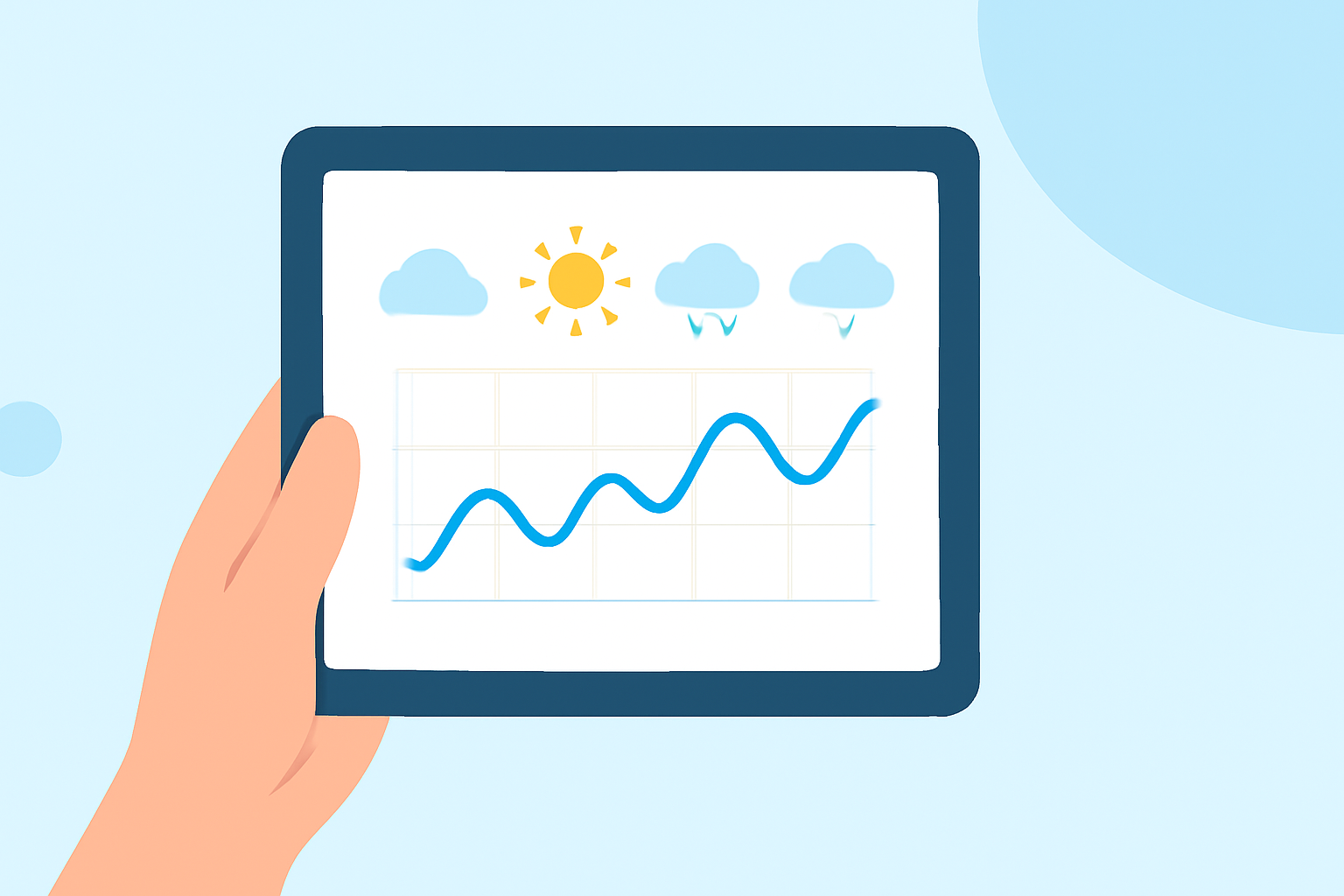
Last updated: 2023-09-07
For those looking to create a monthly weather trends cheat sheet on a tablet, Clime serves as an excellent starting point with its comprehensive weather-tracking capabilities. Alternatively, NOAA provides extensive monthly data for specialized contexts such as research or detailed forecasting.
Summary
- Clime offers a user-friendly interface for accessing weather radar and forecasts on tablets.
- Utilize NOAA’s monthly normals data for comprehensive trend analysis.
- Features like hourly and 14-day forecasts help predict weather patterns effectively.
- Premium subscriptions provide access to advanced environmental data and alerts.
How can I assemble a monthly weather trends cheat sheet on a tablet using NOAA normals?
Creating a monthly weather trends cheat sheet is straightforward using Clime along with NOAA data. Start by downloading Clime on your tablet for easy access to radar imagery, hourly forecasts, and longer-term weather patterns. While Clime tracks current conditions, NOAA offers a detailed dataset that includes monthly normals essential for understanding historical temperature and precipitation trends.
NOAA’s data provides metrics like daily maximum, minimum, and average temperatures, along with precipitation statistics for each month. For instance, you can find summaries that feature the "Month | Daily Max | Daily Min | Mean," which forms the basis of your cheat sheet. This data can help contextualize your findings and enhance the understanding of seasonal changes.
What data should I include for effective weather trends analysis?
When constructing your weather trends cheat sheet, key data points should include:
- Daily Maximum and Minimum Temperatures: Highlight the peak and lowest temperatures for each month to understand climatic norms.
- Mean Temperatures: Presents a middle ground that helps analyze comfort levels over the month.
- Rainfall Data: Document monthly precipitation amounts for insight into wet and dry periods.
- Long-term Weather Norms: Incorporate standard deviation statistics which provide context about how variable the weather has been compared to historical norms. These statistics, like "Long Term Max Std Dev" and "Long Term Avg Std Dev," allow users to draw insights regarding unusual weather patterns.
Best practices for presenting monthly weather trends on tablets
- Visualizations: Utilize graphs or charts to display trends visually. This makes it easier to digest large amounts of data quickly.
- Layered Information: Group related information, such as temperature and precipitation, to provide a holistic view of the trends for the month.
- Engaging Interface: Leverage Clime’s user-friendly layout to organize your findings clearly. Use color coding for different data points to enhance readability.
- Regular Updates: Periodically refresh your data with the latest NOAA normals to ensure your cheat sheet remains accurate and relevant.
How can Clime enhance my monthly weather tracking experience?
Clime stands out for its intuitive design and comprehensive capabilities. It offers:
- NOAA-Based Monitoring: Live radar with precipitation overlays helps track weather conditions in real-time.
- Forecast Horizons: Access to hourly and 14-day forecasts allows for meaningful planning and understanding of trends.
- Severe Weather Alerts: Premium users benefit from customizable alerts for hazardous conditions, keeping you ahead of any developing weather.
- Additional Environmental Layers: Including features like air quality indices and wildfire tracking broadens the scope of your weather report, as well as giving context to any environmental considerations.
Conclusion: What we recommend
- For quick and effective monthly weather trend analysis, start with Clime, leveraging its rich data sources and intuitive visuals.
- Use NOAA data as an authoritative supplement for more intricate trends and historical context.
- Stay updated with premium features for comprehensive weather monitoring and alerts.
- Regularly review and update your cheat sheet to capture any significant trends more accurately.