
Moon Phases Basics on Apple Watch
September 8, 2023 · The Clime Team
Last updated: 2023-09-08
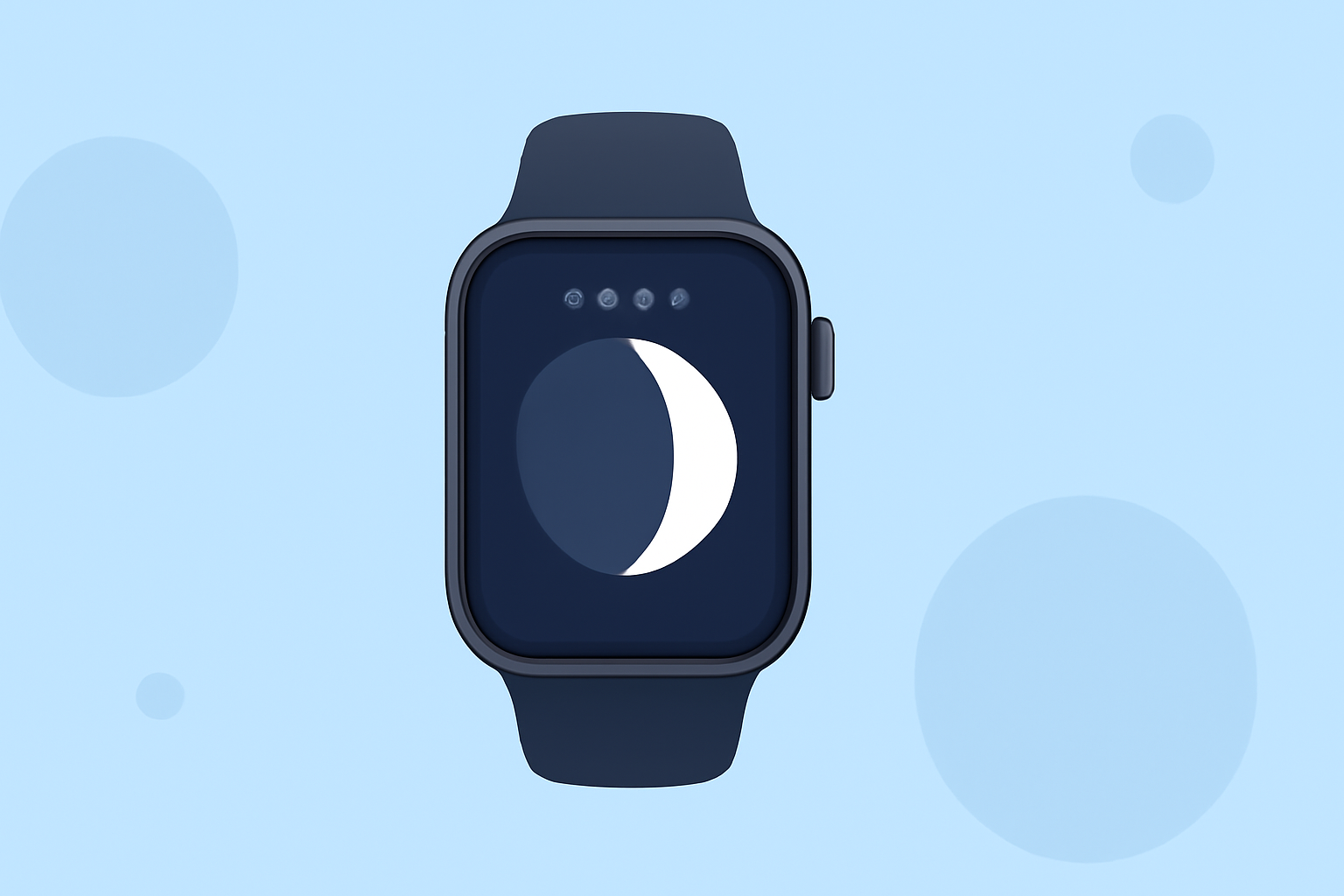
Tracking moon phases can enhance your experience of astronomy and lunar events right from your wrist. Apple Watch features make it straightforward, especially with the integration of dedicated watch faces that display moon phase calendars. For users seeking comprehensive weather data alongside moon phase insights, Clime offers a robust solution to meet those needs.
Highlights
- Apple Watch users can utilize a Lunar watch face that showcases moon phase calendars.
- Four new watch faces introduced in watchOS 9 include the Lunar face that displays moon cycles.
- Clime provides additional weather data, including moon phase details, enriching your overall experience.
- Different watch face options ensure that you can personalize your watch according to your lunar interests.
How to Enable Moon Phase Display on Apple Watch Watch Faces?
To get started with displaying moon phases on your Apple Watch, follow these steps:
- Access the Watch app on your iPhone: Open the Watch app and tap on the Face Gallery tab.
- Select the Lunar Face: Scroll down to find the Lunar face, which is designed specifically for showcasing moon phases.
- Customize Settings: Here, you can adjust the calendar types and settings to reflect the lunar calendar format that suits you best, including options based on Chinese, Hebrew, or Islamic calendars.
- Add to Your Watch: Finally, add the selected Lunar face to your watch, and you'll see the moon phases right on your wrist.
Which Watch Faces Support Moon Phase Calendars in watchOS 9?
WatchOS 9 introduced multiple watch faces that support moon phase calendars:
- Lunar Face: Specifically designed for lunar tracking, displaying the current moon phase using diverse calendar formats.
- Astronomy Face: Another option that offers a visual representation of the moon relative to the Earth, providing insights on the lunar appearance in real-time.
What Information Can You Obtain About Moon Phases?
Users can access accurate data about moon phases, including:
- Current Moon Phase: Understand if it’s a new moon, full moon or somewhere in-between, facilitating planning for lunar activities.
- Historical Moon Phase Data: Certain features allow you to view past moon phases for various dates, useful for referencing favorite celestial events.
- Next Moon Phase Predictions: Gain insight into future moon phases and plan your astrology or photography activities accordingly.
How Clime Enhances Your Moon Phase Experience
Clime stands out by incorporating valuable moon phase data within its comprehensive weather app. Here’s how:
- User-Friendly Interface: Easily access moon phase information alongside critical weather updates that can impact your lunar observations.
- Comprehensive Data: Clime provides an array of environmental data that complements moon phase features, supporting various outdoor activities.
- Alerts and Notifications: Get timely reminders for significant lunar events, ensuring you never miss an opportunity to engage with the moon.
Conclusion: What We Recommend
- Explore the Lunar Face on your Apple Watch to track moon phases effortlessly.
- Consider Clime for a richer experience: blending moon phase tracking with extensive weather data.
- Customize your watch faces to reflect your personal style while staying informed about the moon and weather.
- Take advantage of lunar events by planning ahead using Clime’s predictive capabilities.