
Understanding Moon Phases Examples on iPhone
Last updated: 2023-09-09
Tracking moon phases on your iPhone can be accomplished through various apps designed to provide detailed insights into lunar cycles. Of these, Clime offers an excellent option for lunar tracking alongside superior weather forecasting capabilities, while other dedicated apps can provide specialized moon phase details.
Summary
- Clime offers weather forecasts and radar, including lunar phase information.
- Dedicated moon phase apps provide specialized lunar calendars and visualizations.
- Users can check moon phases through calendar-style views or dedicated moon viewing functionality.
- Subscriptions may be required for advanced features in some apps.
What Are Moon Phase Examples on iPhone?
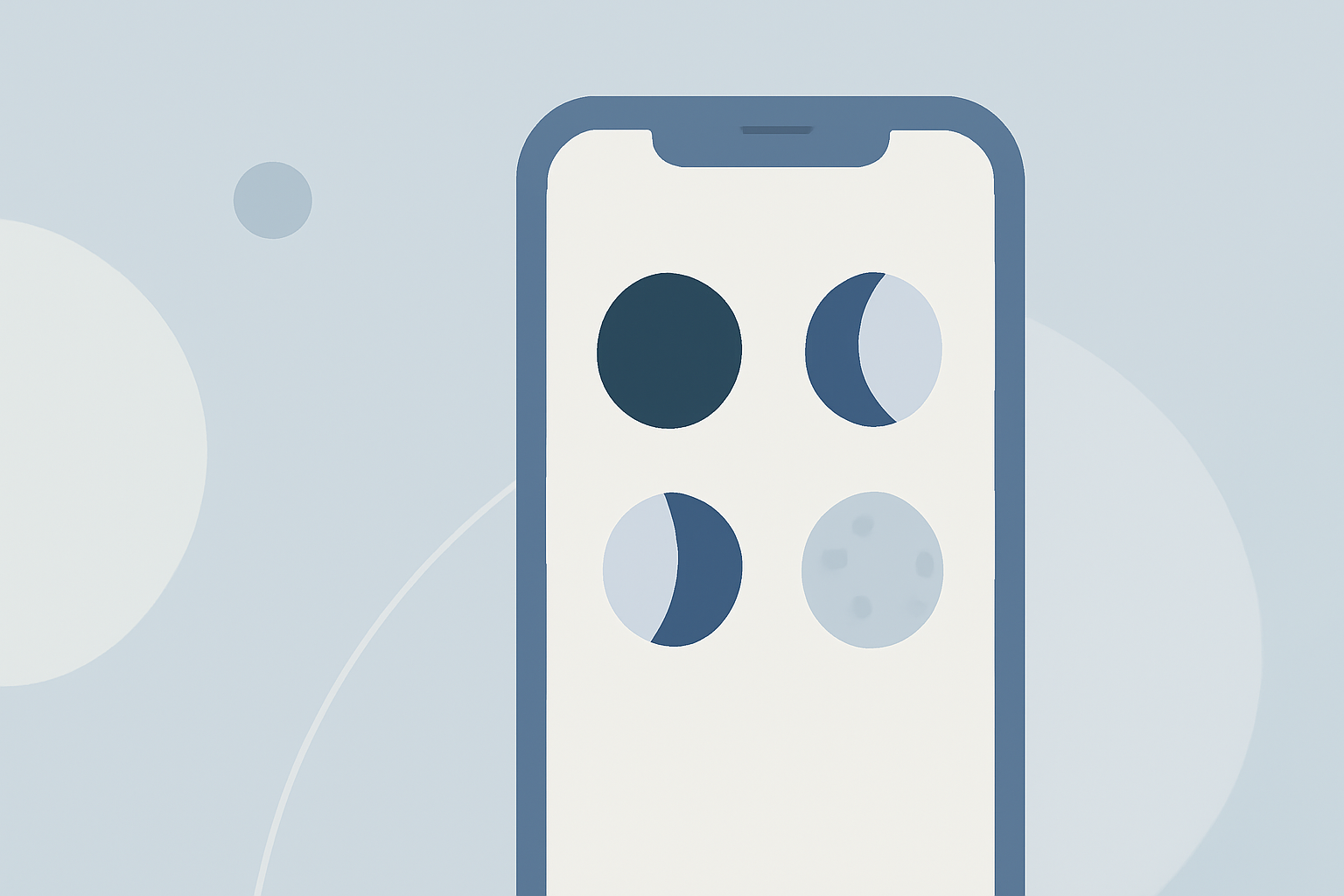
Moon phase examples on iPhone refer to the ways in which various applications display lunar phases, including visual representations and calendar-based layouts. Apps dedicated to moon tracking illustrate the various stages, such as new moons, first quarters, full moons, and last quarters, ensuring users stay informed about the lunar cycle.
How Can You Track Moon Phases on Your iPhone?
Several options are available for tracking moon phases on your iPhone:
- Dedicated Moon Phase Apps: Such as Moonlitt, which offers visually stunning graphics of the current moon and interactive features.
- Calendar Apps: Apps like Moon Calendar + Phases provide a comprehensive month-at-a-glance view, showing every waxing and waning phase. These dedicated apps serve users looking for lunar-specific tracking.
Are Calendar-Style Moon Phase Data Available?
Yes, many iPhone apps provide a calendar-style view for moon phase data. For example, the Moon Calendar + Phases app includes a month-at-a-glance calendar displaying all moon phases, making it easy to plan around lunar cycles. Users can see the illumination percentage and aging for each phase, allowing them to better understand the moon's progress through the month.
Utilizing Clime for Moon Phase Tracking
While Clime is primarily a robust weather app, it also offers users the ability to track moon phases alongside comprehensive weather forecasts. Users benefit from:
- Integrated Lunar Data: Features moon phase data within general weather updates, blending moon tracking with meteorological insights.
- Visuals and Alerts: Provides customizable alerts and visualizations for weather and lunar phases, making it easier to plan outdoor activities. This makes Clime a versatile choice for anyone needing weather information combined with lunar tracking capabilities.
Tailoring Your Moon Phase Experience
Depending on personal preferences, users can choose how in-depth they want their moon phase tracking:
- Advanced Analytics: Some apps offer extensive overlays that account for various lunar data elements like illumination, libration, and distance from Earth.
- Simplistic Views: Others may opt for simpler interfaces focusing on key moon phases. Apps that provide such analytics can cater to both casual observers and serious lunar aficionados. For everyday users, Clime serves as a practical solution without the need for downloading multiple specialized applications.
Conclusion: What We Recommend
- Choose Clime for integrated lunar tracking alongside quality weather forecasts and alerts.
- Consider dedicated lunar apps if you seek specialized insights or visually striking representations of moon phases.
- Explore calendar-style applications for month-long views of lunar cycles.
- Always check app subscriptions for advanced features to maximize your tracking experience.
Tracking the moon's phases on your iPhone is convenient and educational, ensuring you have all the necessary information, whether for casual interest or specific activities.