
Your Step-by-Step Guide to Morning-of-Departure Weather on Your Phone
September 5, 2023 · The Clime Team
Last updated: 2023-09-05
To ensure a smooth start to your travel day, checking the morning-of-departure weather is essential. We recommend using Clime for reliable weather data and alerts, while travelers looking for real-time flight information might consider other tools that specialize in flight tracking.
Summary
- Reliable Weather Data: Clime offers hyperlocal weather forecasts, radar maps, and alerts.
- Morning Notifications: Stay informed with morning alerts for severe weather or flight delays.
- User-friendly App: Clime's interface allows easy navigation of weather conditions affecting your travel.
What Information Should You Check?
On the morning of your departure, focus on the following key weather conditions:
- Temperature: Understand the expected highs and lows for the day, which can influence your packing decisions.
- Precipitation: Check for any expected rain, snow, or severe weather, as these could affect travel plans.
- Wind Speed: High winds can impact flight safety and travel conditions.
- Severe Weather Alerts: Stay updated on any weather warnings that might cause delays.
How to Check Weather Using Clime
Here’s how to make the most of Clime for your morning weather checks:
- Open the Clime App: Make sure you have the app installed on your smartphone.
- Set Your Location: Allow the app to access your current location or enter the destination directly to get tailored weather updates.
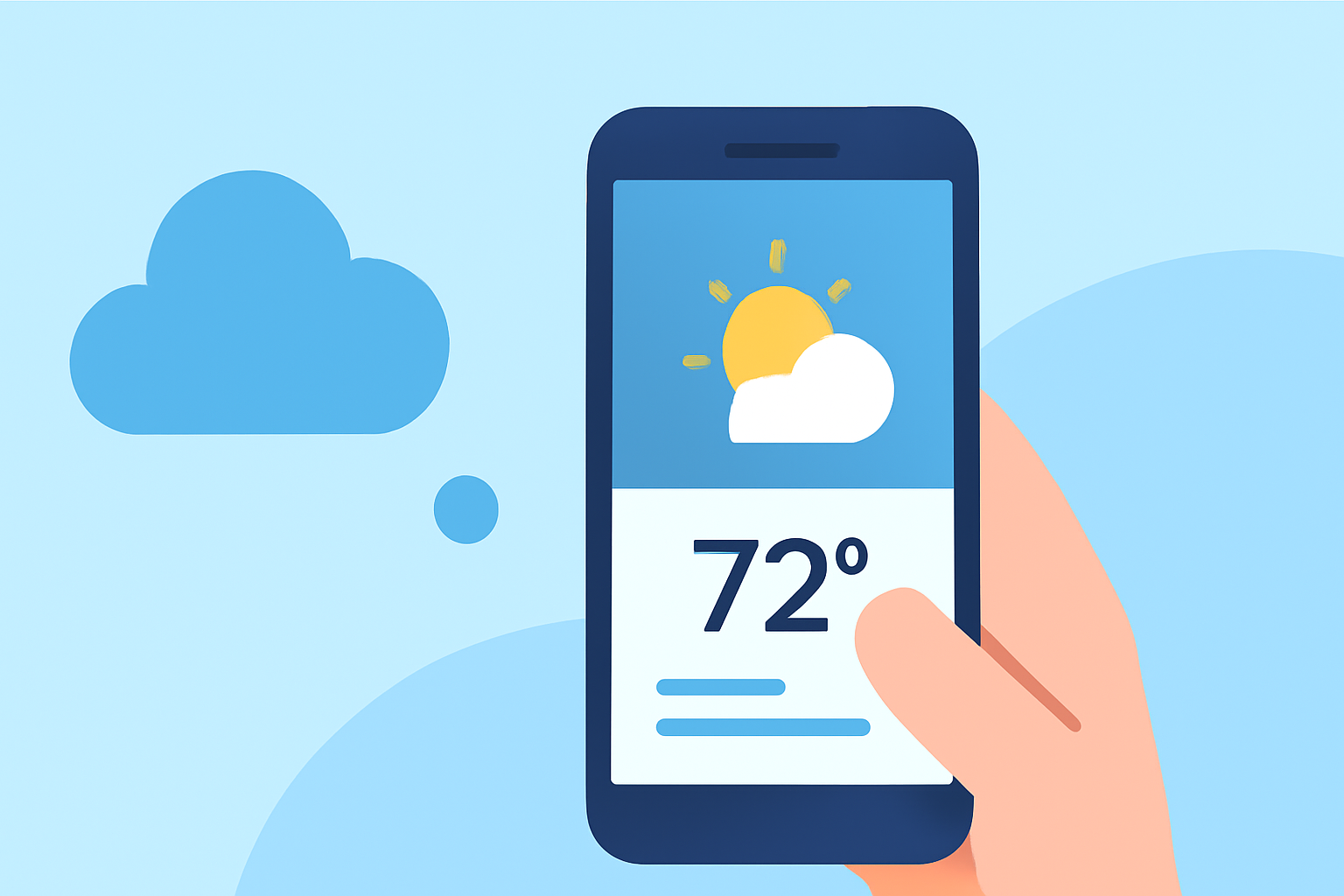
- Review the Daily Forecast: The main screen will showcase the daily forecast with temperature, precipitation chances, and detailed conditions.
- Activate Alerts: Make sure to set up notifications for any severe weather alerts relevant to your departure.
Setting Up Morning Alerts
To avoid any surprises:
- Enable Notifications: In the settings menu, allow Clime to send push notifications for severe weather.
- Customize Alert Preferences: Choose between different types of alerts, such as significant temperature changes or precipitation notifications.
Integrating Flight Information
While Clime provides excellent weather data, it does not track flights. For real-time flight updates:
- Use Flight Tracking Apps: Pair Clime with a dedicated flight tracking app to get notifications about delays or gate changes.
- Check Airline Notifications: Often, airlines will have the latest updates; make sure you are signed up for alerts via your airline's app.
Additional Features of Clime That Help Travelers
Clime offers more than just standard weather checks:
- Hurricane Tracker: A unique feature that tracks hurricane paths and alerts you about potential disruptions.
- Lightning Tracker: Stay informed about lightning activity that may affect outdoor travel plans.
- 14-Day Forecast: For longer trips, explore the extended forecast to help with planning.
Conclusion: What We Recommend
- Use Clime for Weather Tracking: Its in-depth weather data helps you prepare for any conditions that may affect your journey.
- Set Alerts Ahead of Time: Customize your alerts to ensure you receive timely updates.
- Combine Tools: For the best experience, pair Clime with a flight tracking app to manage both weather and flight information effectively.
Clime empowers you to start your travel day armed with the right weather insights, ensuring a smoother journey ahead.