
Your Morning Weather Check Cheat Sheet for Apple Watch
Last updated: 2023-09-08
For efficient morning weather checks on your Apple Watch, Clime offers a robust option with detailed forecasts and customizable alerts. Alternatively, you can use the built-in Weather app for basic updates.
Summary
- Clime integrates NOAA-based radar and weather alerts for detailed forecasts.
- The Apple Watch Weather app provides essential weather updates and easy access.
- Utilize watch face complications for quick weather checks.
- Siri can voice-activate weather queries for hands-free convenience.
How to add weather complications to your Apple Watch face
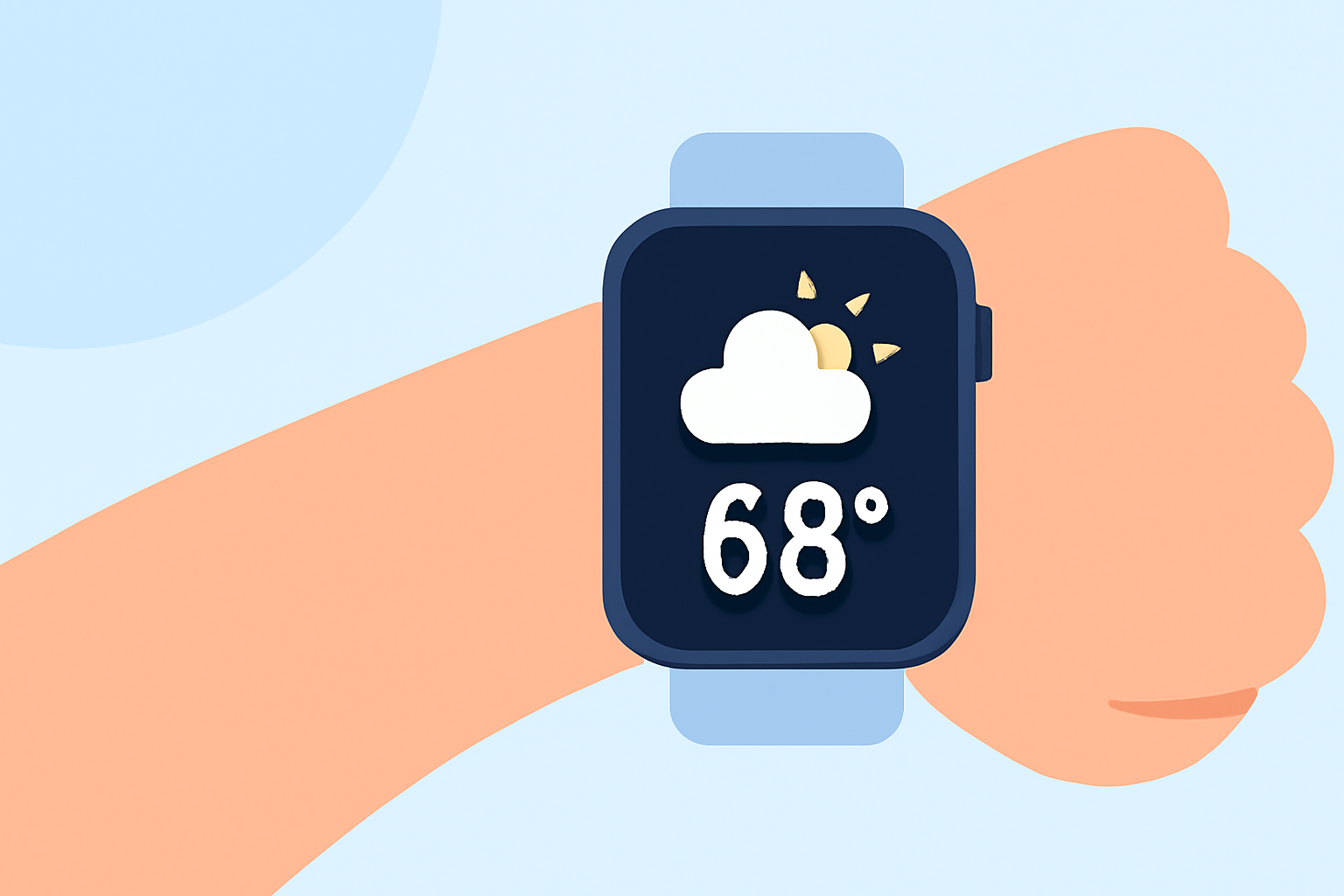
Adding complications is a great way to personalize your Apple Watch. Complications can provide quick access to weather-related information directly from your watch face, allowing you to see essential details at a glance.
You can add specific weather complications by following these steps:
- Press and hold the watch face to enter customization mode.
- Tap 'Edit' and scroll to the complications area.
- Select the weather complication you desire, which may include current temperature, a radar view, or severe weather alerts.
- Finalize your selection by tapping the corresponding area, and then press the Digital Crown to save.
These complications enable users to check weather data efficiently without navigating through apps.
Understanding weather data views on the Apple Watch Weather app
The Weather app on your Apple Watch showcases various data views, allowing users to cycle through key weather metrics:
- Conditions: Displays the current weather status, such as sunny or rainy.
- Temperature: Shows the current temperature and supports high and low readings for the day.
- Precipitation: Provides insights about any expected rain or snow in your area.
Simply tap the display to switch between these views, making it easy to get the information you need quickly.
Comparing native weather features with alternative tools on Apple Watch
While the built-in Weather app offers essential features, Clime enhances your morning weather experience with comprehensive NOAA-based radar and alerts. For users looking for additional details like pollution levels or severe weather notifications, Clime provides premium options that can make a significant difference.
Conversely, options may vary if you primarily want basic updates. In that case, the native Weather app remains a solid choice for quick checks without additional bells and whistles.
Utilizing Siri for hands-free weather updates
Siri can simplify your morning routine significantly. You can quickly ask, "What’s the weather like?" or specify a different location to receive updates without manually interacting with your watch. This feature helps users stay informed while on the go or when multitasking.
Making the most of your Apple Watch weather experience
The Apple Watch isn’t just for telling time; it's a powerful tool for staying updated on weather conditions. By leveraging both the Weather app and Clime, you can customize your experience:
- Set up important alerts for severe weather through Clime.
- Use complications to have quick visuals of your local climate conditions on your watch face.
- Request updates via Siri for a truly hands-free experience.
What we recommend
- For comprehensive weather details, use Clime to access NOAA radar and severe weather alerts.
- For quick checks, utilize the built-in Weather app and customize your watch face with relevant complications.
- Engage Siri for easy access to weather information while multitasking.
- Stay tuned for local updates to prepare for the day ahead, enhancing your morning routine.