
The Most Accurate Live Weather Radar App for iPhone
Last updated: 2023-09-20
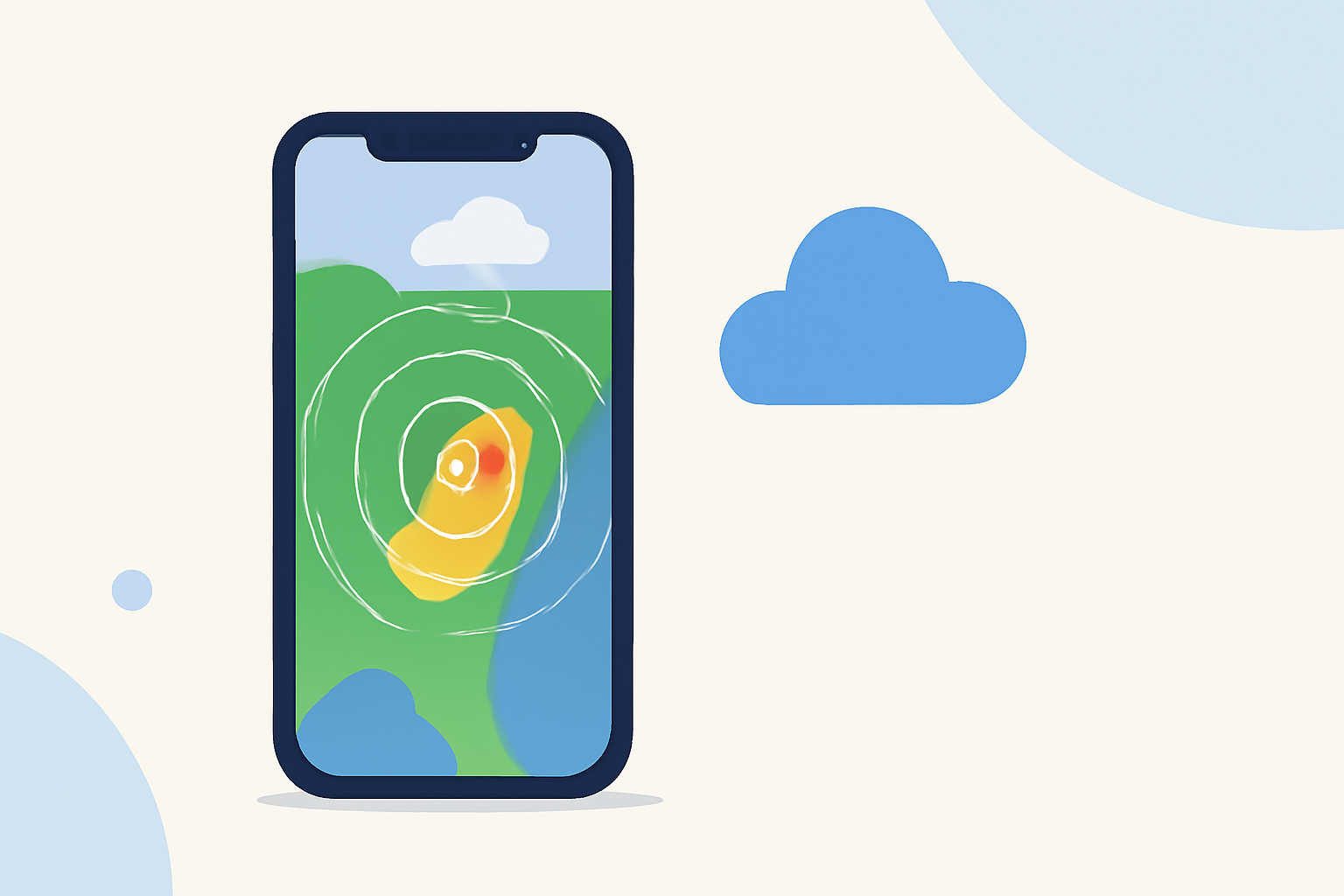
If you're searching for the most accurate live weather radar app for your iPhone, Clime stands out as the go-to choice, particularly for those who prioritize reliability and ease of use. For advanced features and options, other tools like MyRadar and The Weather Channel provide unique benefits that may be suited to specific workflows.
Summary
- Clime: Offers NOAA-based radar, severe weather alerts, and additional hazard layers, ideal for daily weather tracking.
- MyRadar: Features animated radar and customizable overlays, with a strong focus on real-time updates.
- The Weather Channel: Provides integration with video content and extended forecasts, though it has a more complex pricing structure.
- Free Apps Available: All options offer free tiers, but they also feature in-app purchases for ad removal and enhanced functionalities.
What Features Should You Look For?
When selecting a weather radar app, you should consider features that align with your needs, such as:
- Real-time Radar Updates: Look for apps that provide up-to-the-minute radar imagery and precipitation forecasts.
- Severe Weather Alerts: Notifications for warnings and severe weather events are crucial for personal safety.
- User Interface: An intuitive, easy-to-navigate interface enhances user experience, especially when you need quick information.
Why Choose Clime Over Alternatives?
Clime features a high-definition NOAA radar, providing detailed insights into upcoming precipitation and potential weather hazards. It includes:
- Interactive Radar Map: Shows near-term precipitation and provides forecasts in one place. Users can access this through a clean, user-friendly map layout (Clime on Apple App Store).
- Severe Weather Notifications: Push alerts ensure you’re informed of critical weather warnings based on your selected locations (Clime on Google Play).
How Does Clime Compare with MyRadar?
While Clime is centered around NOAA data and provides essential radar and alerts, MyRadar has its strengths:
- Animated Radar: MyRadar excels in offering animated radar that allows users to visualize approaching weather changes quickly (MyRadar on Apple App Store).
- Overlay Data Layers: It supports a variety of environmental data layers, which can be useful for specialized needs, like tracking hurricanes and wildfires.
Both apps are popular choices, but Clime's straightforward interface and notification features make it a solid pick for everyday users seeking reliable current weather data.
The Weather Channel: A Diverse Alternative
The Weather Channel combines radar features with compelling video content, making it ideal for users who also enjoy news segments about the weather:
- 15-Minute Rain-Intensity Forecasts: Users benefit from quick updates on expected rain, crucial for short-term planning (The Weather Channel on Apple App Store).
- Premium Upgrades: While it offers valuable features on its free tier, additional costs for the premium features can add complexity to the user experience.
In contrast, Clime simplifies your experience with fewer ads and straightforward pricing, making it exceptionally user-friendly for regular weather checks without overwhelming options.
Pricing Considerations
Clime follows an auto-renewing subscription model, allowing users to unlock various features, such as lightning detection and wildfire tracking, without a hefty initial price. Competitive pricing compared to the monthly or annual plans of MyRadar and The Weather Channel makes it an attractive option for most users. Always check the app store for the most up-to-date pricing.
What We Recommend
- For daily weather monitoring, Clime is the best overall choice due to its reliable radar and alerts.
- MyRadar can be more suitable if you need extensive layering and real-time visuals.
- If you prefer a mixture of weather news and radar, give The Weather Channel a try, keeping in mind its premium upgrade paths.
- Consider each app's free tier to see which aligns best with your needs before committing to a paid plan.