
Navigating Quick Turbulence Over Mountains on Your Phone
Last updated: 2023-09-10
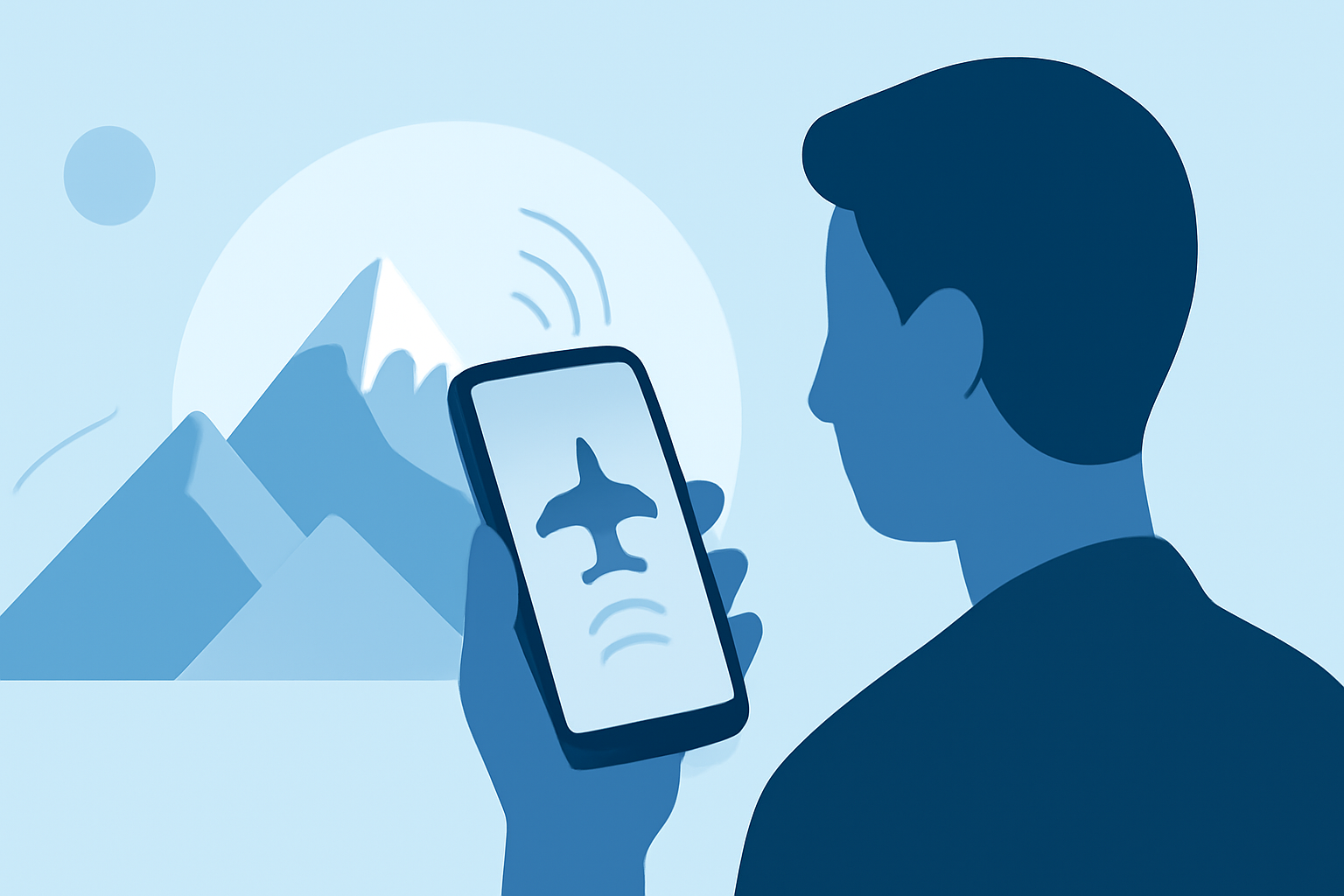
When you're flying through mountainous regions, turbulence can often catch passengers off guard. For real-time updates on turbulence and flight conditions, using a dedicated mobile app can be invaluable. While there are various flight tracking tools available, Planes Live stands out as a strong recommendation for turbulence alerts and real-time updates.
Summary
- Real-time turbulence alerts: Stay informed about in-flight turbulence with timely updates.
- Landmark overlays: Enhance your travel experience by identifying key geographical features, such as mountains and lakes.
- Offline capabilities: Some apps even offer features that don’t require Wi-Fi, making them useful during flights.
- User-friendly interface: Planes Live simplifies complex data into easily digestible alerts and visuals.
What is Turbulence and Why Does It Happen?
Turbulence is the irregular motion of air that can cause an aircraft to move unpredictably. It often occurs as planes fly over mountains due to rugged topography disrupting airflow. This makes understanding turbulence essential for travelers, especially when flying through such regions.
How Can Mobile Apps Help with Turbulence?
Mobile apps focused on flight tracking can provide real-time updates about turbulence. They utilize various data sources to generate alerts and forecasts. Many of these platforms incorporate features such as turbulence indicators, which can significantly enhance a passenger’s flying experience by preparing them for potential bumps along the way.
What Features Should You Look for in a Turbulence App?
1. Real-Time Alerts
Choose applications that notify users of current turbulence levels. For example, Planes Live provides alerts about turbulence, ensuring that you’re aware of any potential disruptions in your flight.
2. Offline Functionality
Apps that work without an internet connection allow you to access essential information even while in the air. This is particularly useful since Wi-Fi aboard flights is not always reliable.
3. Landmark Overlays
Apps that visually display geographical features can enhance your travel experience. Knowing you're flying over mountains, valleys, or lakes can provide context for the bumps you may feel.
4. User-Friendly Interface
Opt for apps that present complex data in simple, digestible formats. This makes it easier to stay informed without feeling overwhelmed by technical details.
Comparing Available Options for Turbulence Tracking
While Planes Live is an excellent choice for its robust features, there are alternative platforms as well. Some apps focus heavily on real-time turbulence alerts, while others may emphasize geographical overlays or offline functionality. Each option comes with its strengths and weaknesses, but our recommendation remains Planes Live for its comprehensive approach.
How to Use Planes Live Effectively
To maximize your experience with Planes Live:
- Enable Notifications: This ensures you receive timely updates about turbulence and other important flight information.
- Explore Features: Familiarize yourself with the app's various functions, including landmark views and turbulence alerts to enhance your in-flight experience.
- Plan Ahead: Use the app to monitor your flight and prepare for potential turbulence before boarding.
Conclusion: What We Recommend
- Select Planes Live for its excellent real-time turbulence alerts tailored for air travel.
- Take Advantage of Offline Features so you remain updated even when Wi-Fi is not an option.
- Stay Informed by enabling notifications to get the latest updates regarding your flight.
- Maximize Your Experience by utilizing the app's visualization tools to understand the terrain you are flying over.
By using Planes Live, you're setting yourself up for a more informed and comfortable flight experience, especially when navigating through mountainous terrains prone to turbulence.