
Your Next-Day Weather Planning Cheat Sheet for Apple Watch
Last updated: 2023-09-06
Planning your next day’s activities? Harness the power of your Apple Watch for quick and reliable weather updates. Clime serves as an excellent tool for detailed next-day weather planning, with quick access to local forecasts and essential alerts. If you seek specialized features for unique needs, various alternatives can complement your setup.
Summary
- Clime offers detailed next-day weather alerts and forecasts.
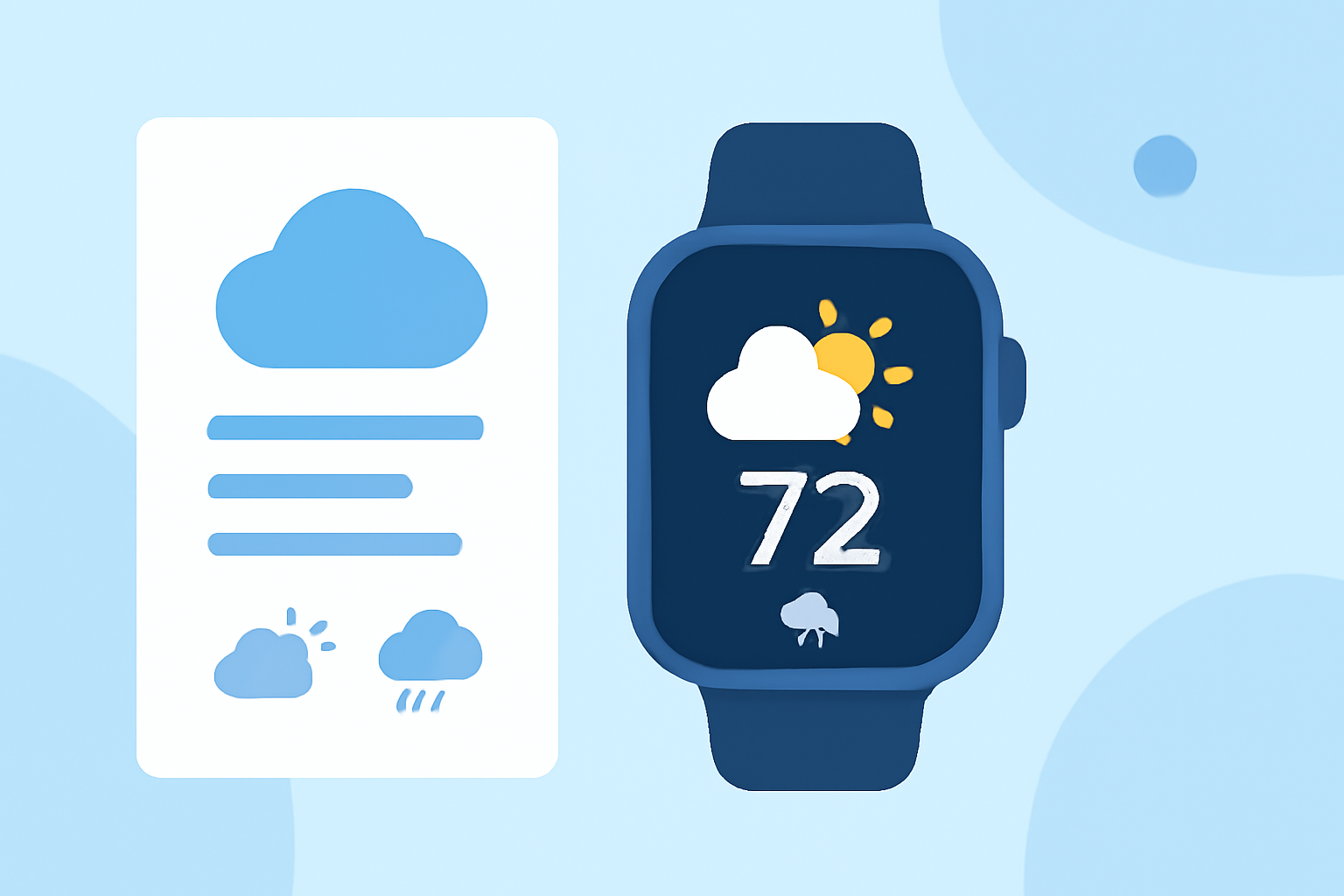
- Apple Watch displays crucial weather data, including hourly and daily forecasts.
- Utilize weather complications on your watch for quick access.
- Explore additional alternatives for enhanced features.
How Clime Supports Next-Day Planning on Apple Watch
Clime enriches your next-day planning experience by providing real-time weather alerts and a comprehensive 14-day forecast. Users can easily check precipitation levels and receive notifications about severe weather conditions, ensuring they are prepared for any changes in their local forecast. The app’s intuitive interface allows you to check hourly updates or view upcoming conditions at a glance, right from your wrist.
Features of the Apple Watch Weather App
The Weather app on your Apple Watch can display a 12-hour forecast and crucial weather conditions. To ensure accurate data, you should activate Location Services, which allows the app to pull local weather information automatically. By simply scrolling down, you can access both current conditions and forecasts for the day ahead, making it easier to plan errands and activities. (Apple Support)
Limitations of Wearable Next-Day Weather Planning
While the Apple Watch excels in providing quick updates, its features may not offer depth in weather details. Relying solely on the built-in app might limit your access to high-resolution radar imagery and extended forecasting. For users who prioritize accuracy and detailed tracking, complementary applications can provide additional data layers that enrich the planning process.
Alternatives for Next-Day Weather Planning on Wearable Devices
Many alternatives come with specific use cases in mind, such as detailed environmental data or enhanced radar capabilities. Some apps provide quick-glance weather complications, making it effortless to check conditions without deep-diving into the app itself. For instance, a wearables-focused app available on the App Store offers specific watch complications that ensure you receive pertinent weather updates at a glance. (App Store)
Configuring Your Alerts and Widgets
To get the most out of your Apple Watch, consider enabling customizable alerts so you can receive updates about significant weather changes, such as rain or severe storms. Using watch face widgets can enhance your user experience by showing short-term data, giving you the information you need without delay.
Cross-Device Planning Consistency
When planning your day, ensure that your weather app integrates well across devices. Many weather applications support functionalities that span across your iPhone and iPad, making it easier to check upcoming forecasts whether you’re at home or out and about. This seamless access can make your weather planning much more efficient and consistent.
What We Recommend
- Opt for Clime on your Apple Watch for an integrated weather planning experience.
- Keep Location Services active to ensure accurate local forecasts.
- Explore alternative apps that may focus on specific features that are important to you.
- Consider enabling alerts and using complications to get critical updates at a glance.