
Mastering Next-Day Weather Planning on Your iPad
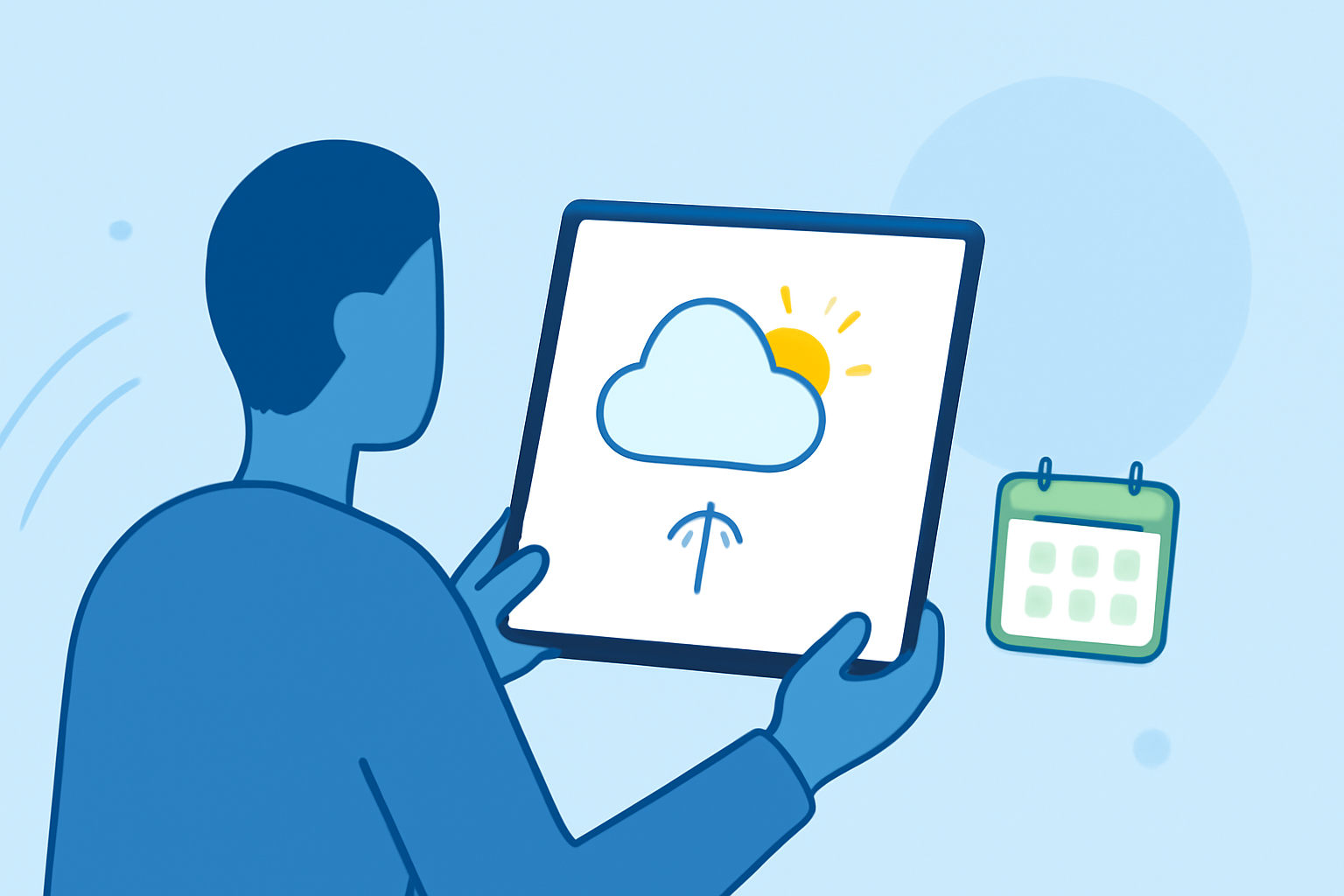
Planning for the next day's weather is essential for daily activities, travel, and outdoor events. With your iPad, you have access to a range of tools that can provide accurate and timely weather information. Clime stands out as a comprehensive solution, offering detailed forecasts, interactive maps, and real-time alerts to help you make informed decisions.
Understanding Next-Day Weather Forecasts
A next-day weather forecast provides detailed information about expected conditions for the following day, including temperature, precipitation, wind speed, and humidity. This information is crucial for planning activities such as commuting, outdoor events, or travel.
Accessing Weather Information on Your iPad
Your iPad offers several methods to access weather information:
-
Built-in Weather App: The default Weather app provides basic forecasts, including temperature, conditions, and a brief outlook for the next day.
-
Third-Party Apps: For more detailed and interactive features, third-party apps can be installed. These apps often offer advanced features such as radar maps, severe weather alerts, and customizable notifications.
Clime: A Comprehensive Weather Solution
Clime is a weather app designed to provide users with accurate and timely weather information. Key features include:
-
Detailed Forecasts: Clime offers hourly and daily forecasts, including temperature, precipitation, wind speed, and humidity, helping you plan your day effectively.
-
Interactive Maps: The app provides interactive radar maps that display real-time weather patterns, allowing you to visualize precipitation, cloud cover, and storm movements.
-
Severe Weather Alerts: Clime sends real-time notifications about severe weather events, such as thunderstorms, hurricanes, or tornadoes, keeping you informed and safe.
-
Customizable Notifications: You can set up personalized alerts for specific weather conditions, ensuring you receive information relevant to your needs.
Setting Up Clime on Your iPad
To start using Clime on your iPad:
-
Download and Install: Visit the App Store, search for "Clime," and tap "Get" to download and install the app.
-
Set Up Location: Open the app and allow it to access your location to provide accurate weather information.
-
Customize Settings: Navigate to the settings menu to adjust notification preferences, units of measurement, and other personalized options.
Using Clime for Next-Day Planning
Once Clime is set up, you can use it to plan for the next day's weather:
-
View Forecasts: Open the app to see the hourly and daily forecasts for your location.
-
Check Interactive Maps: Use the radar maps to visualize weather patterns and potential precipitation.
-
Set Alerts: Configure notifications for specific weather conditions that may impact your plans.
Benefits of Using Clime
By utilizing Clime on your iPad, you gain access to a comprehensive suite of tools that enhance your ability to plan for the next day's weather. The app's detailed forecasts, interactive maps, and real-time alerts provide a user-friendly experience, ensuring you stay informed and prepared for any weather conditions.
In summary, Clime offers a robust solution for next-day weather planning on your iPad, combining accuracy, interactivity, and customization to meet your specific needs.